
Make Classroom Floor Plan with AI
Use an AI classroom floor plan maker to create classroom layouts in minutes. Generate floor plans, explore seating options, and plan your space more effectively.
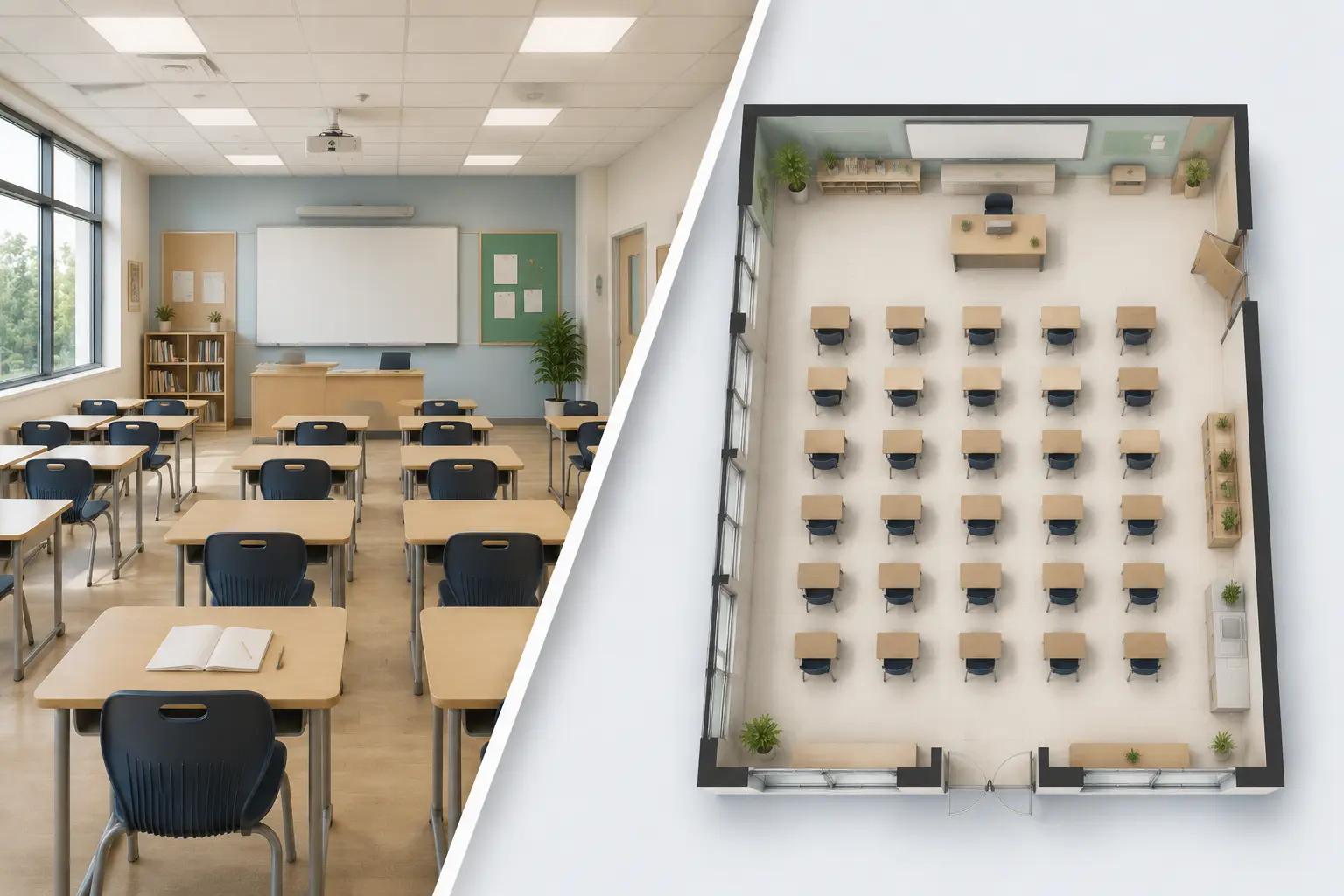
Create Custom Classroom Floor Plans Online
Aspect Ratio ( auto )
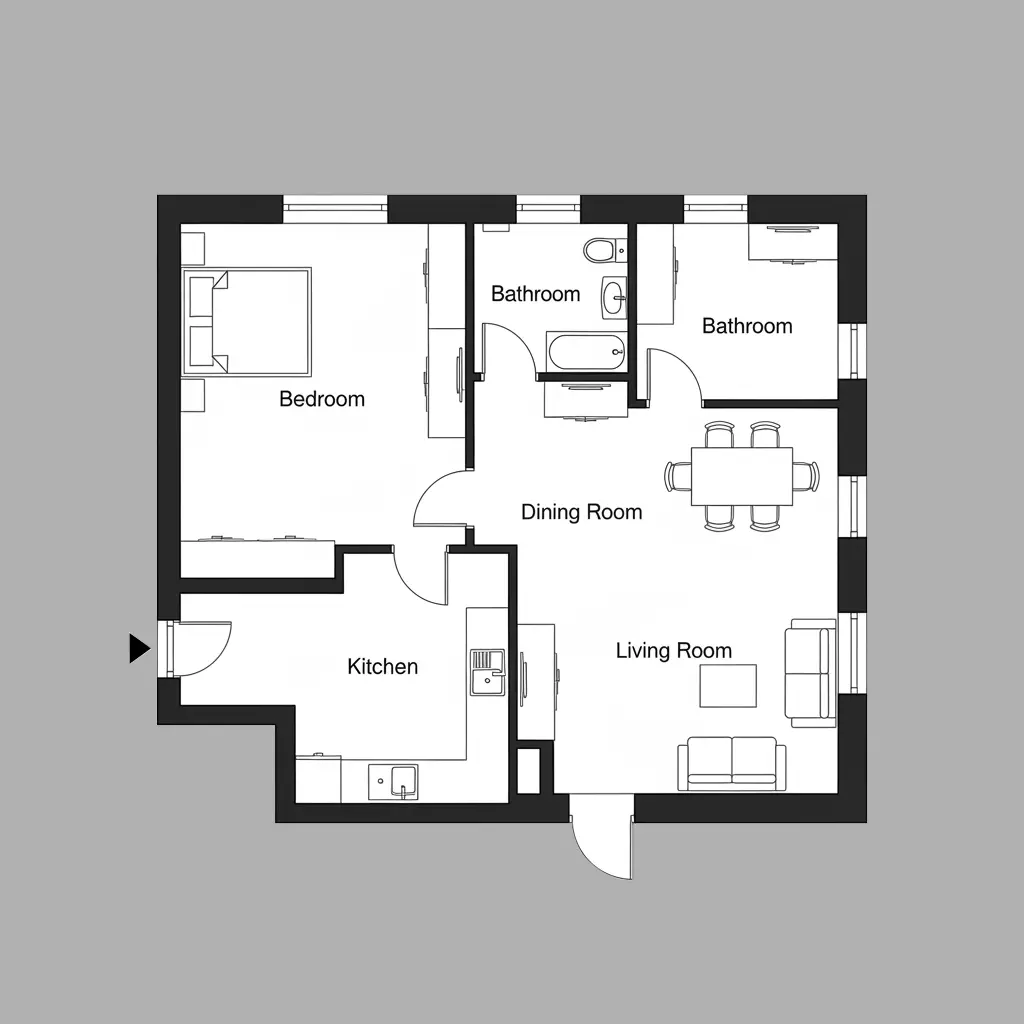
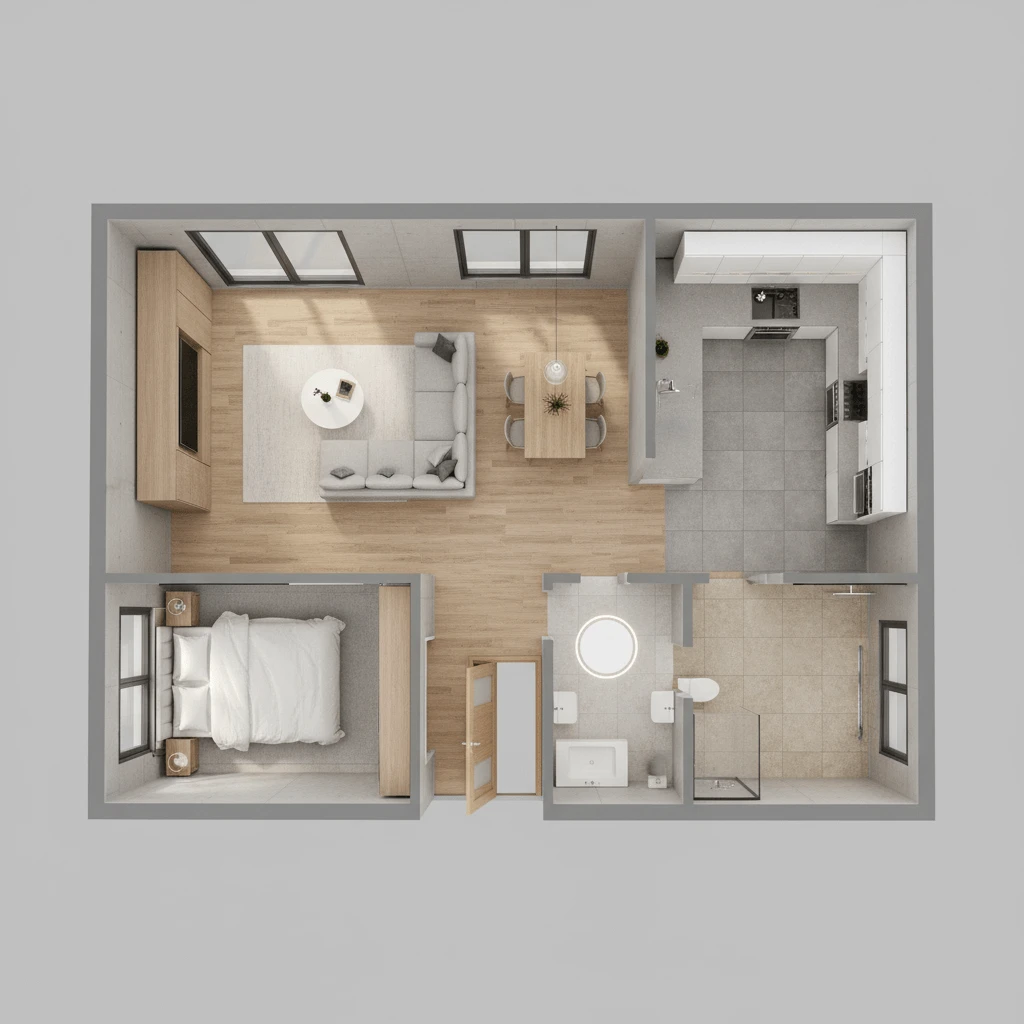
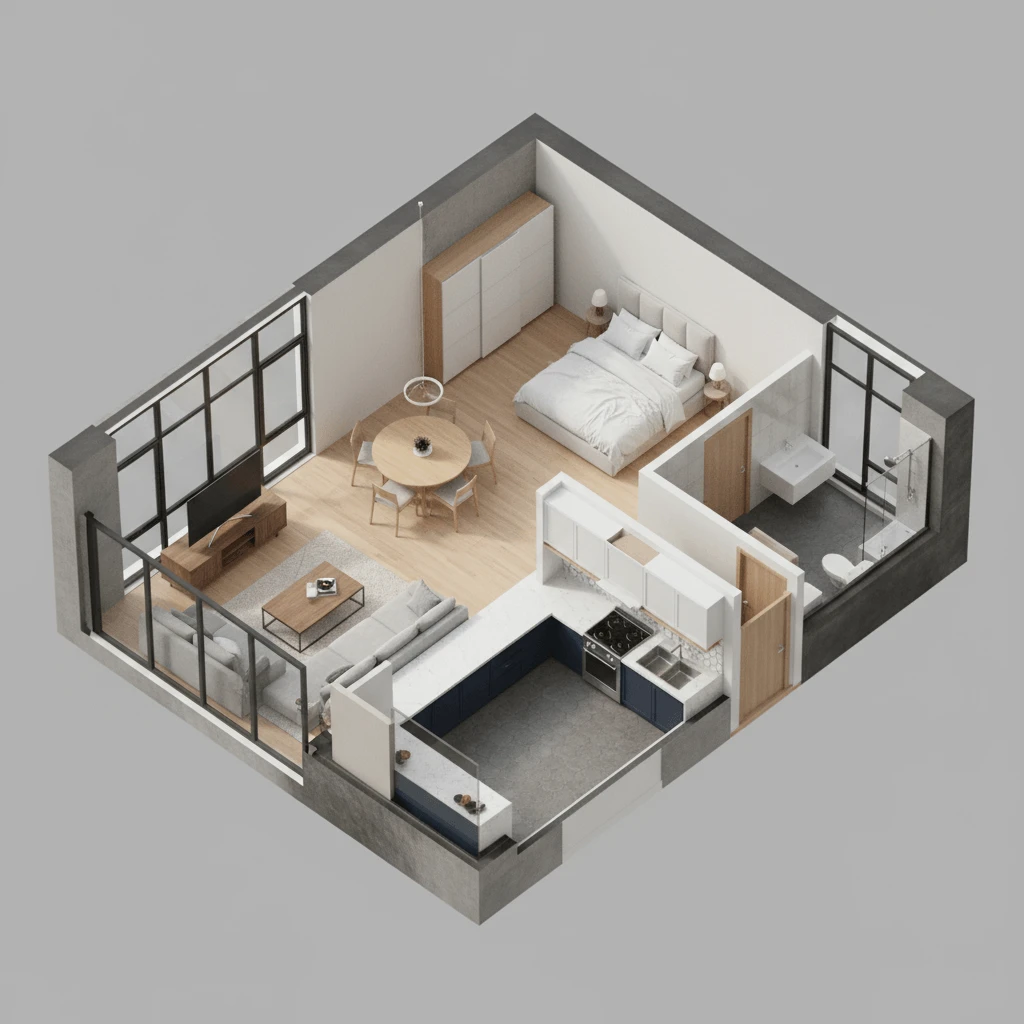
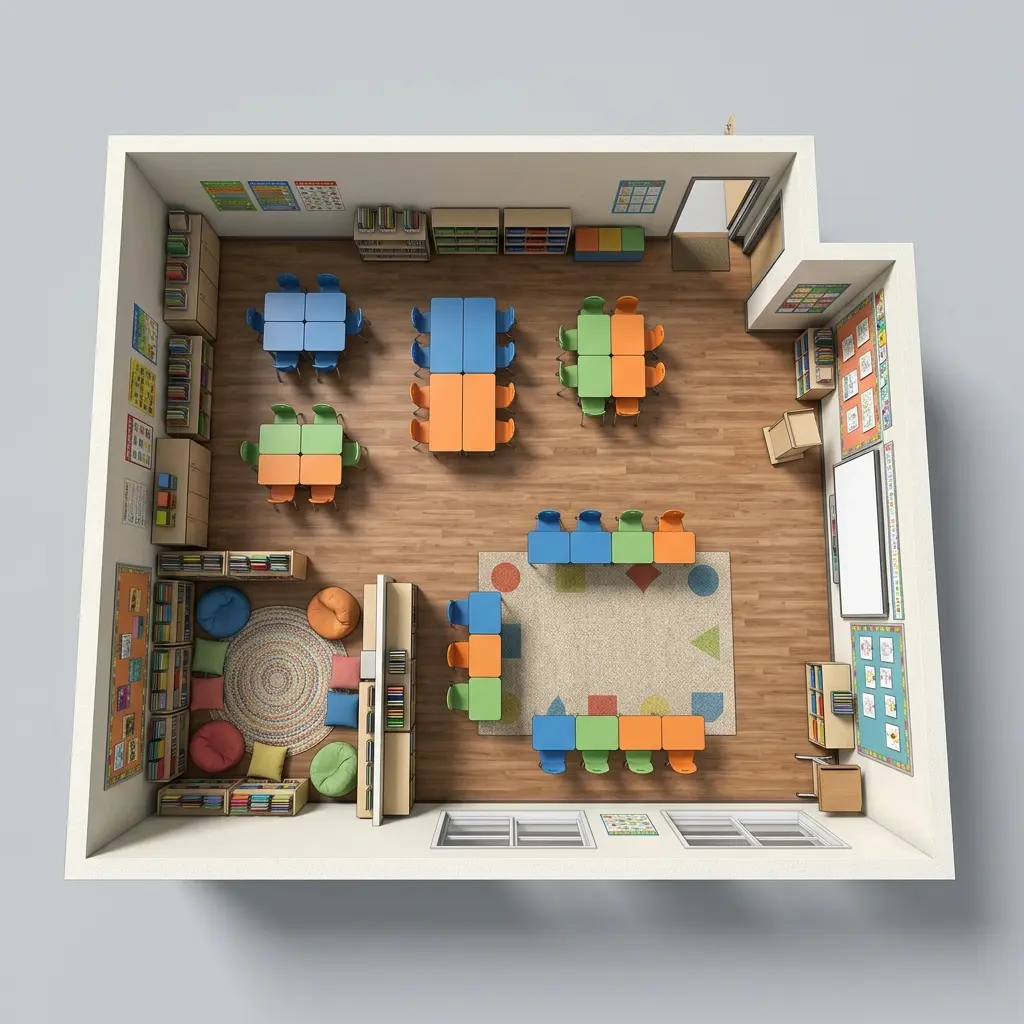
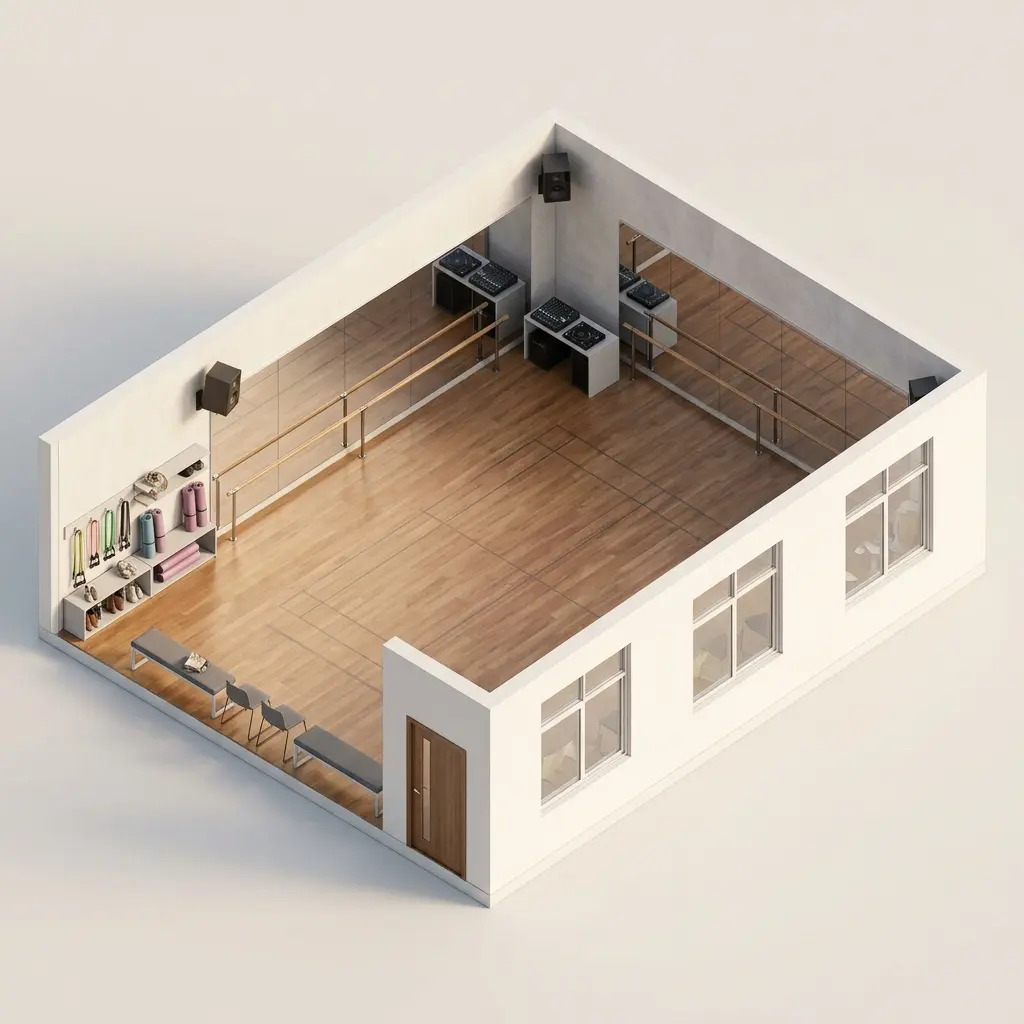
2.5D Standard Classroom
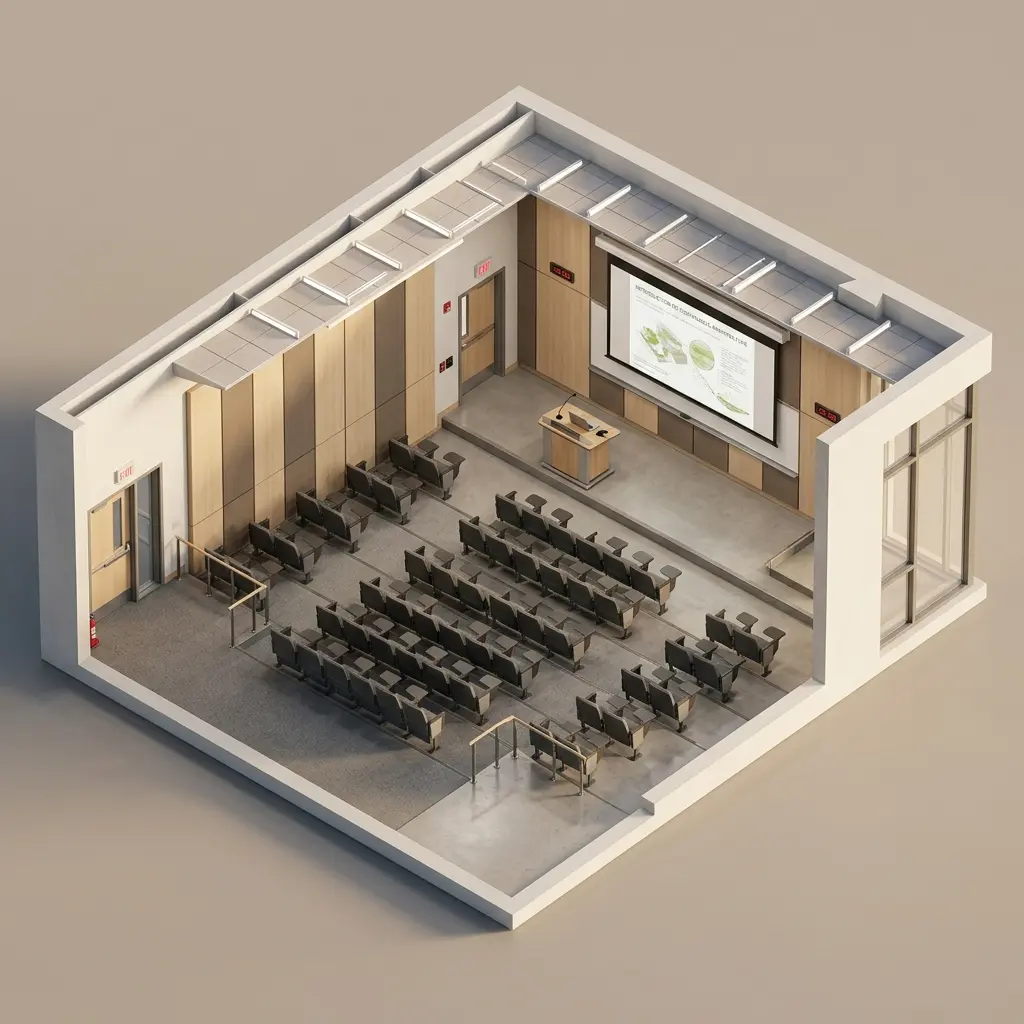
Explore 6 AI Classroom Layouts
From standard classrooms to specialized labs, create optimized learning spaces instantly with our AI Classroom Floor Plan Maker.
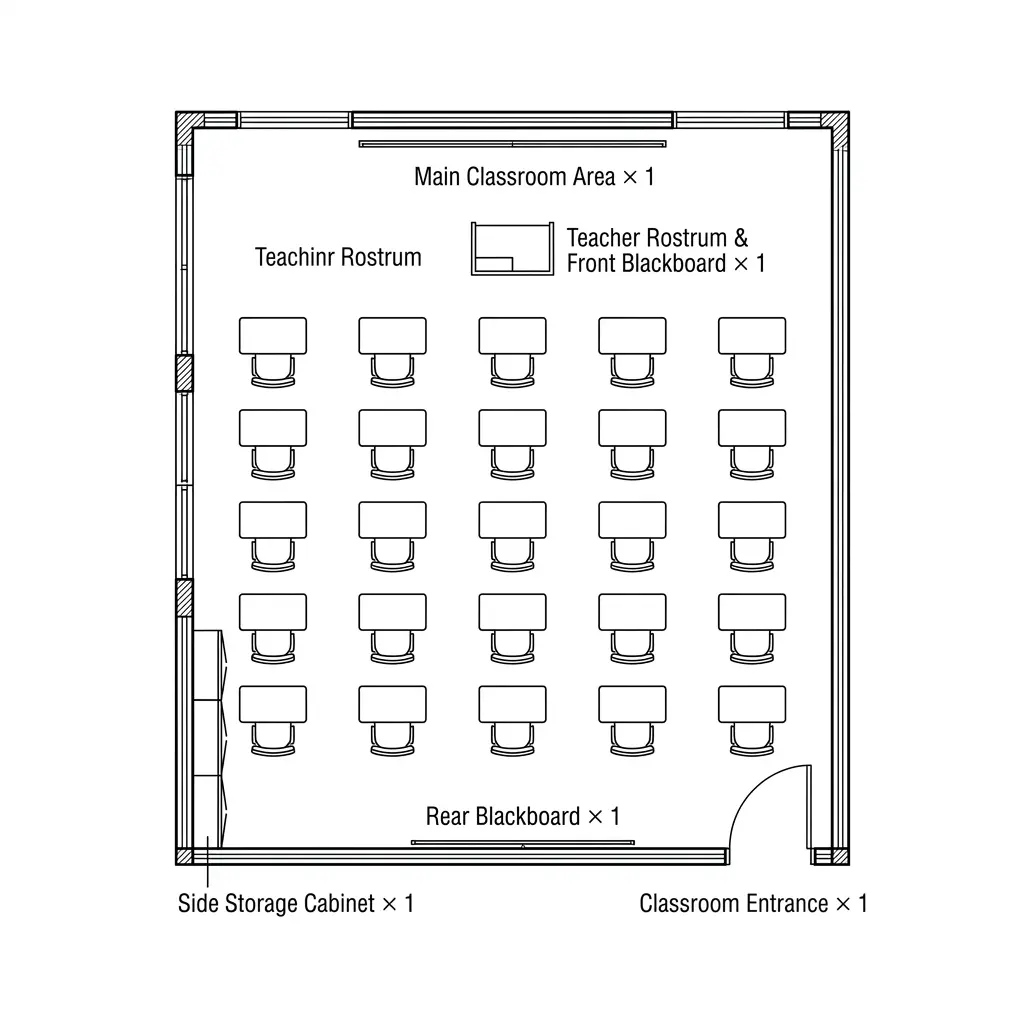
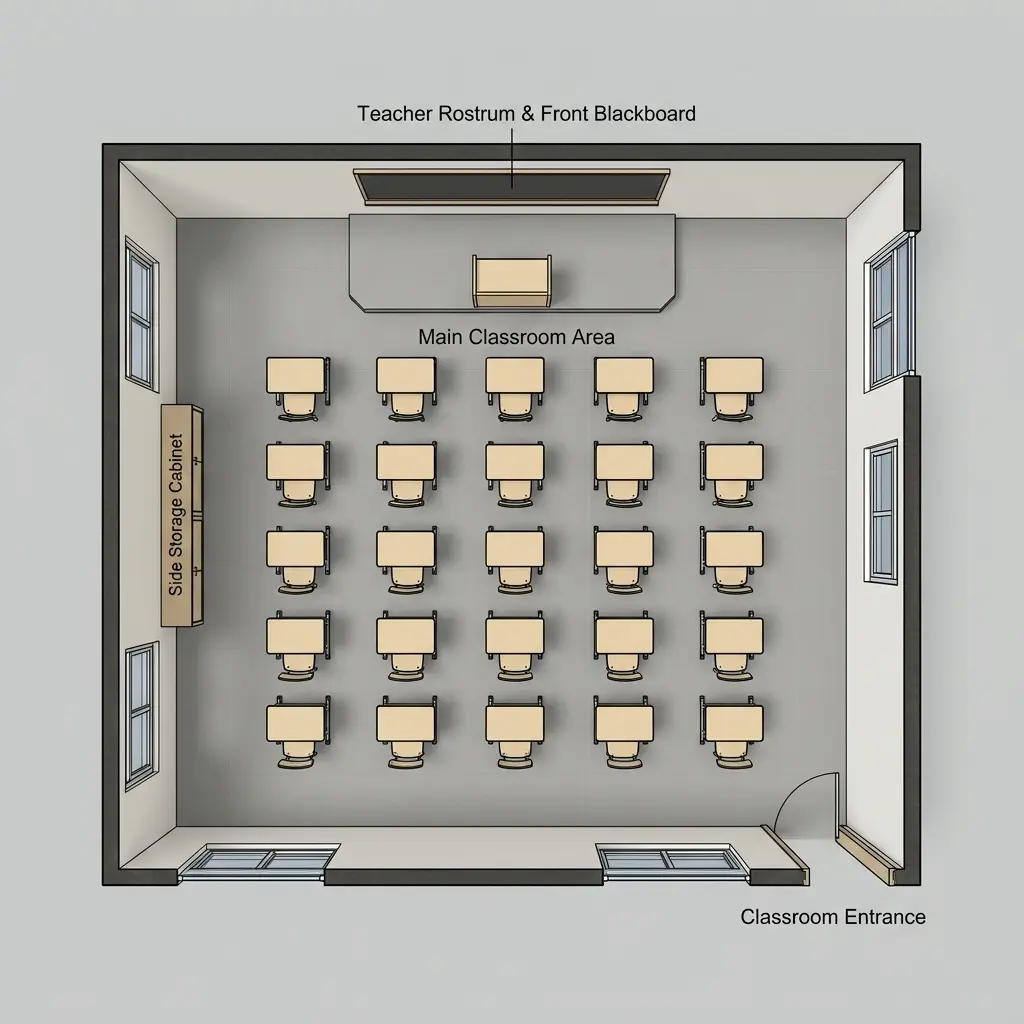
Standard Classroom Floor Plan
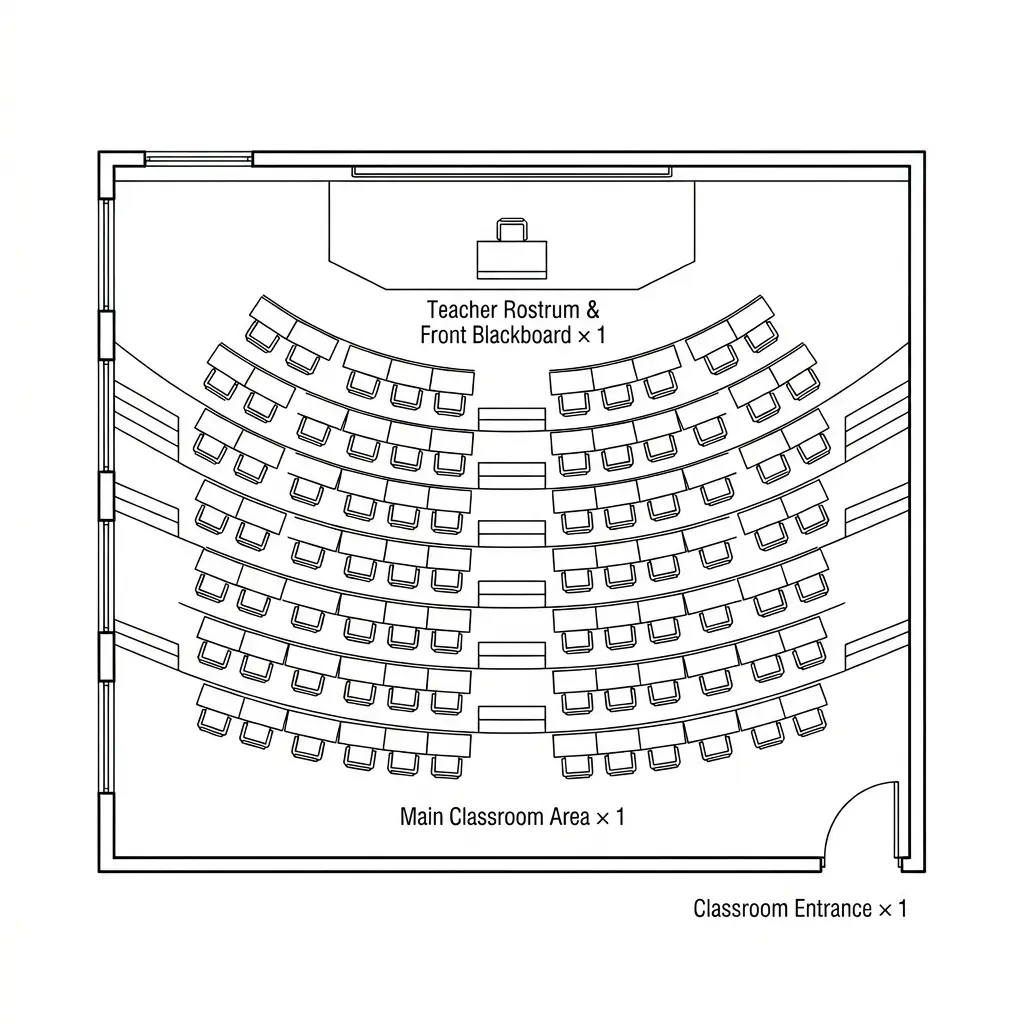
Tiered Lecture Hall Floor Plan
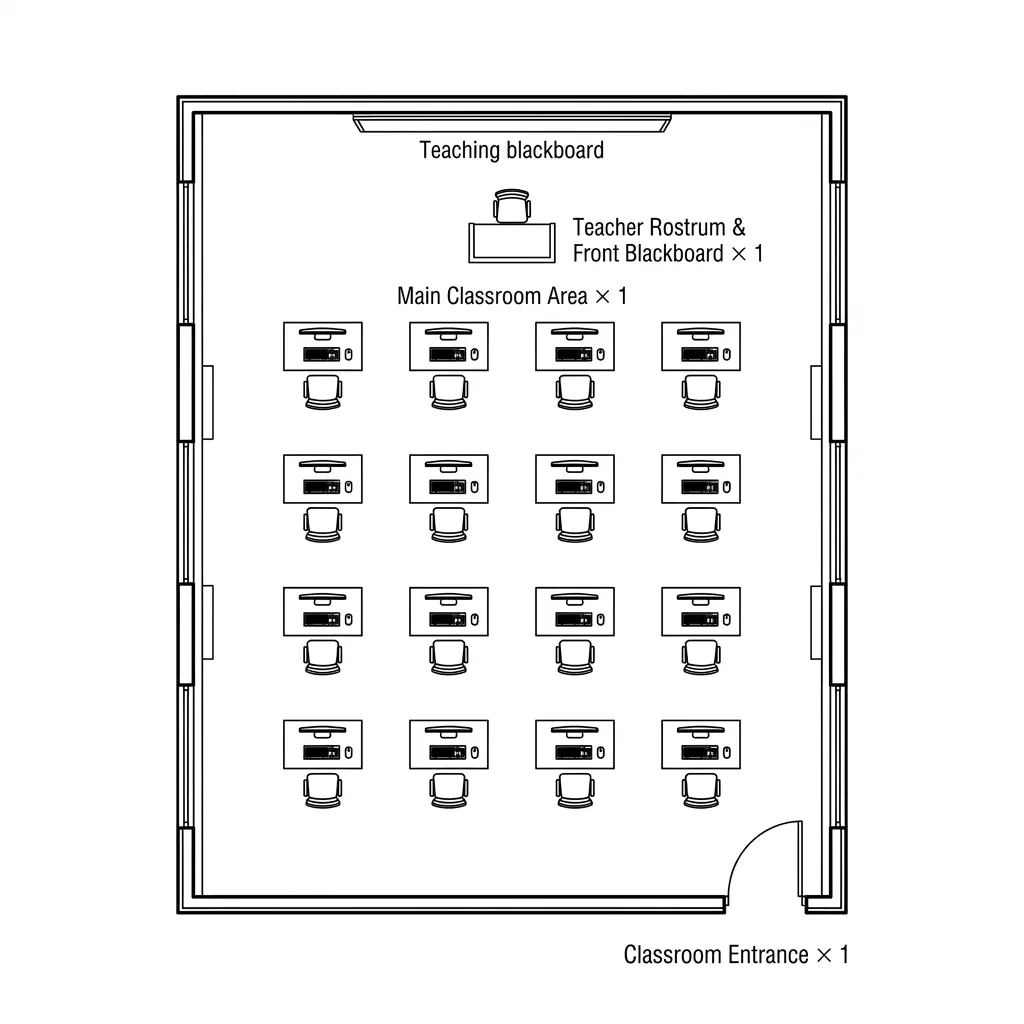
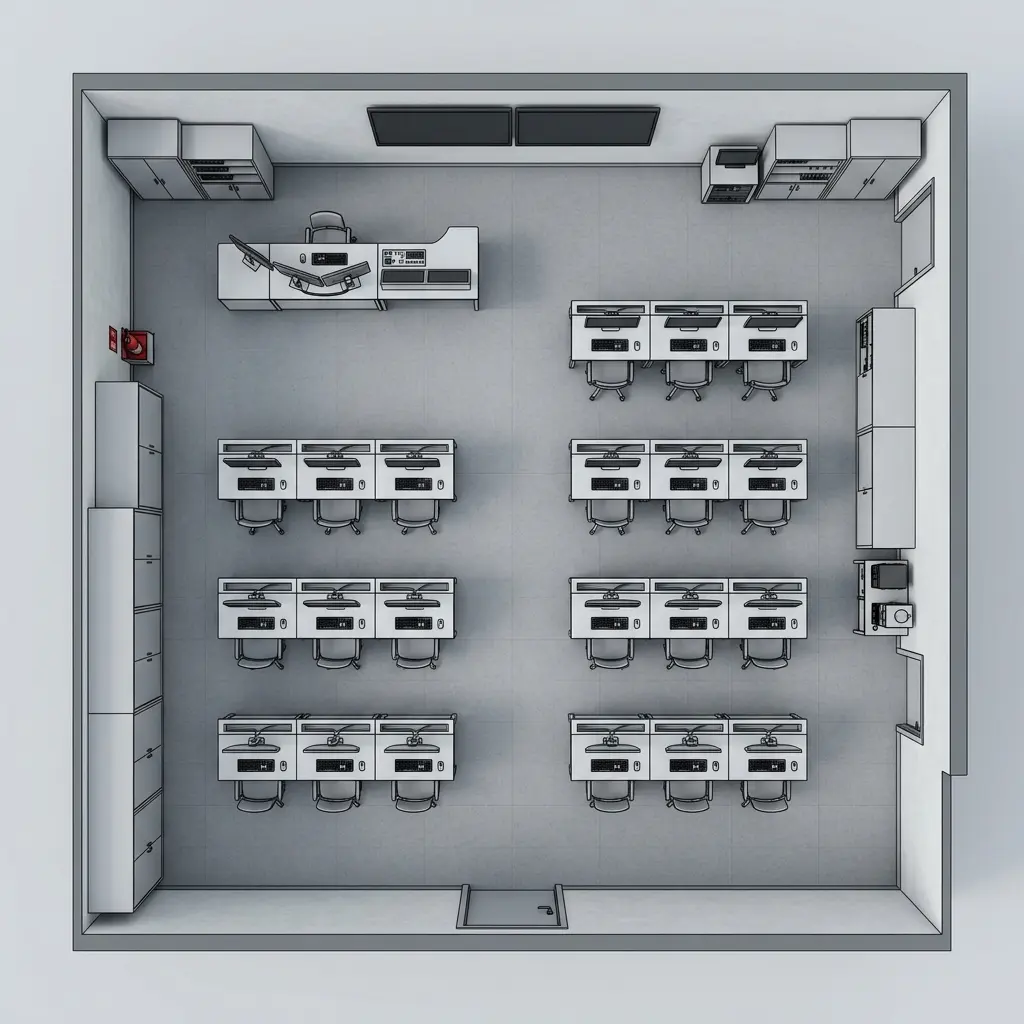
Computer Lab Classroom Floor Plan
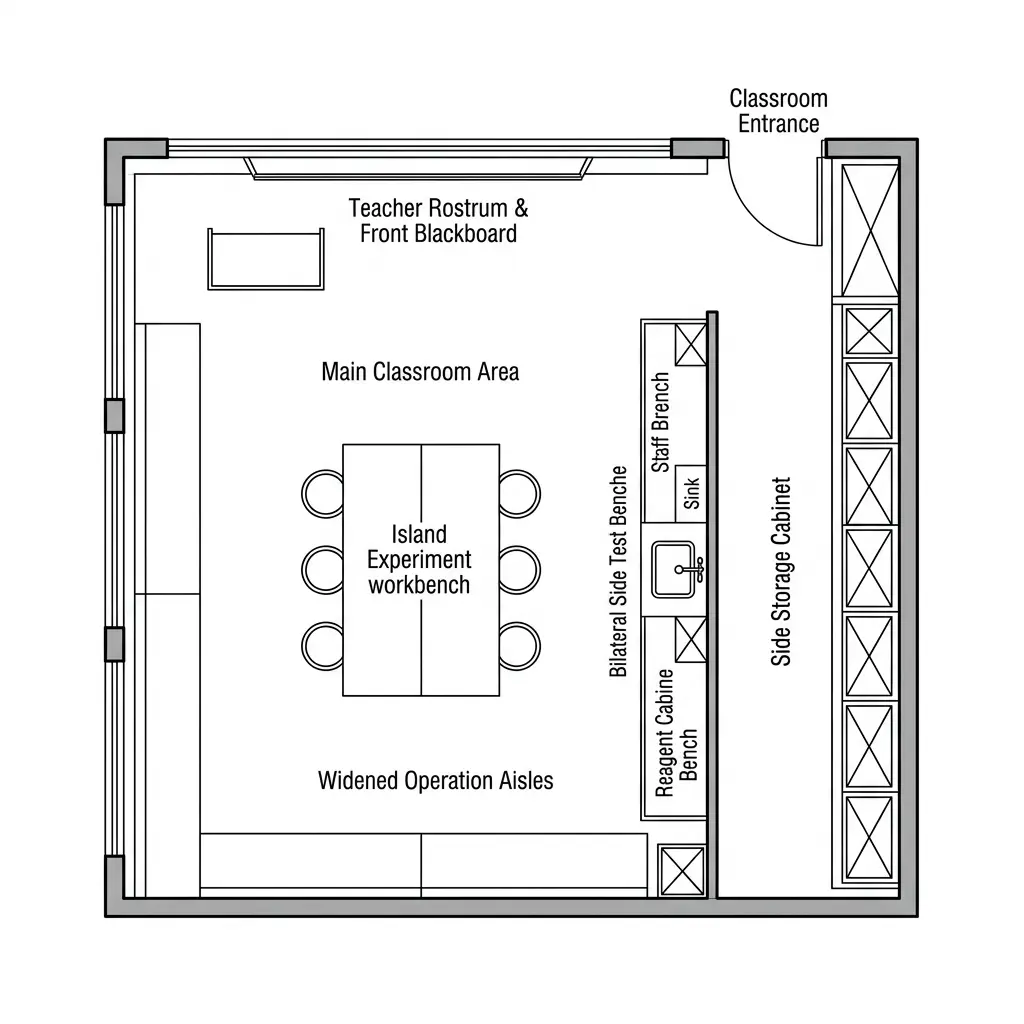
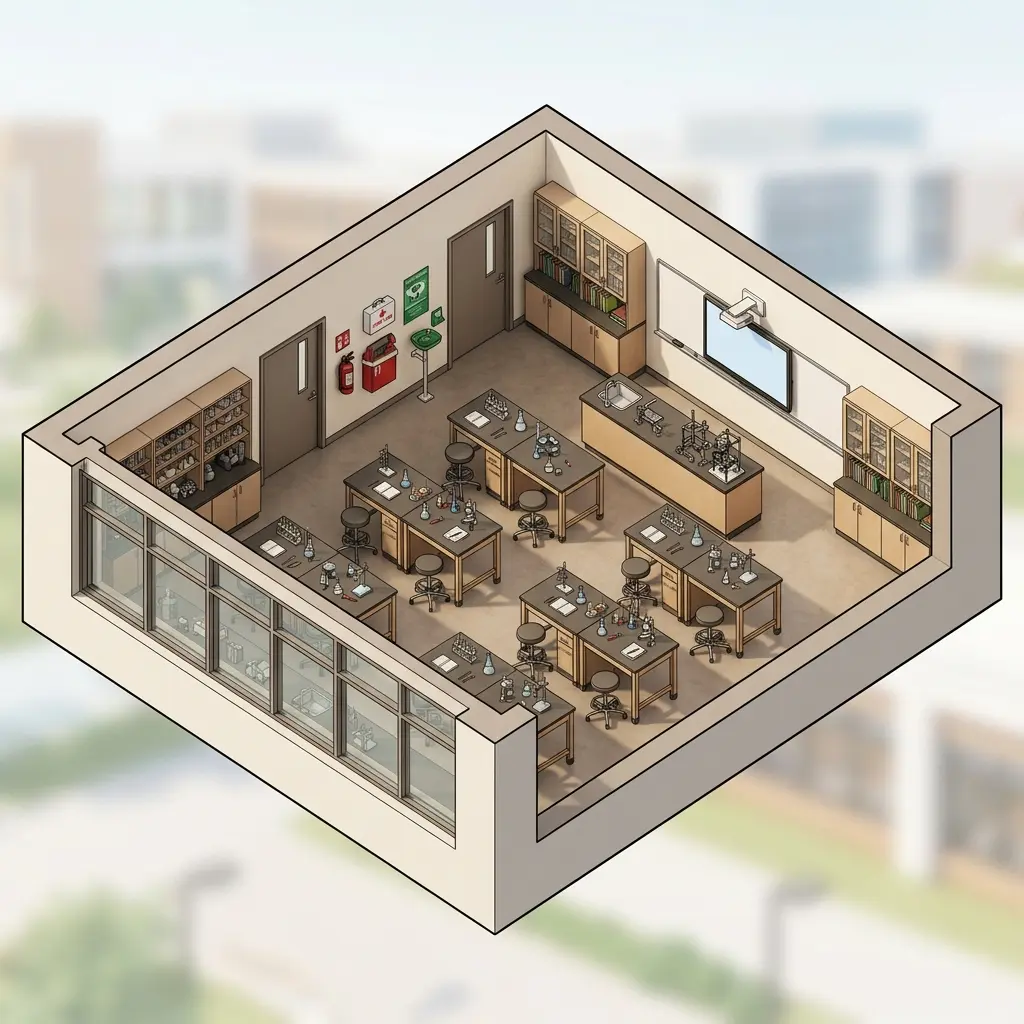
Science Lab Classroom Floor Plan
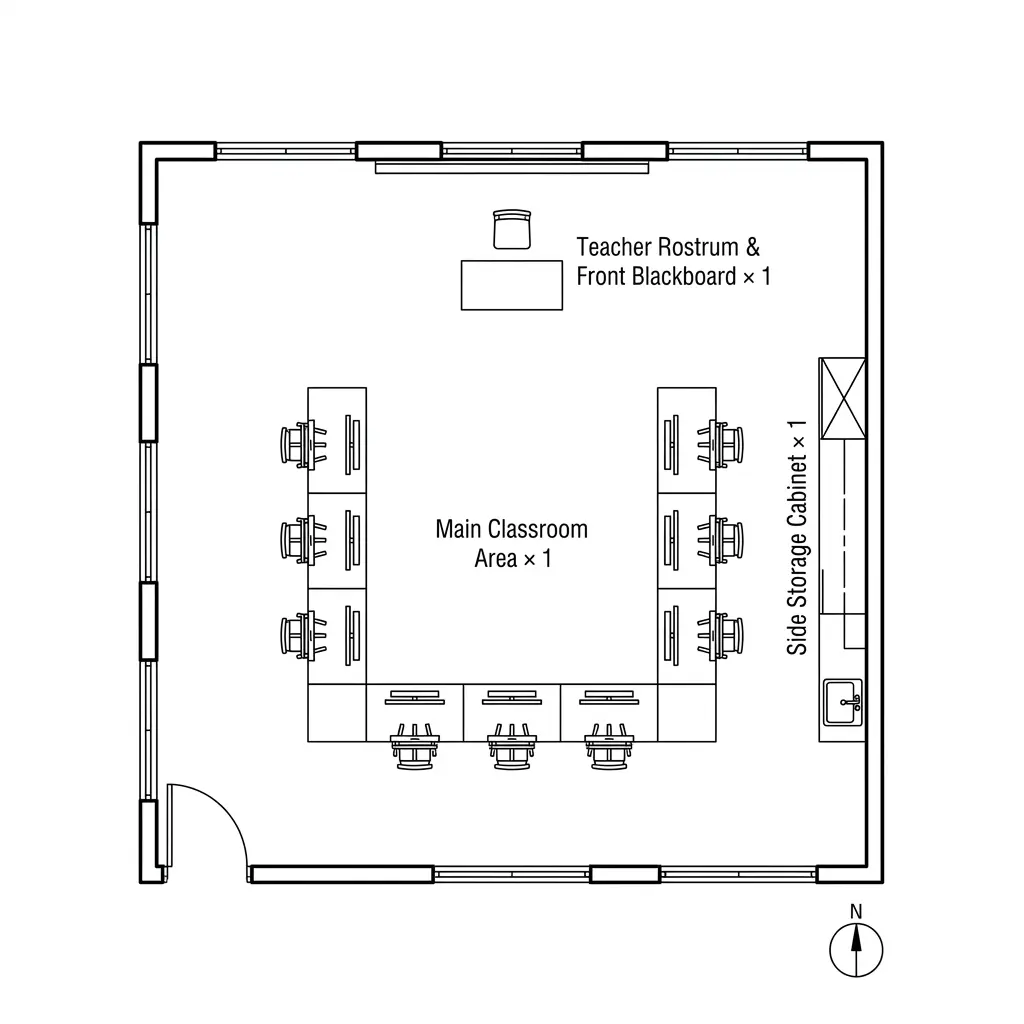
Art Studio Classroom Floor Plan
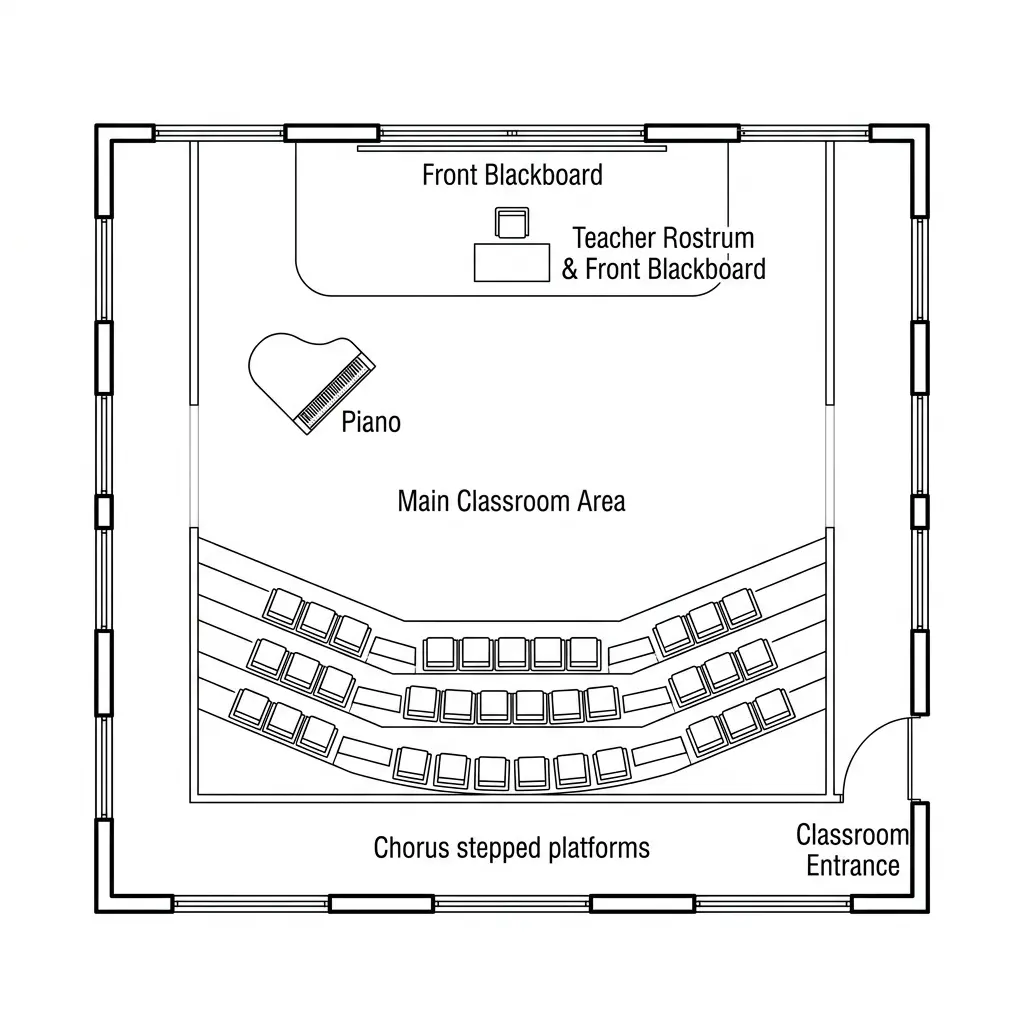
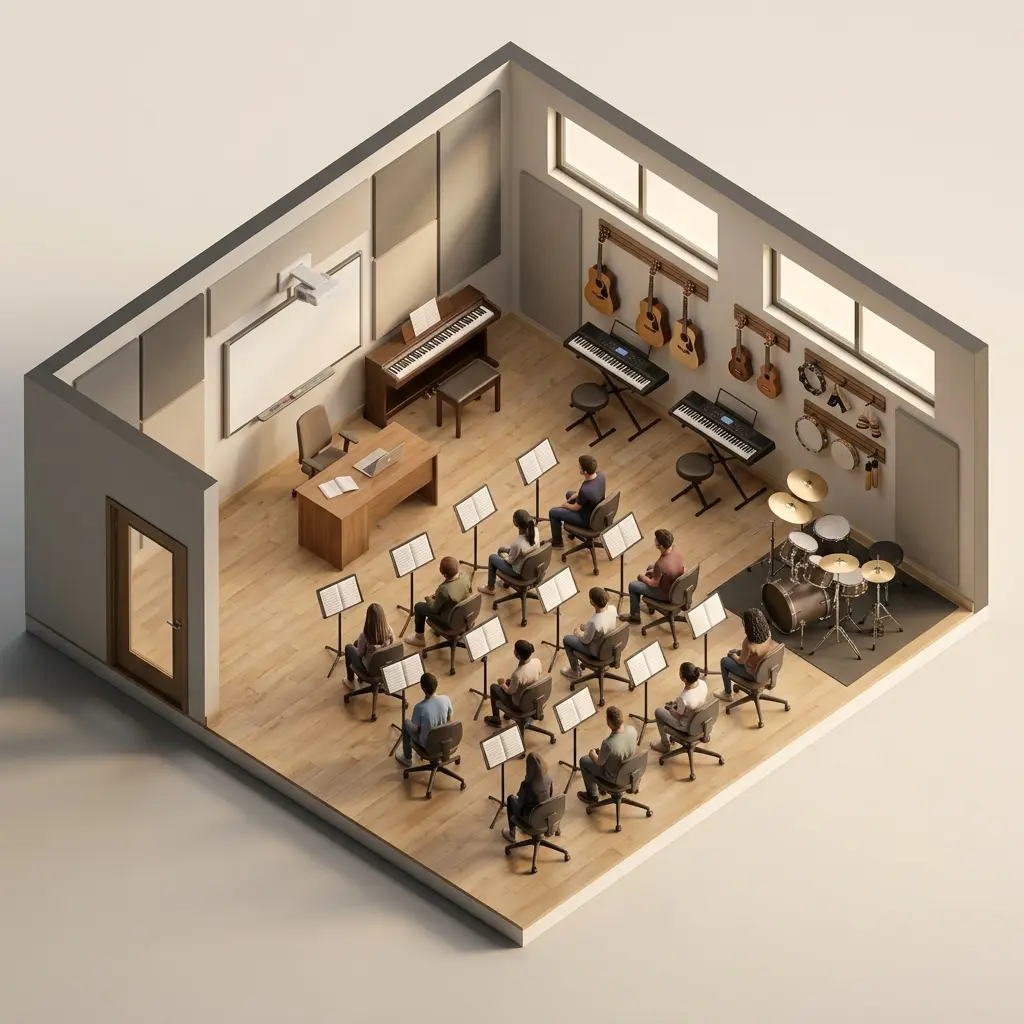
Music & Chorus Classroom Floor Plan
Design Better Learning Spaces with Confidence
Create classroom layouts faster with our Classroom Floor Plan Maker. Explore seating options and visualize the perfect setup before moving a single desk.
Generate AI Classroom Layouts & Seating Charts in Seconds
Start from zero and instantly generate structured classroom layouts with a classroom floor plan maker powered by AI. Instead of spending hours drawing or arranging elements manually, you can produce ready-to-use classroom designs in seconds. This solves the biggest bottleneck in classroom planning—time. Whether you are designing a standard classroom or a specialized space, the system helps you quickly turn ideas into visual layouts so you can focus more on teaching decisions rather than manual design work.
Create Classroom Layout Instantly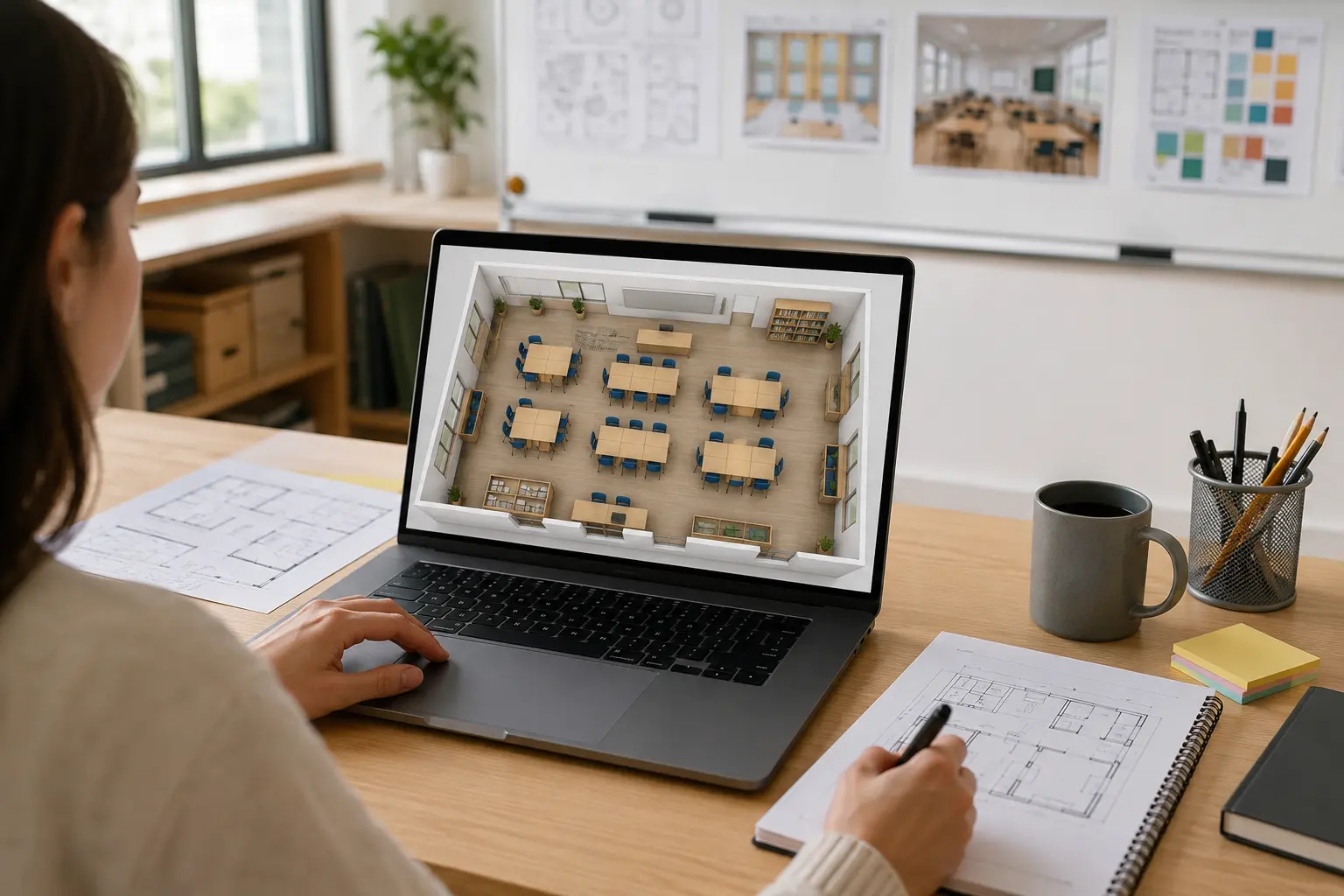
Customize Seating Rows, Columns & Classroom Flow Effortlessly
Easily control desk rows, columns, spacing, and room flow to match real classroom needs. This makes it simple to make a classroom floor plan that fits different class sizes and teaching styles without starting over each time. Instead of being limited by fixed templates, you can fine-tune every part of your classroom layout to reflect how students interact, move, and learn in real environments. This gives you full flexibility to design spaces that actually work in practice, not just on paper.
Design Your Own Layout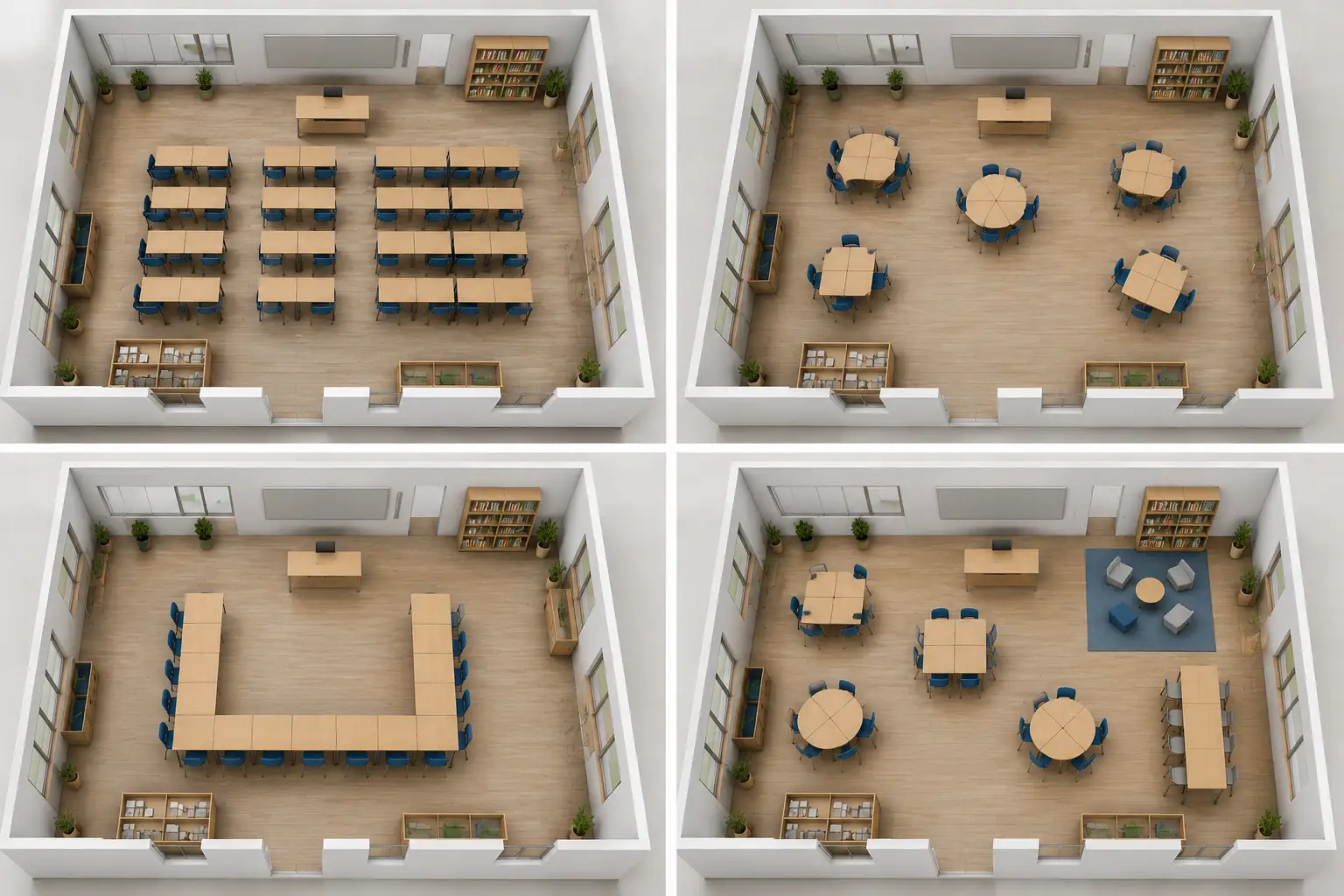
Discover Better Classroom Design Ideas Instantly
If you are unsure how to structure your classroom, AI helps you explore multiple layout possibilities in seconds. It works as a design assistant that generates different classroom configurations for you to compare and refine. Using a free classroom floor plan maker, you can quickly see options you might not have considered, helping you improve space usage, student engagement, and classroom flow. This removes creative blocks and gives you clearer direction when planning your classroom environment.
Explore Classroom Ideas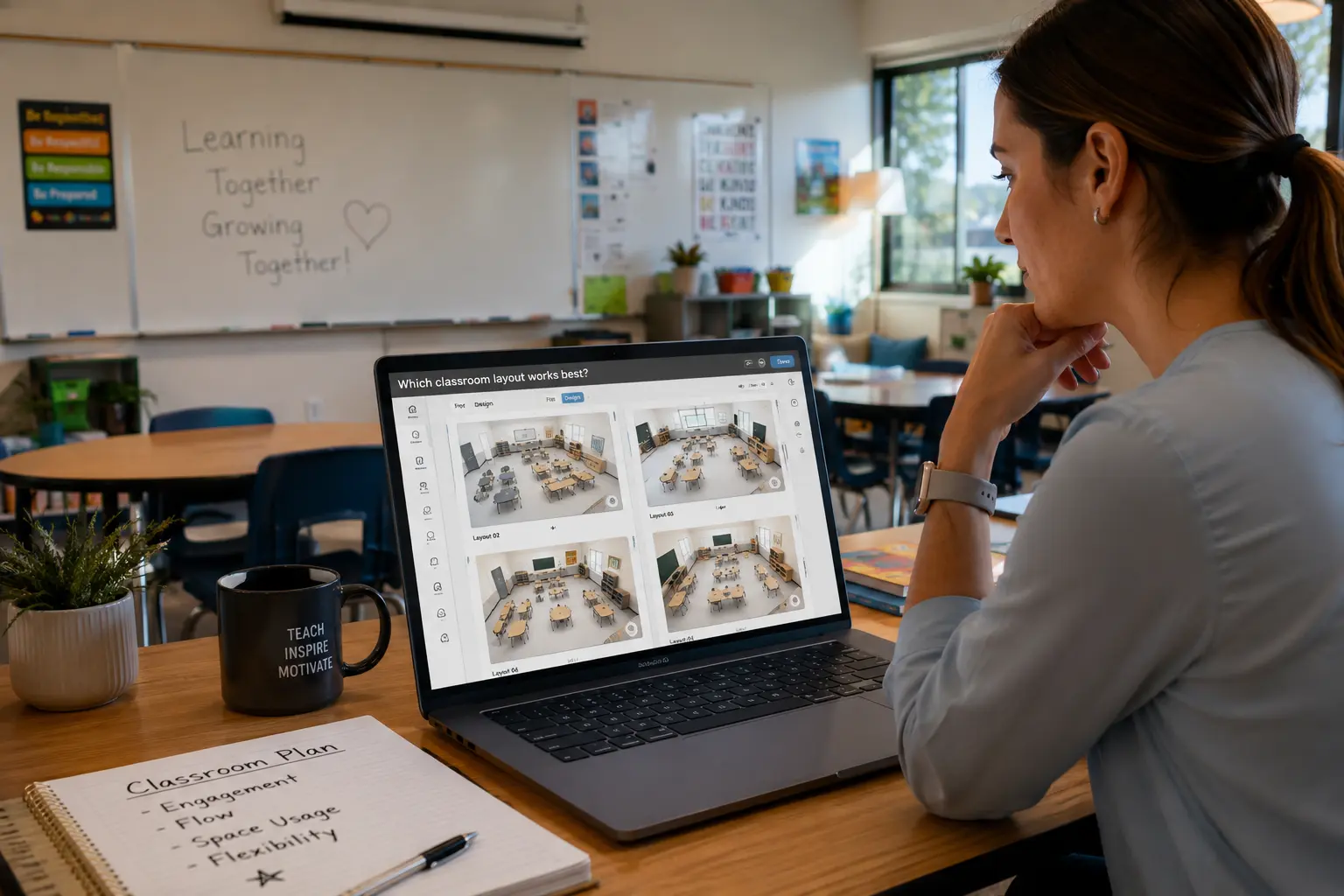
Make Smarter Classroom Decisions with AI Visualization
Unlike traditional manual planning tools that require constant adjustments and guesswork, this AI system lets you instantly visualize classroom layouts before making real changes. You can easily make your own classroom floor plan, compare multiple designs, evaluate spacing, and understand how each setup works in real conditions. This helps reduce uncertainty and improves decision confidence when designing learning spaces. With a modern classroom floor plan maker, you move from guesswork to clear, visual, AI-generated results in minutes.
Make Your Classroom Floor Plan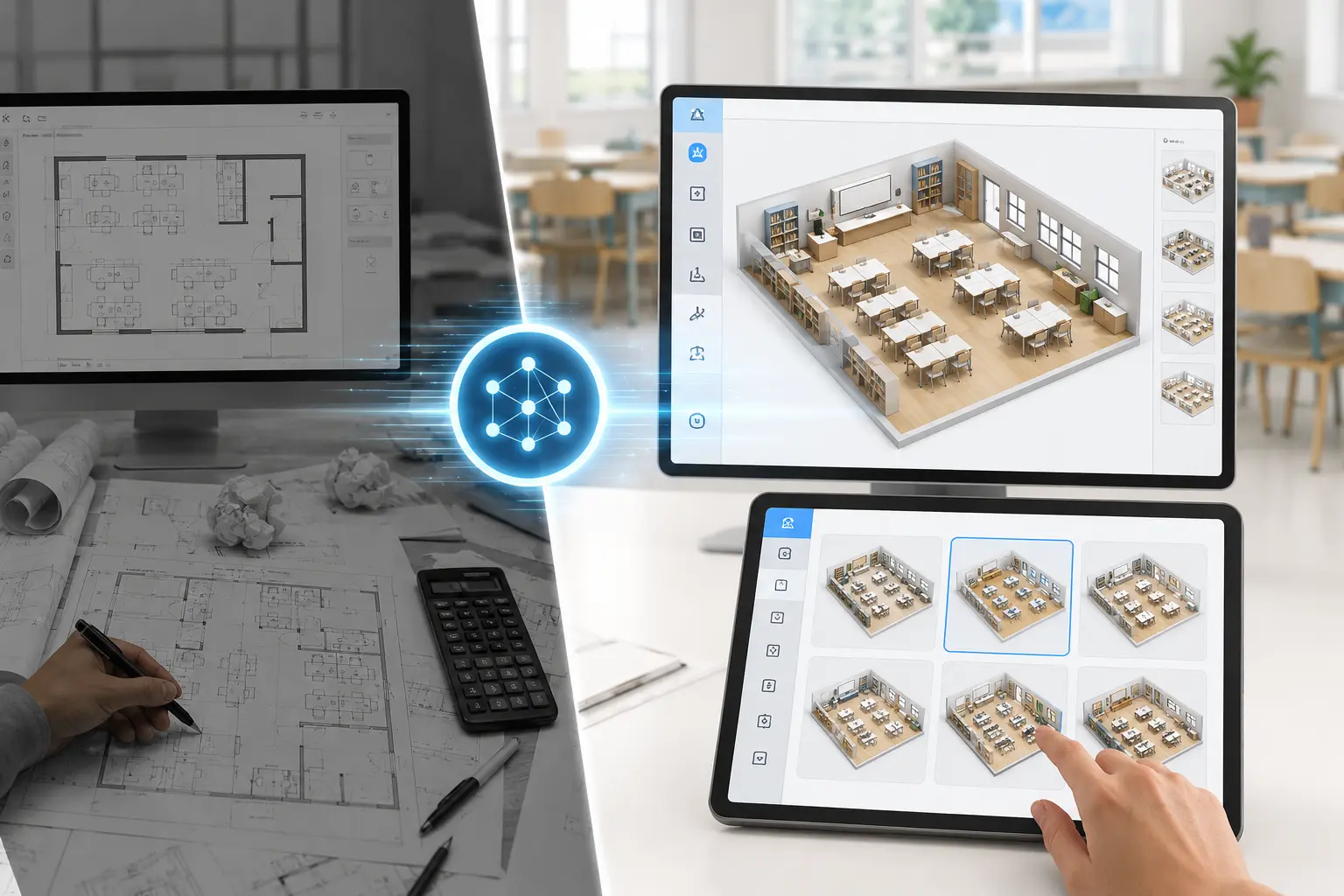
Perfect Layouts for Any Classroom Setup
Whether you need group work, lectures, exams, or hands-on activities, AI adjusts the classroom layout to fit different teaching needs.
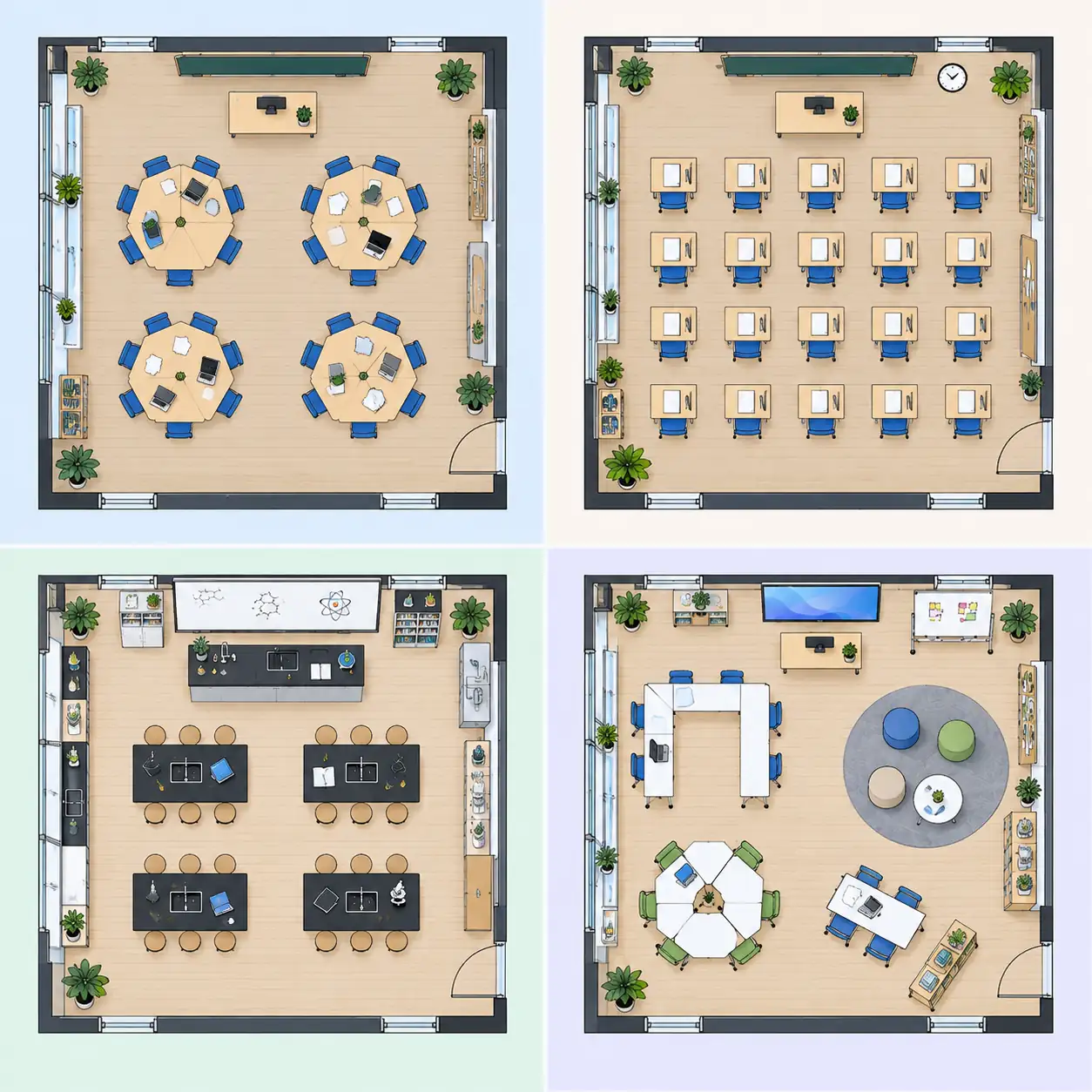
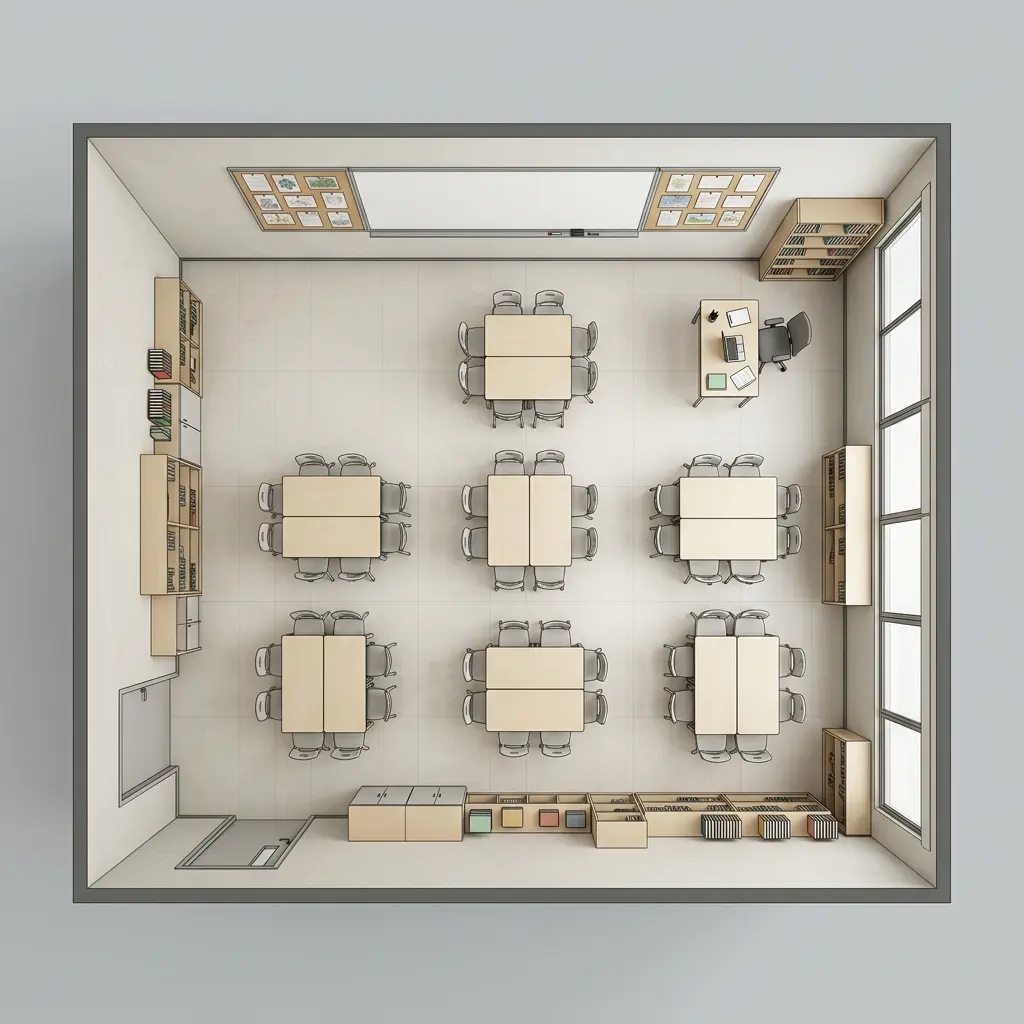
Group Work & Discussions
Arrange desks into clusters for teamwork and discussion, while keeping enough space for teachers to move around the classroom.
Standard Lectures & Exams
Create traditional rows and columns for focused teaching or testing, with clear views of the blackboard and presentation area.
Lab & Activity Spaces
Set up dedicated zones for experiments, activities, or presentations while keeping classroom walkways clear.
Flexible & Multi-Purpose Classrooms
Create a flexible classroom floor plan with movable desks, open areas, and adaptable spaces for different activities.
Create Your Classroom Layout in 3 Simple Steps
Get started in seconds. Choose a classroom type, adjust layout details, and instantly generate or refine your classroom floor plan with AI.
Choose a Classroom Type
Select the type of learning space you want to design, such as a standard classroom, science lab, music room, or lecture hall.
Set Up Your Classroom Layout Details
Customize key elements like aisles, blackboards, storage areas, and desk rows or columns to match your teaching needs.
Generate or Refine Your Layout
Instantly generate your classroom floor plan with AI, then adjust settings and regenerate until you find the best classroom layout.
Related Article
Which Classroom Layout Works Best for Your Class?
Rows, pairs, U-shaped desks, or group clusters? Each arrangement changes how students learn, interact, and use the room. Compare 14 classroom layout examples to find an arrangement that suits your teaching style, class size, and available space.
Compare Classroom Layouts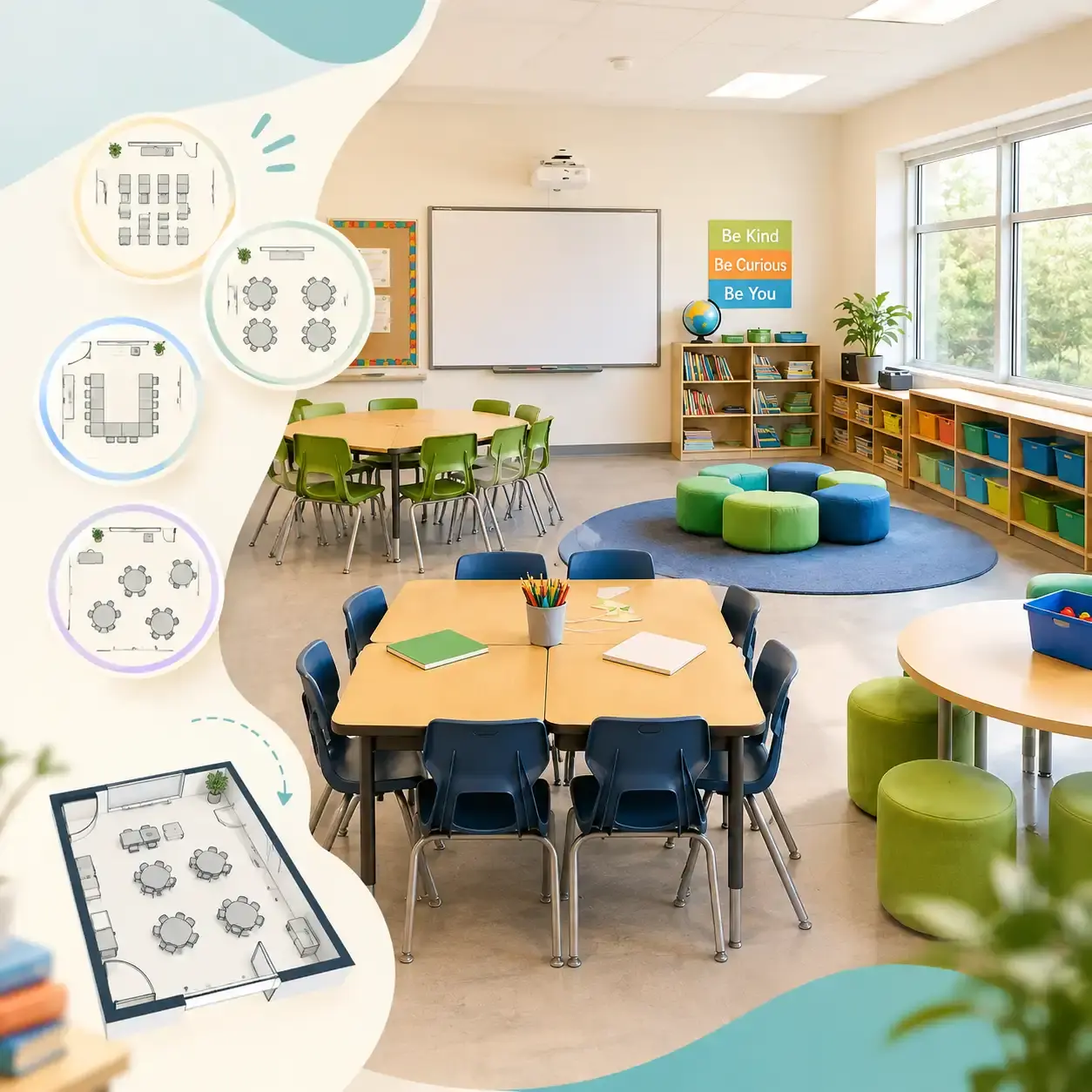
Explore Other Related Tools
FAQ About Classroom Floor Plan Maker
Create Your Classroom LayoutYes! The AI classroom floor plan maker generates accurate 2.5D and 3D visual layouts. It helps teachers and school administrators perfect desk spacing, teacher walking paths, and overall classroom flow before moving any physical furniture.
No. You don’t need any design or architecture background. You just choose a classroom type and adjust a few settings, and the AI generates a complete classroom layout for you.
Yes. You can generate multiple classroom floor plans, compare different seating arrangements, and refine them until you find the best layout for your needs.
You can adjust key elements like desk rows, seating columns, aisles, blackboards, and storage areas. This lets you tailor each classroom layout to different teaching styles and room sizes.
Yes, because you don’t need to start from scratch or draw everything by hand. The AI generates structured classroom layouts instantly, making it much faster to explore and compare ideas.
Yes. You can create layouts for standard classrooms, science labs, music rooms, art studios, lecture halls, and computer labs, depending on your teaching needs.
Perfect Layouts for Any Classroom Setup
Whether you need a space for group projects, standard testing, or hands-on activities, our AI dynamically adjusts desk spacing and teacher paths to fit your teaching style perfectly.