
Free AI Interior Design from Photos
Upload a room photo and explore realistic interior designs with AI. Visualize furniture layouts, colors, and styles instantly before making renovation decisions.
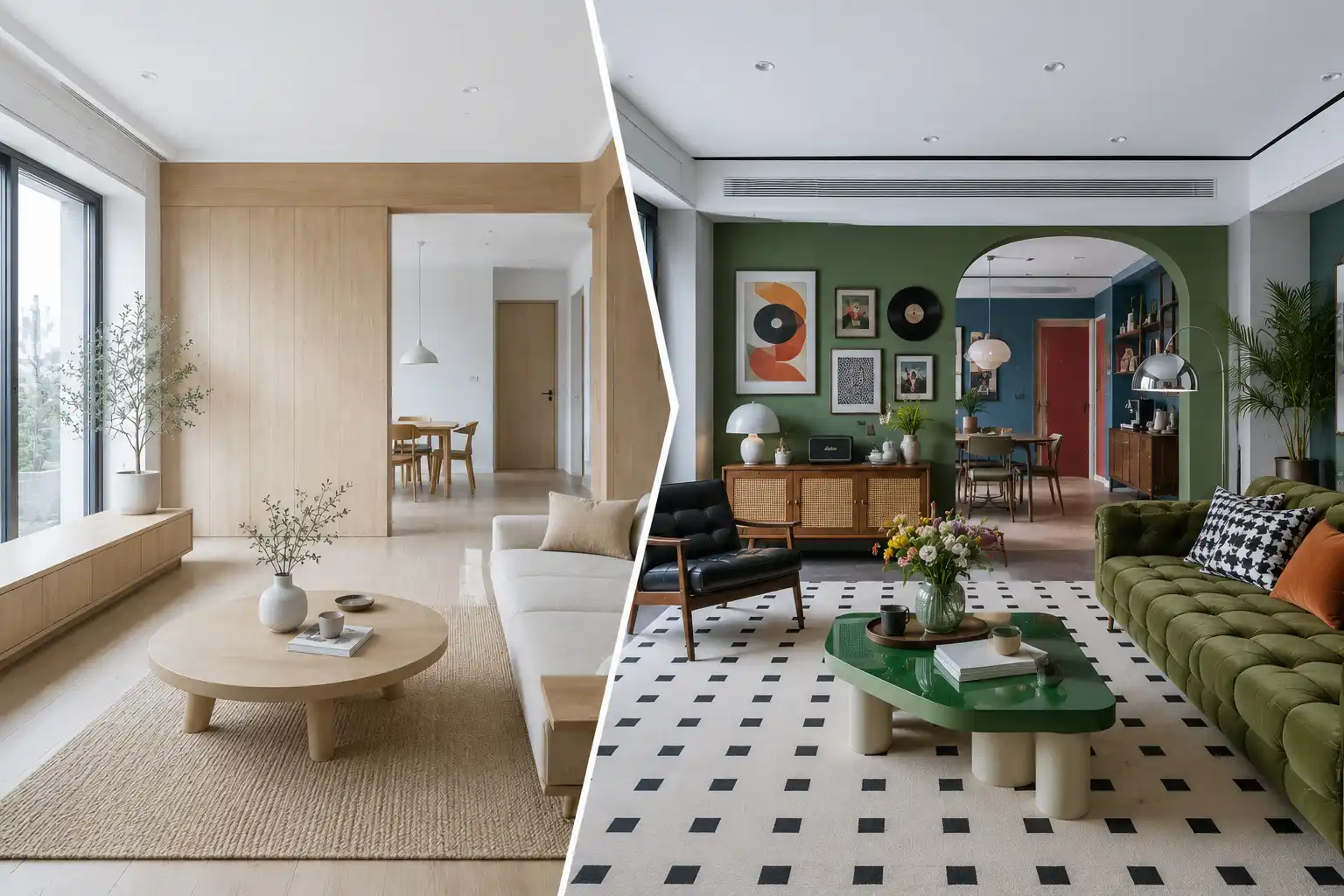
Free AI Interior Design from Photos
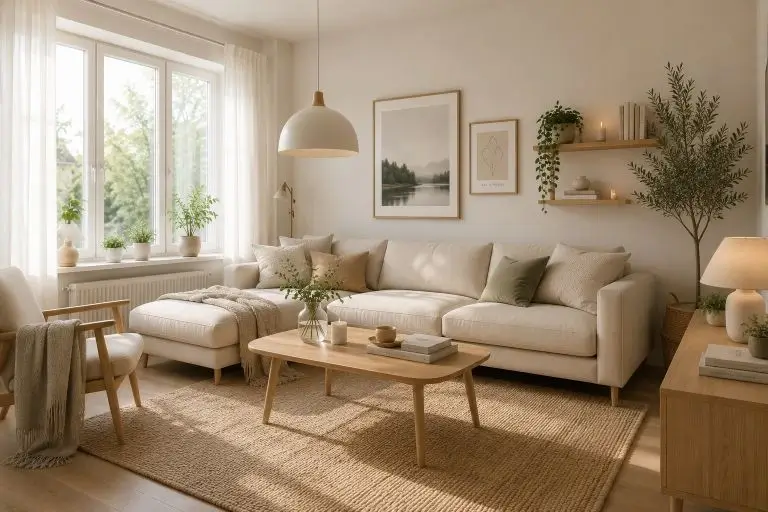
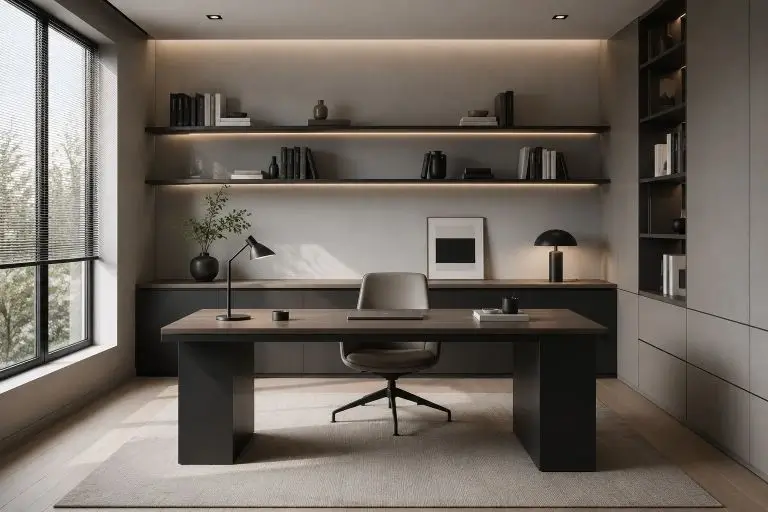
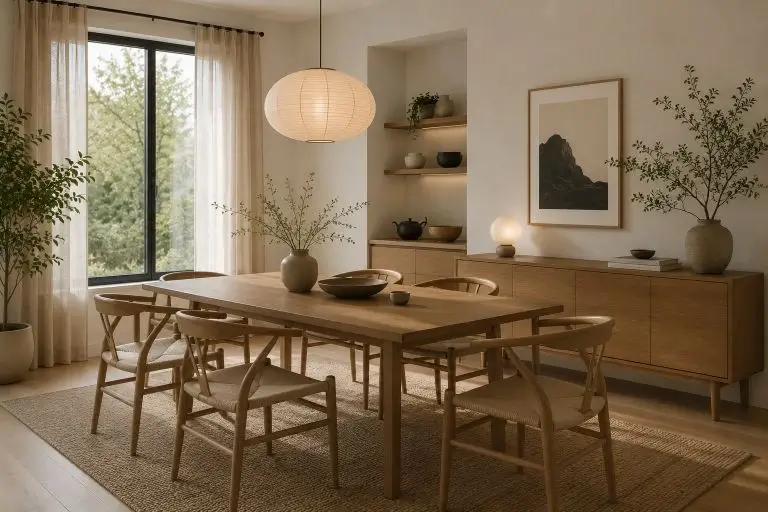
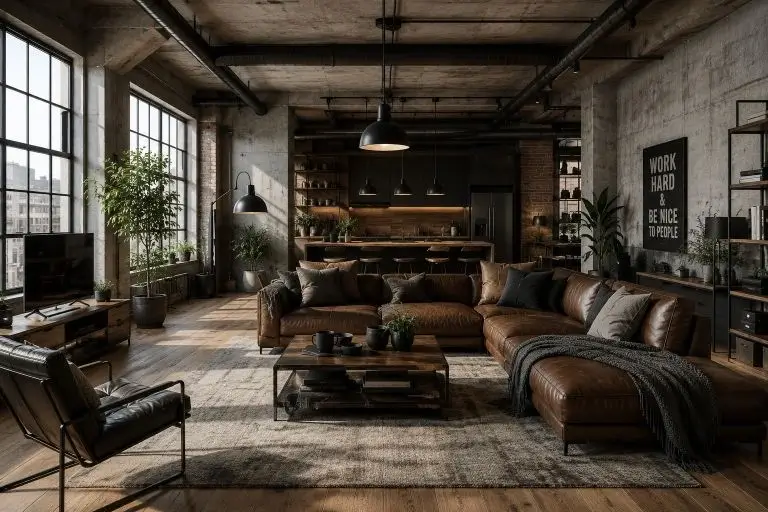
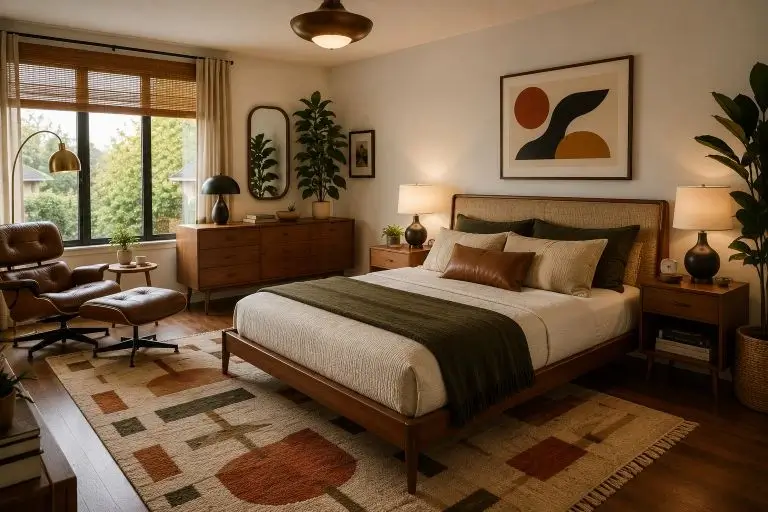
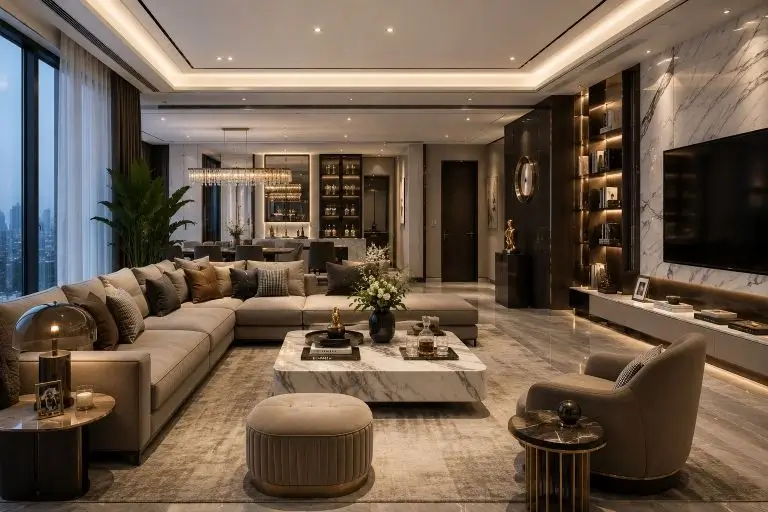
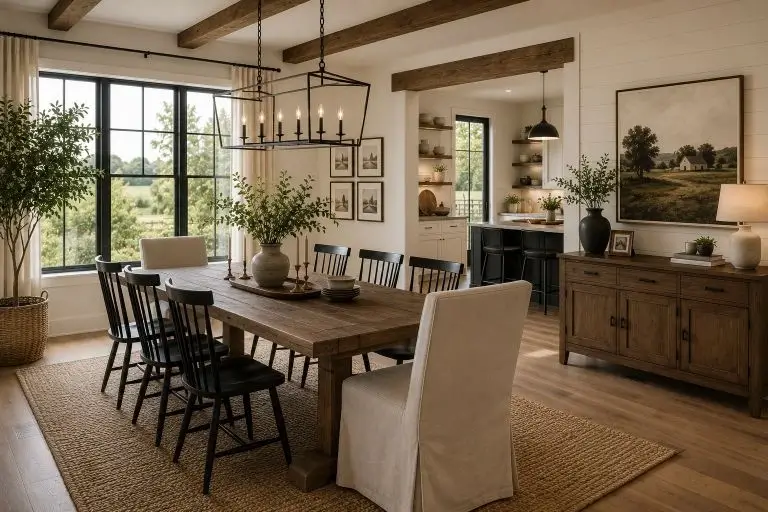
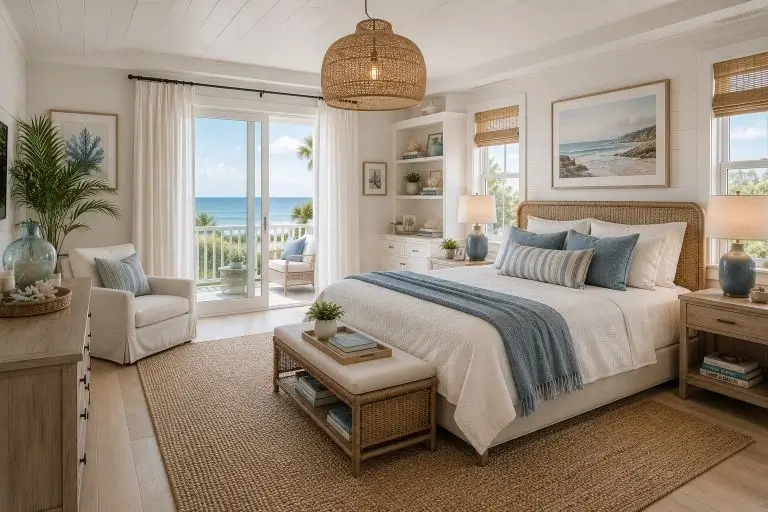
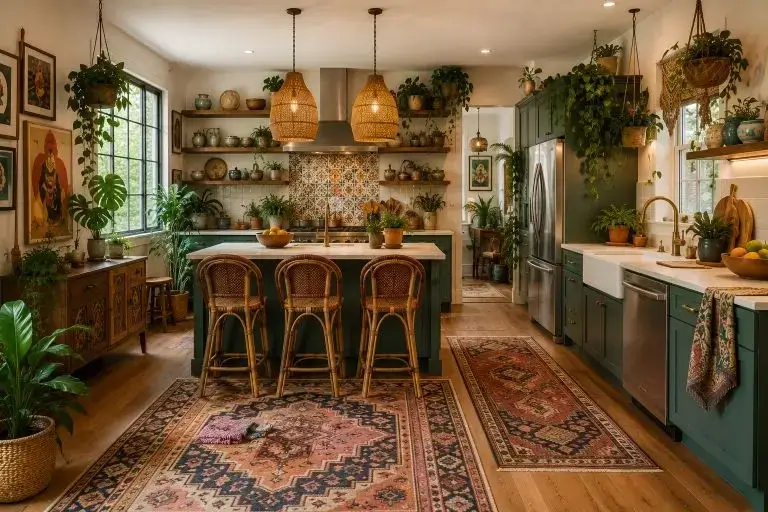
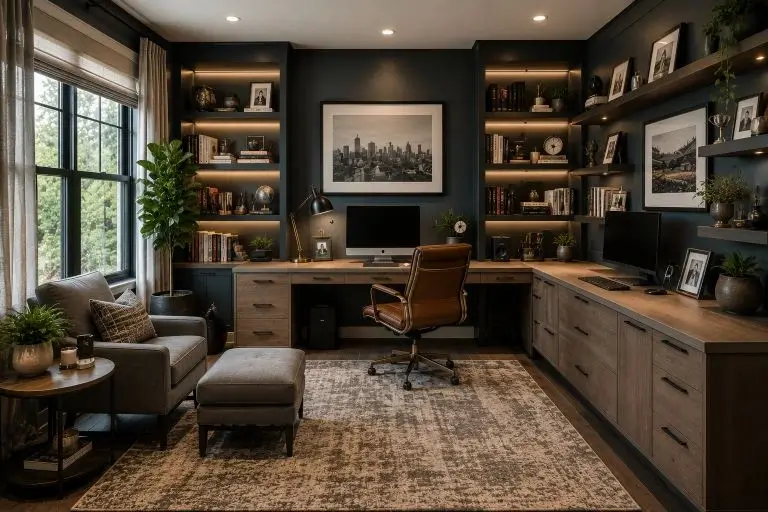
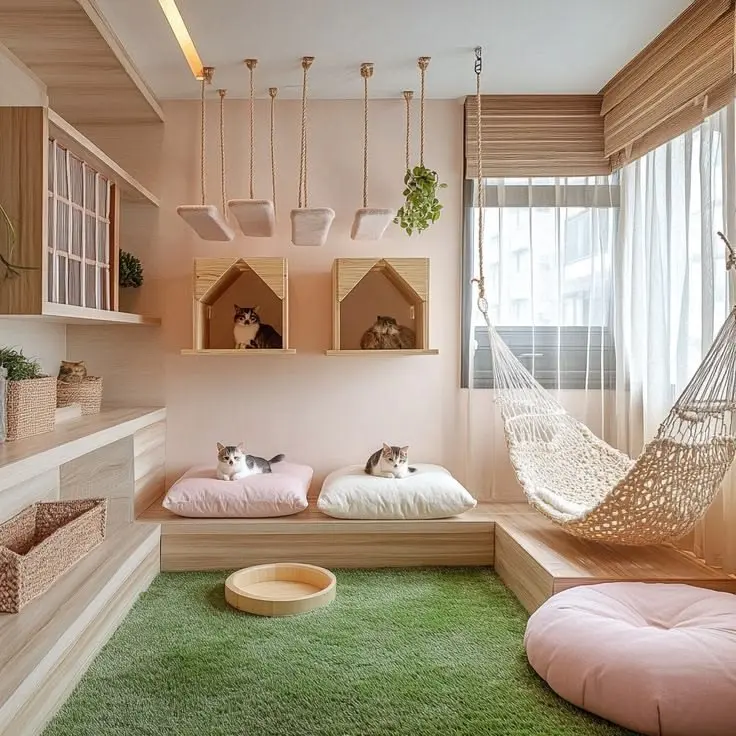
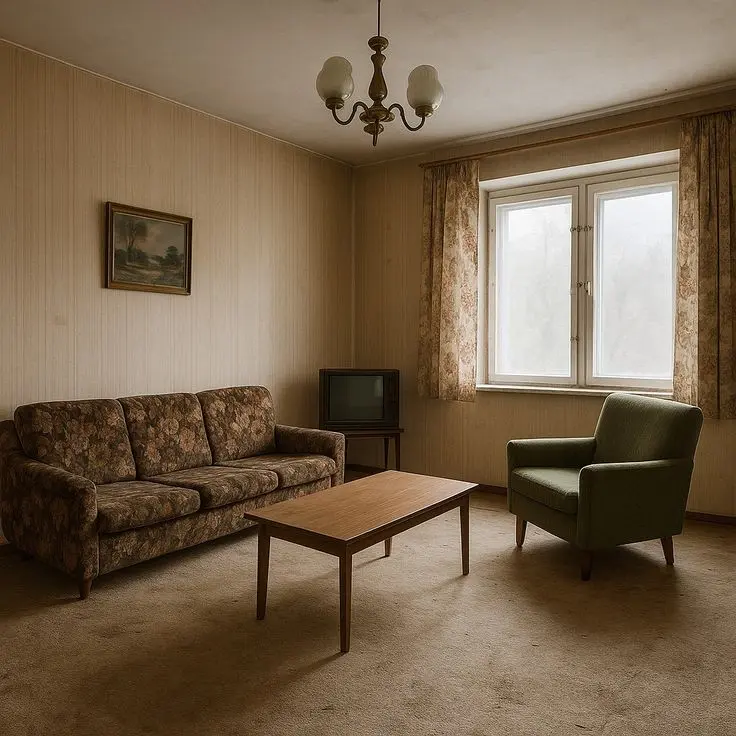
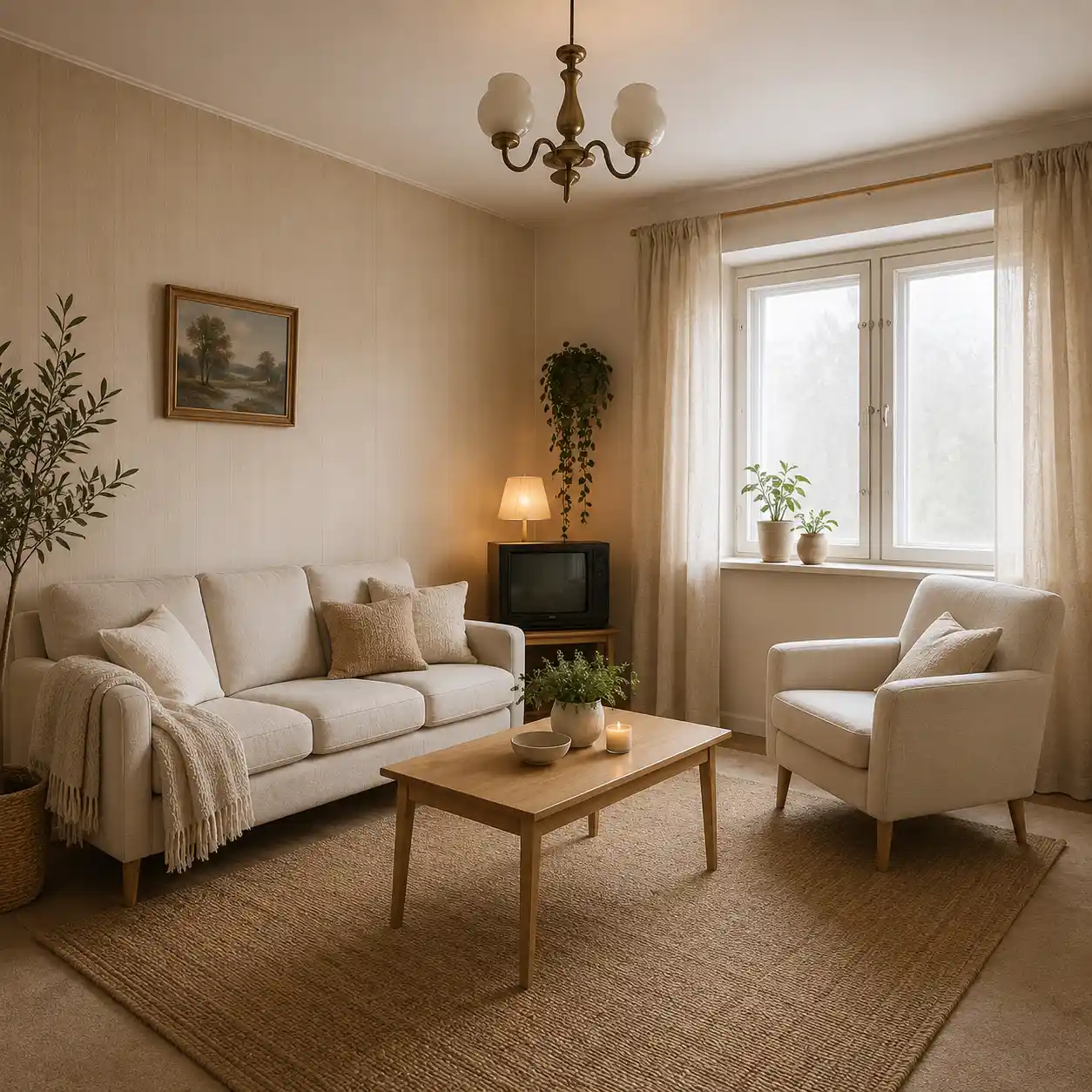
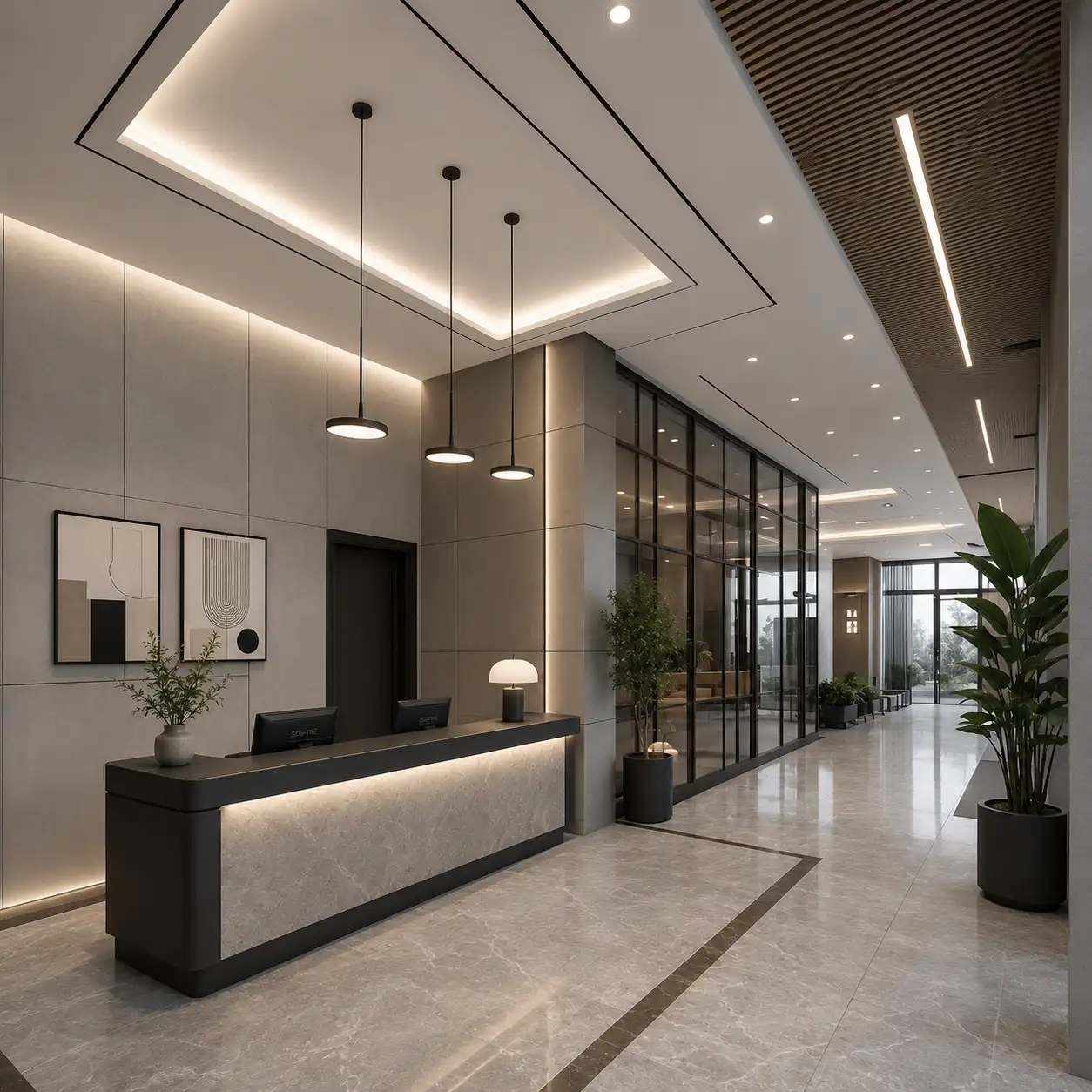
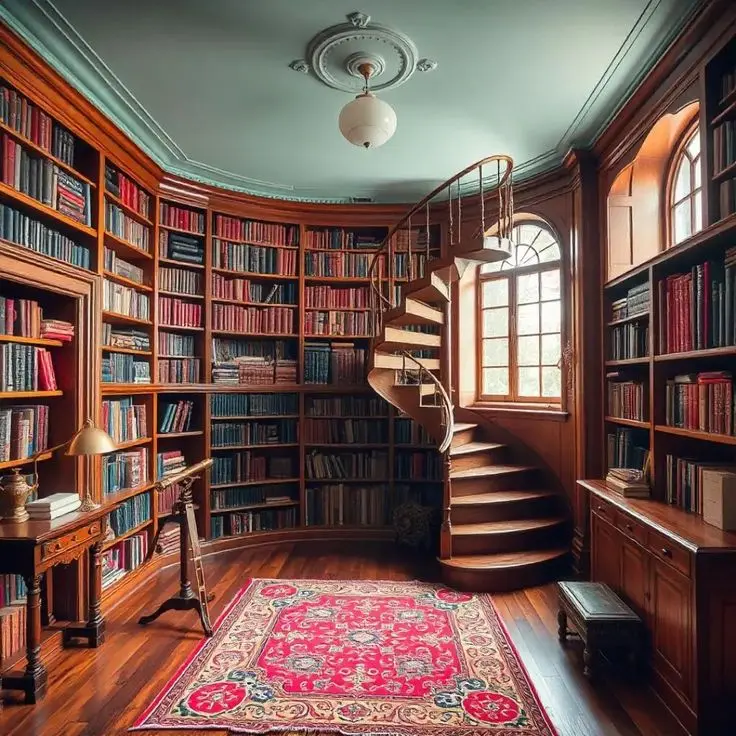
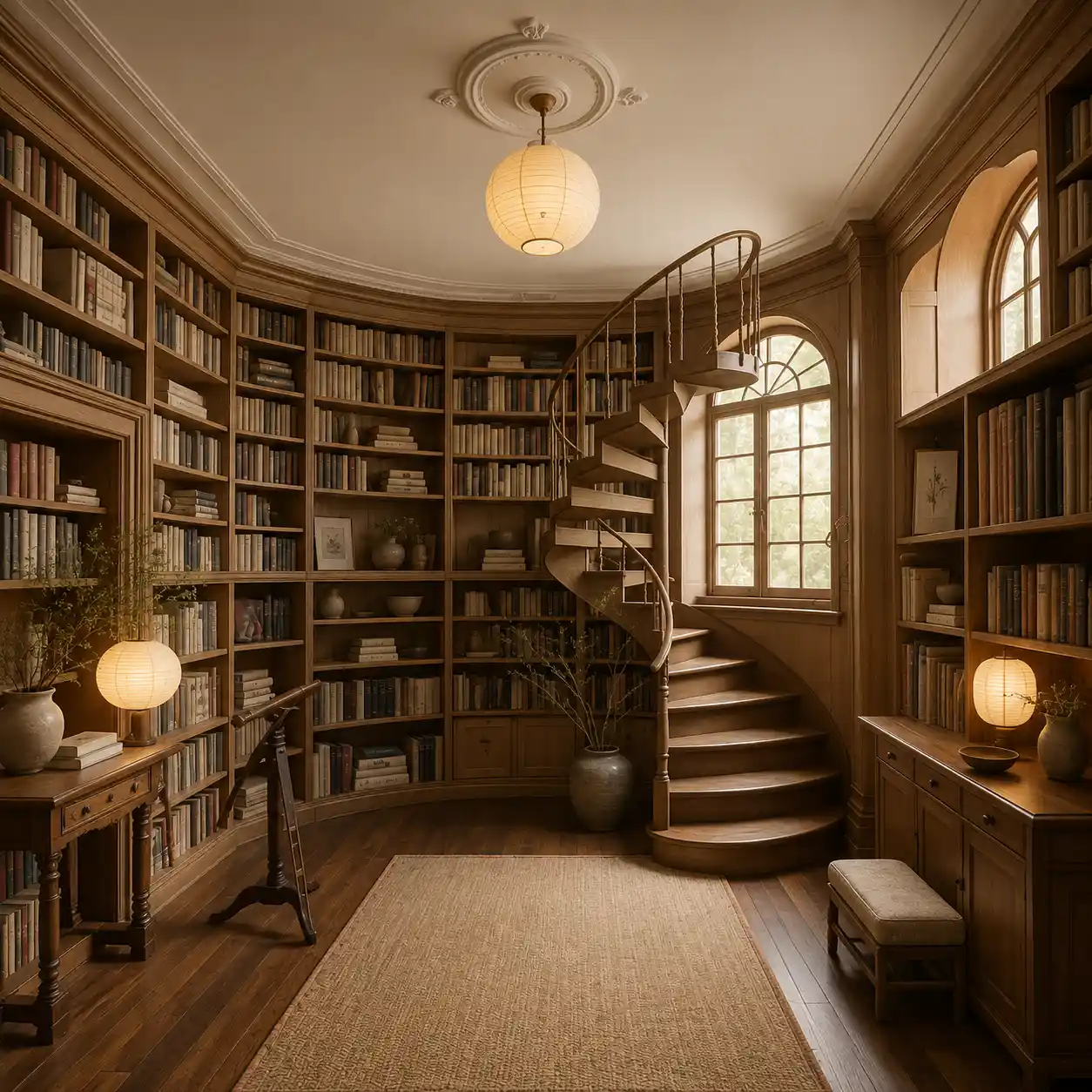
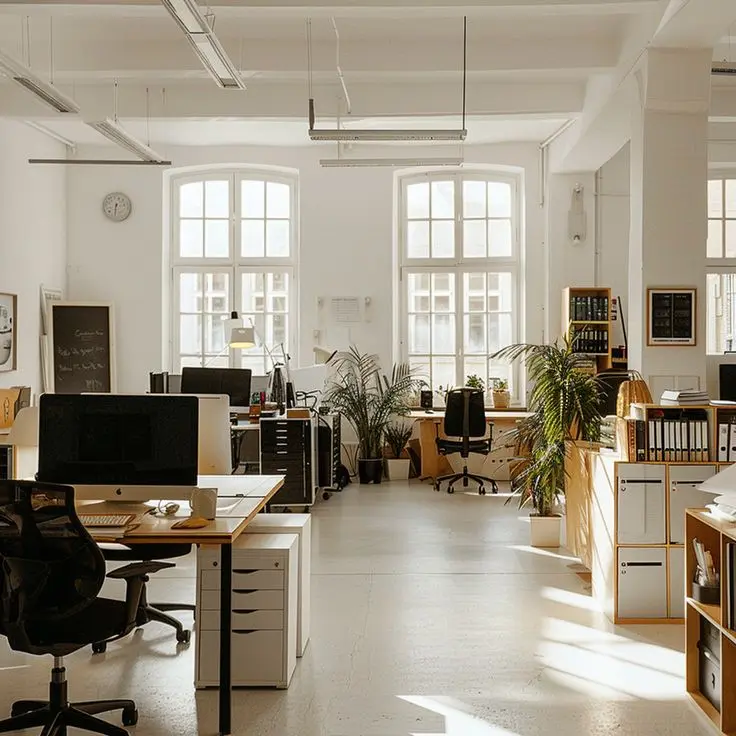
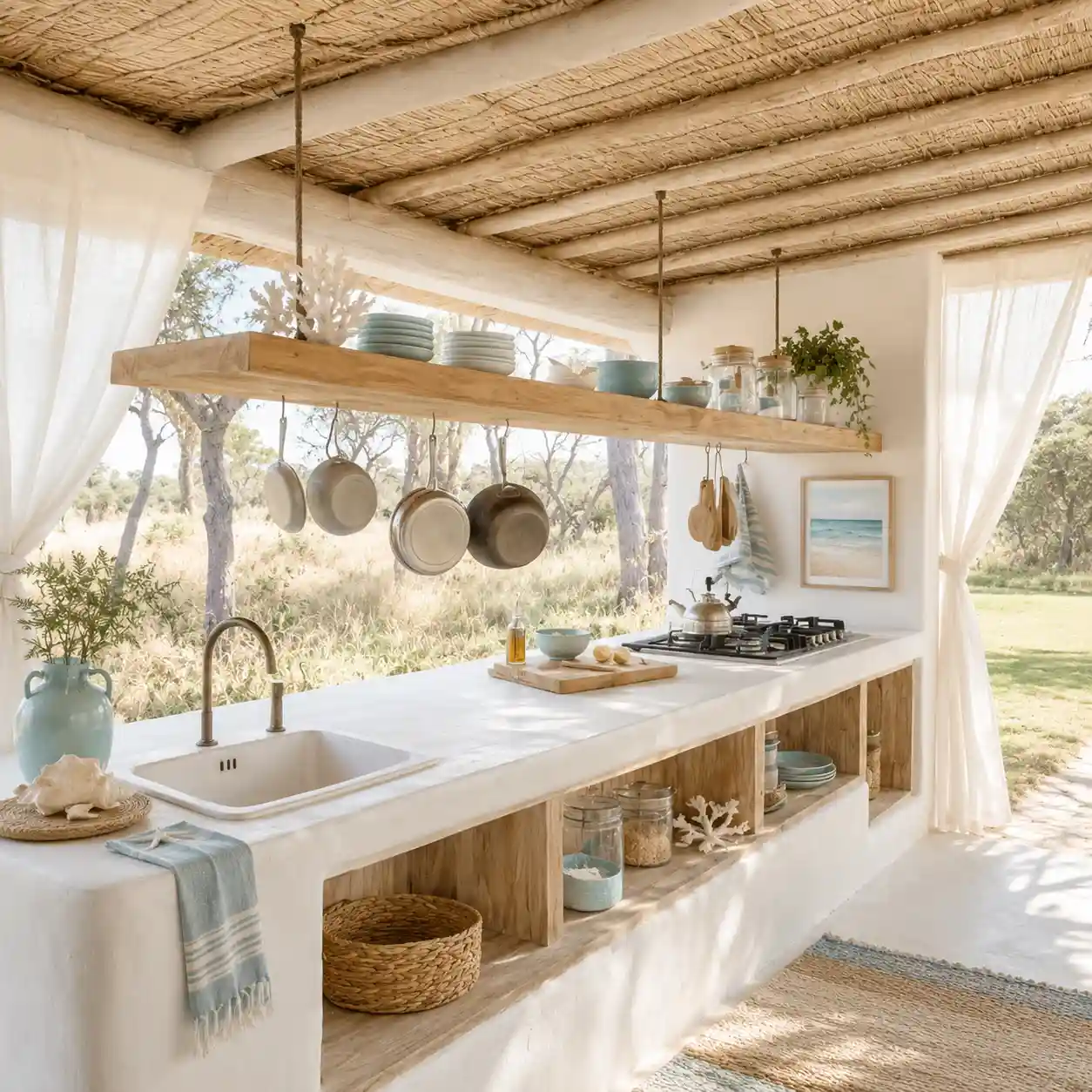
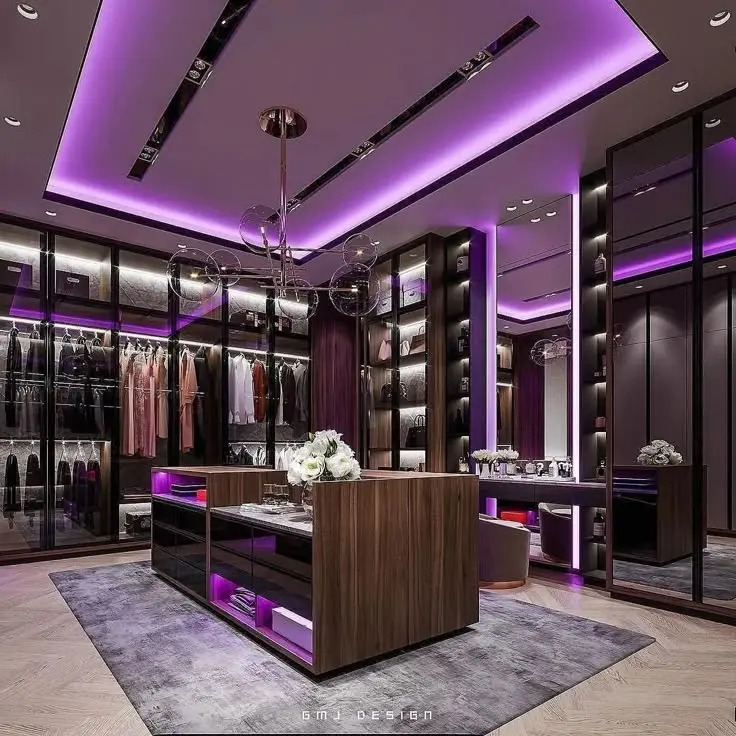
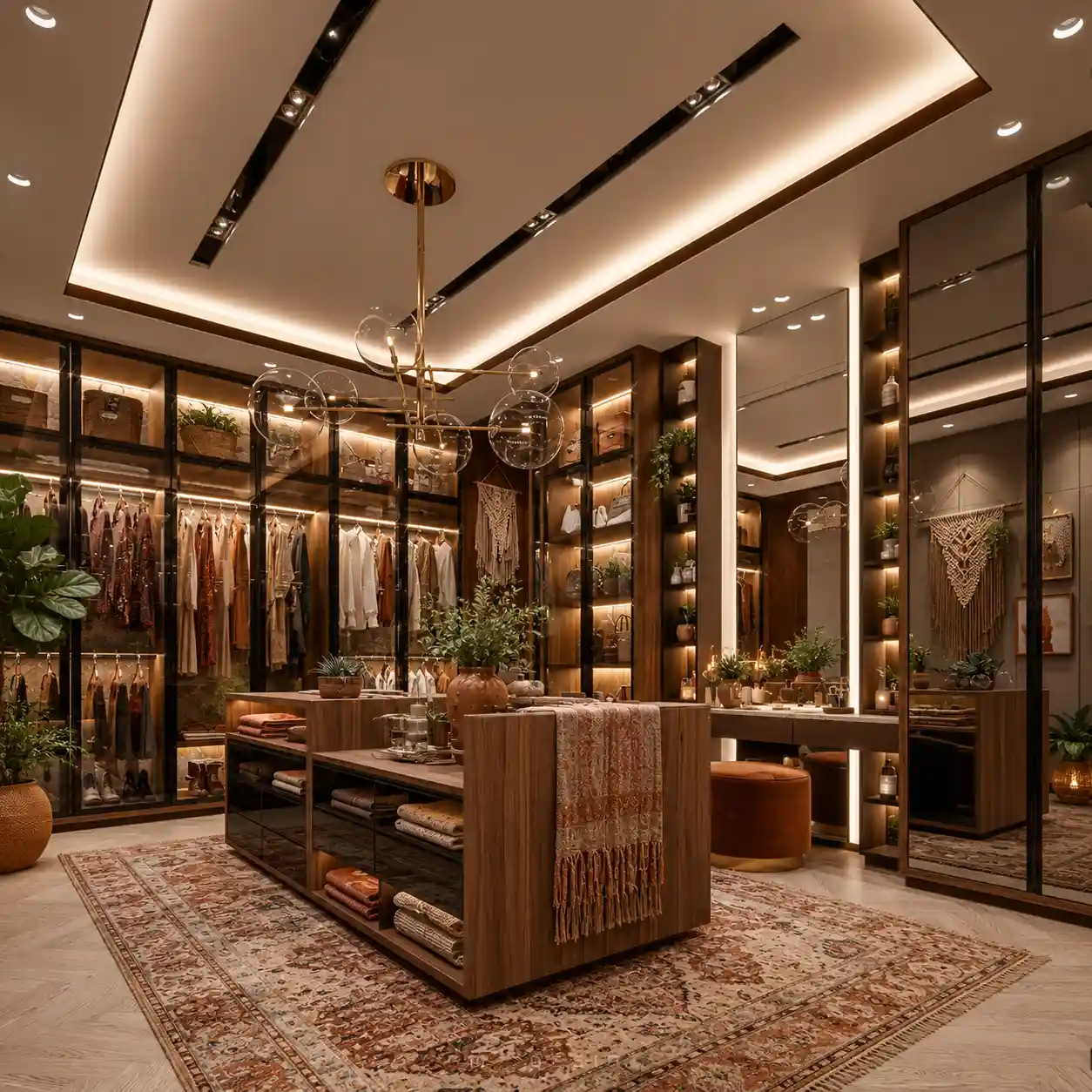
ScandinavianInter
Scandinavian Living Room
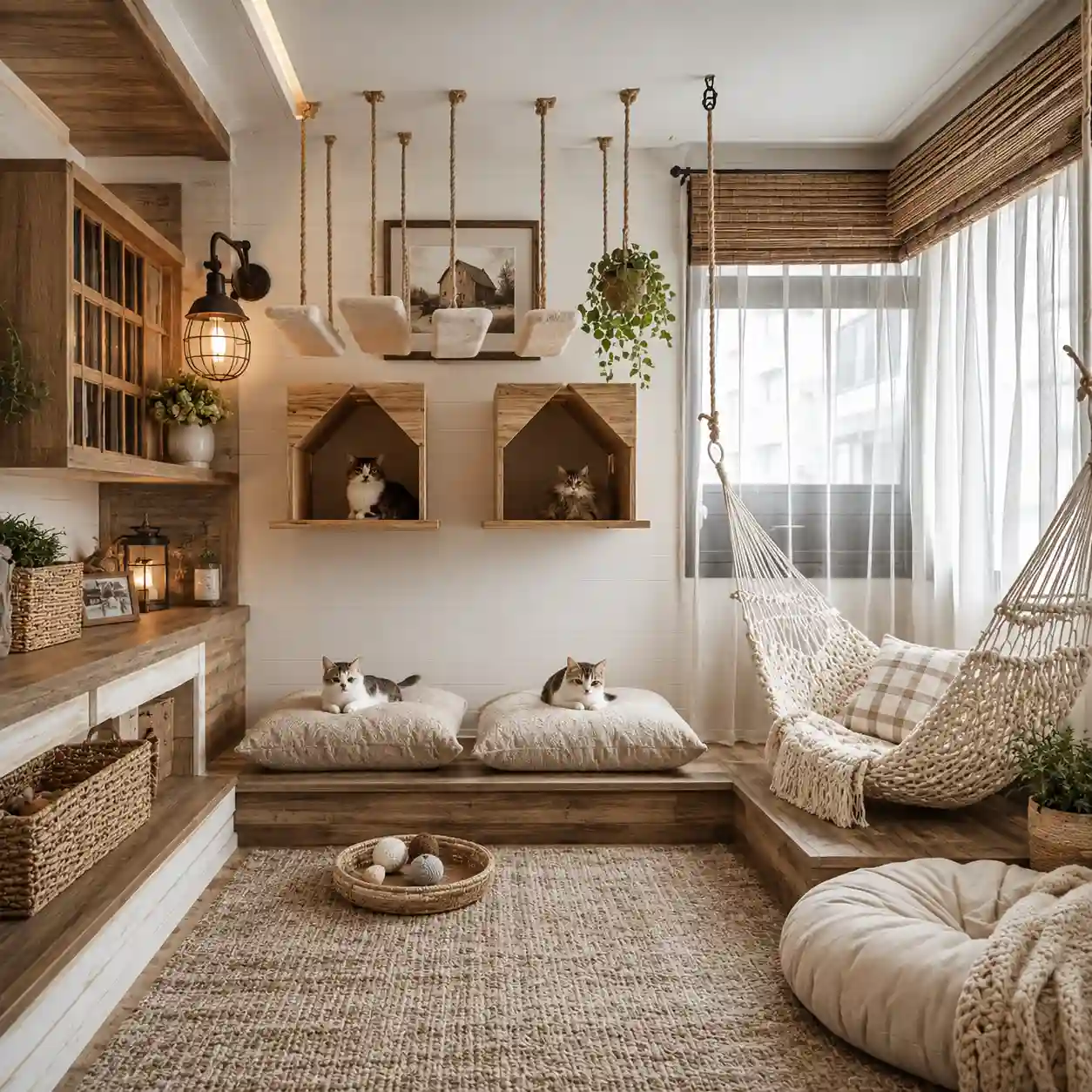
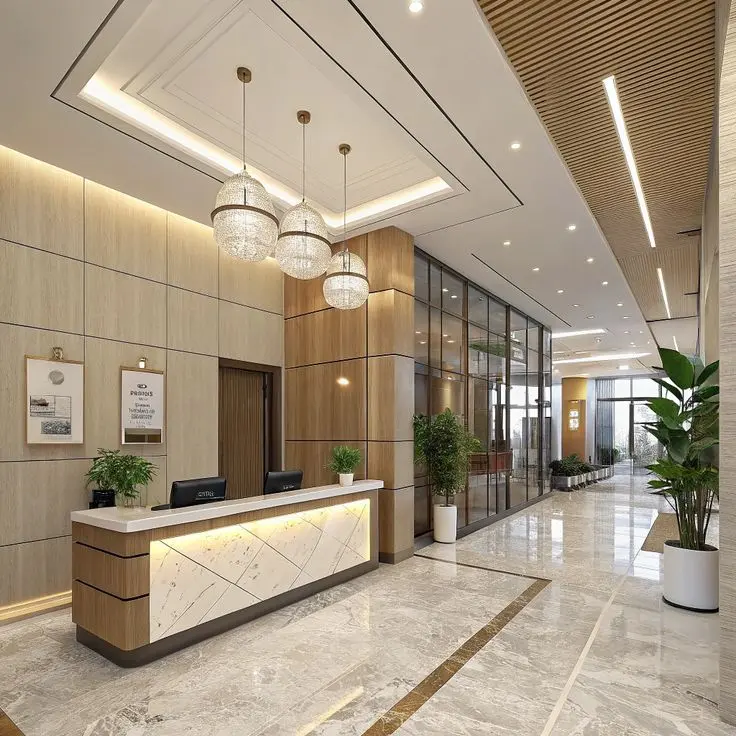
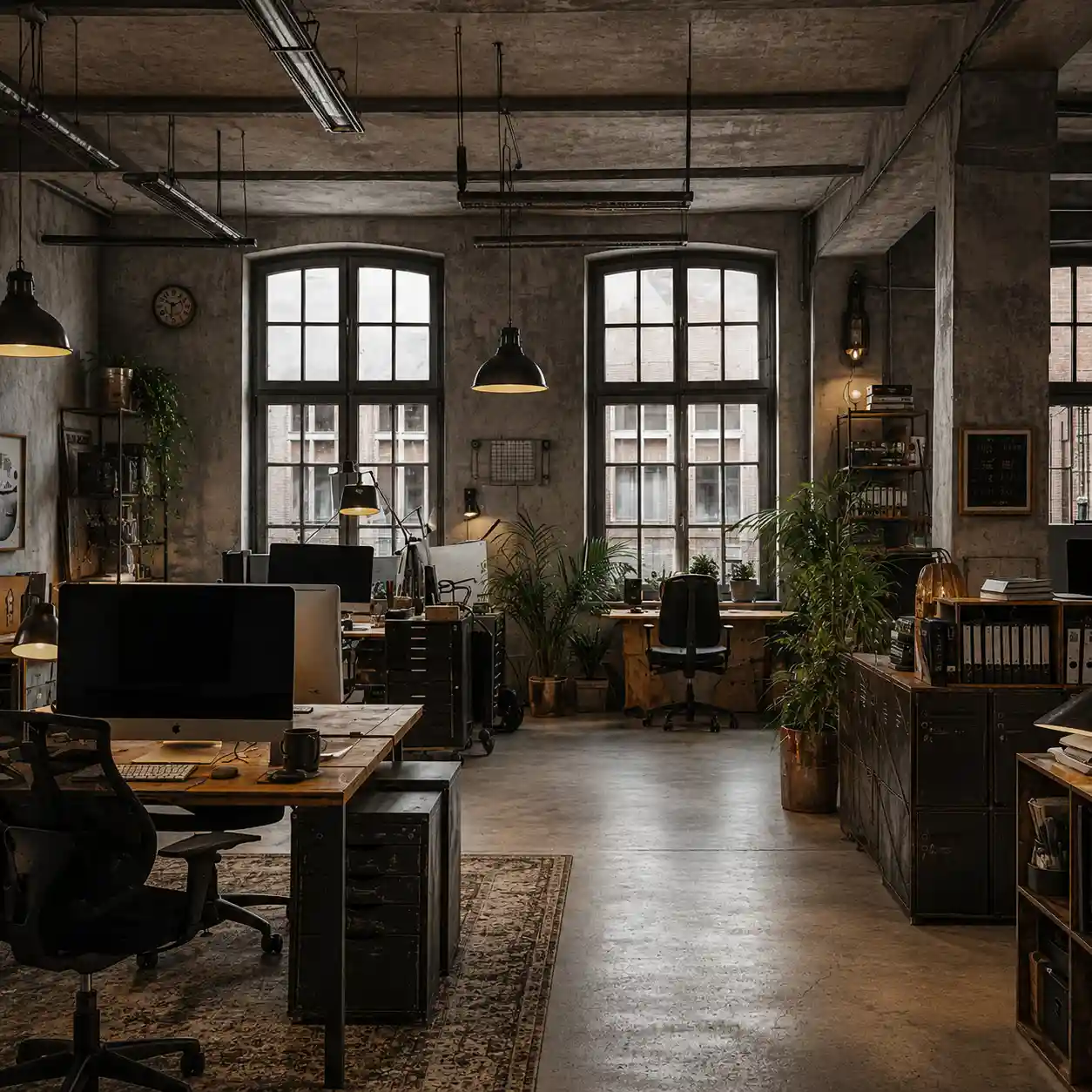
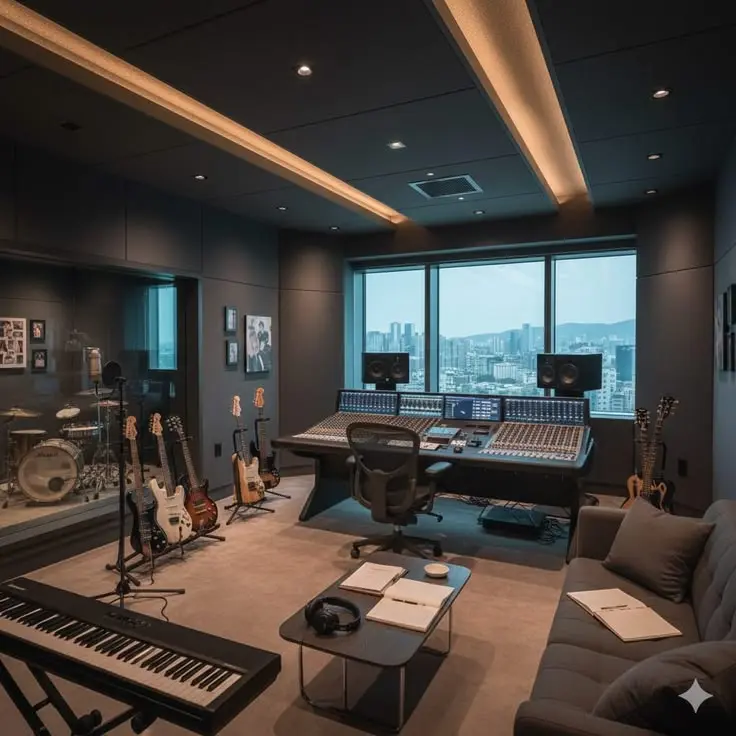
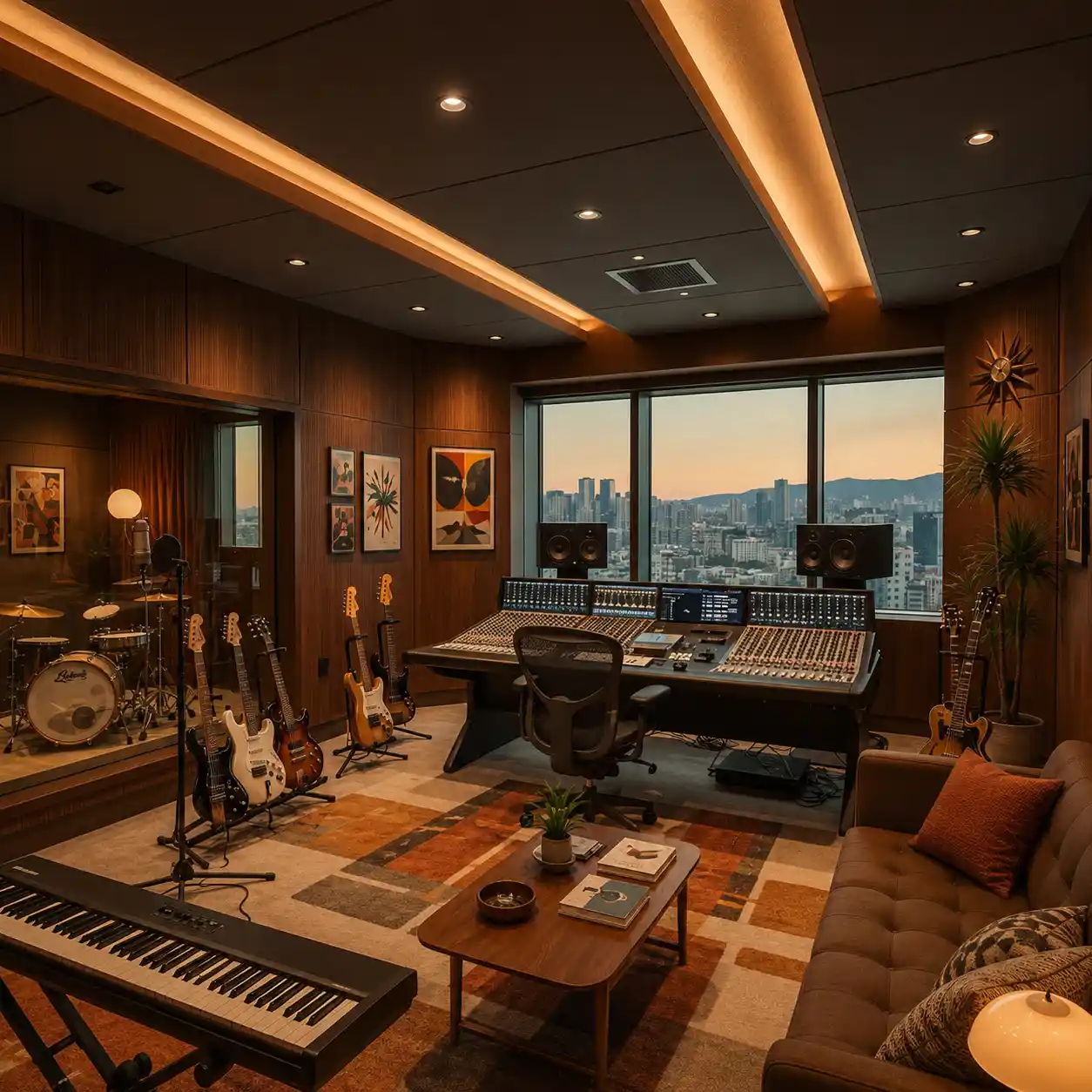
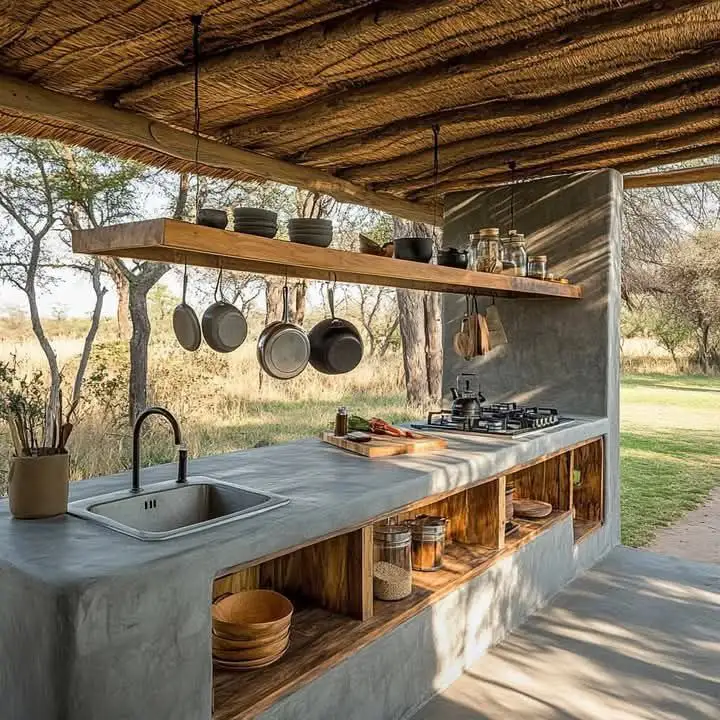
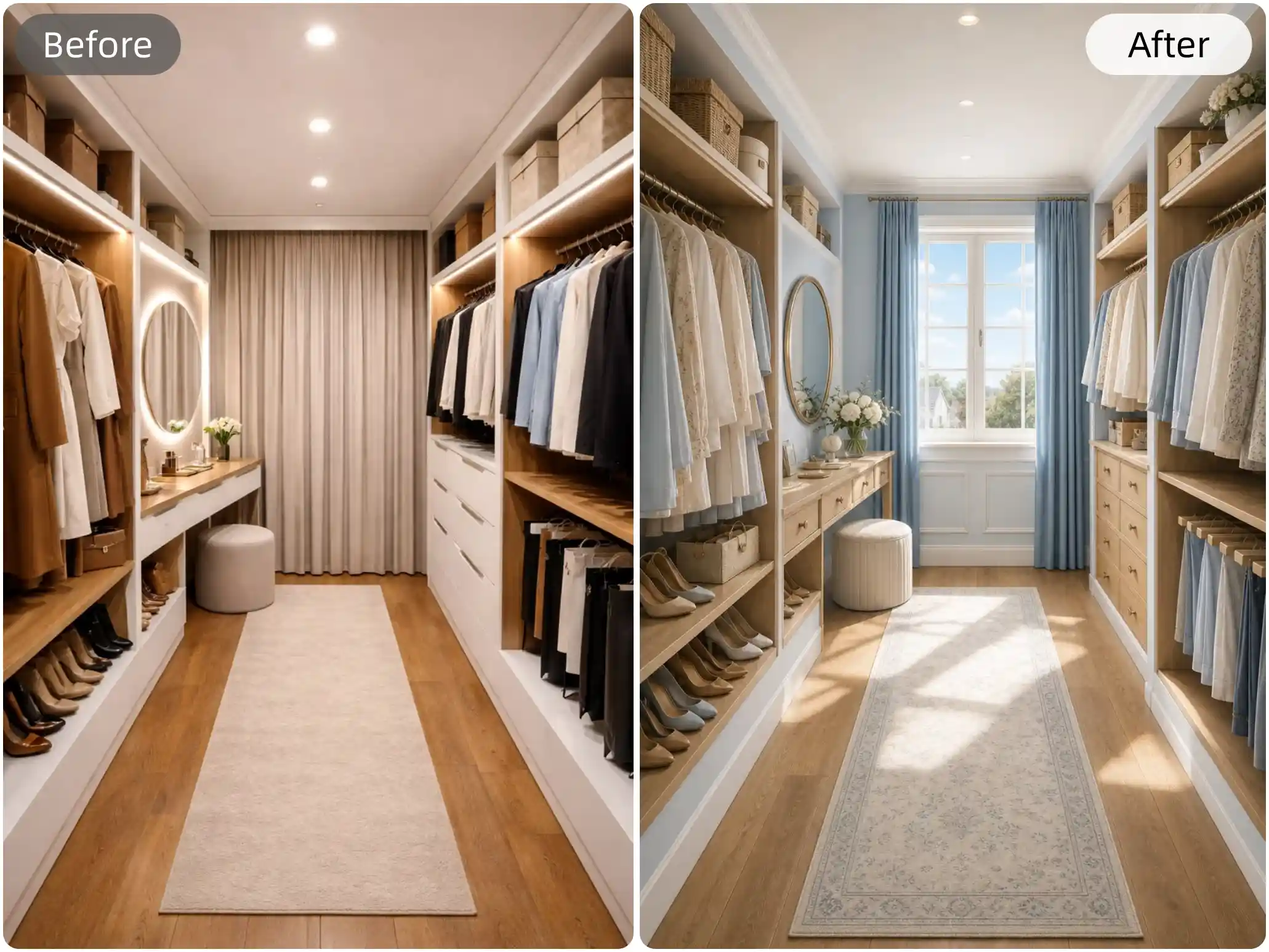
Explore AI Interior Design Examples
Browse realistic room makeovers created with AI. See how different furniture layouts, colors, and interior styles can transform your space before renovation.
Design Your Home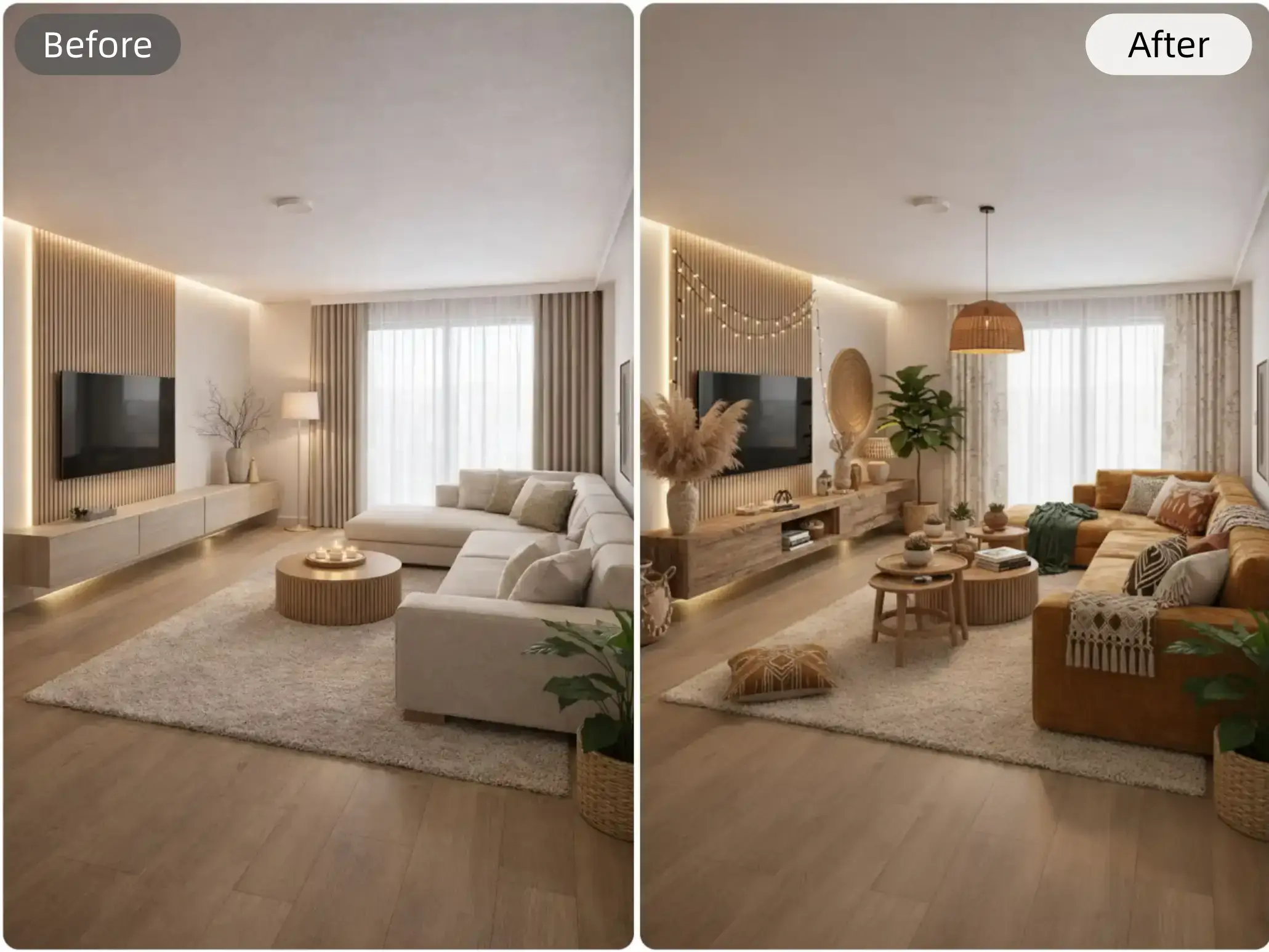
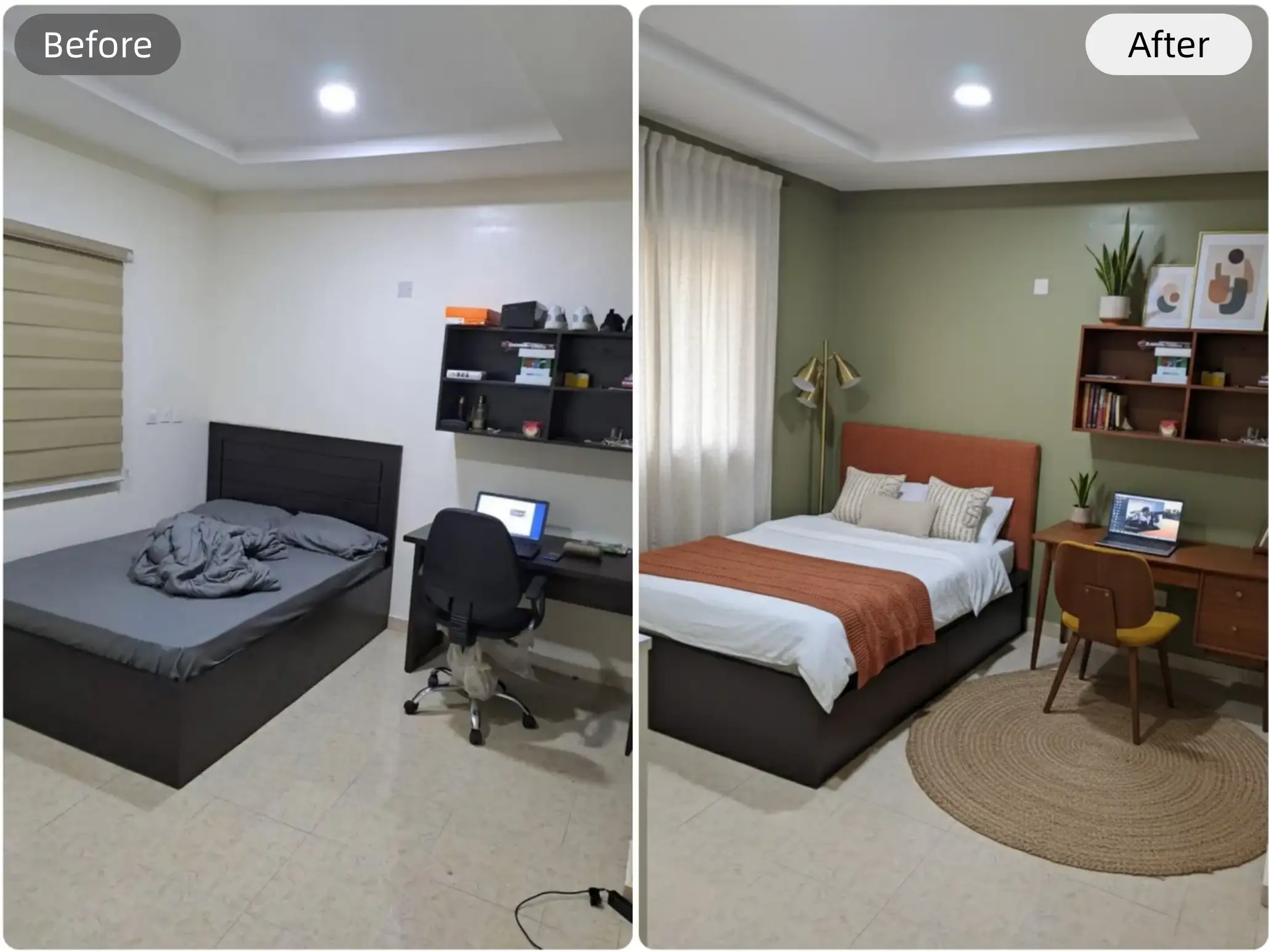
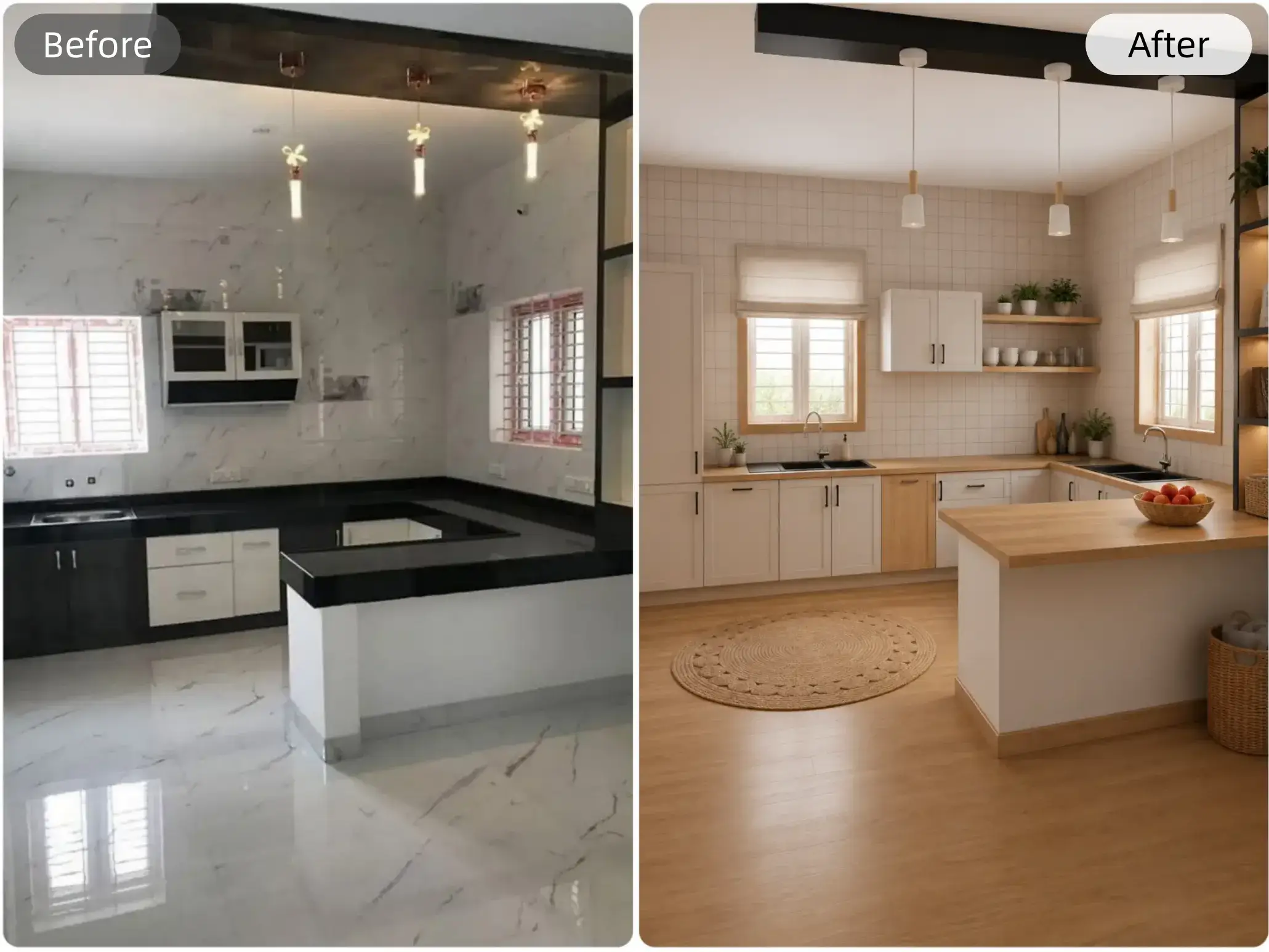
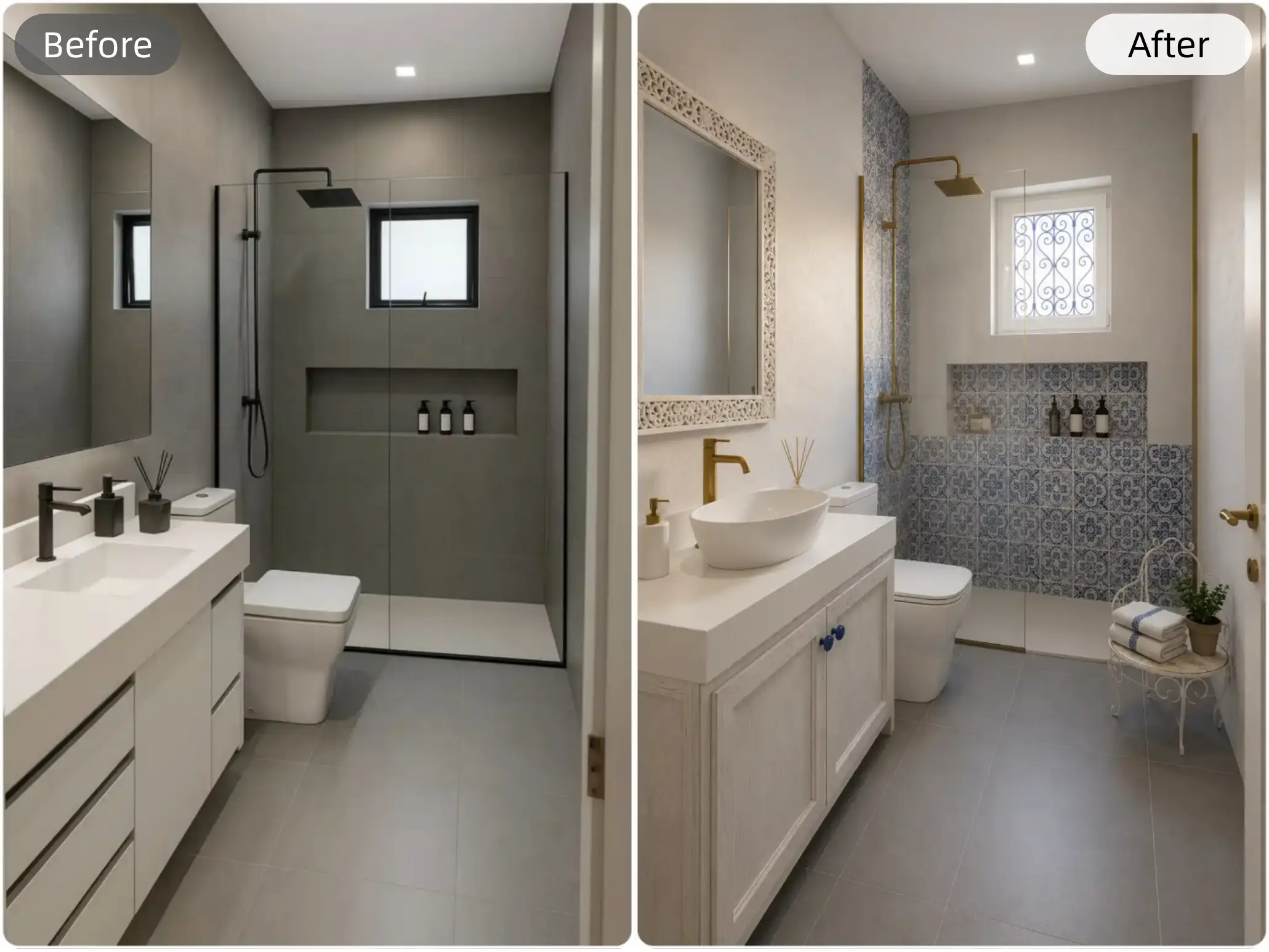
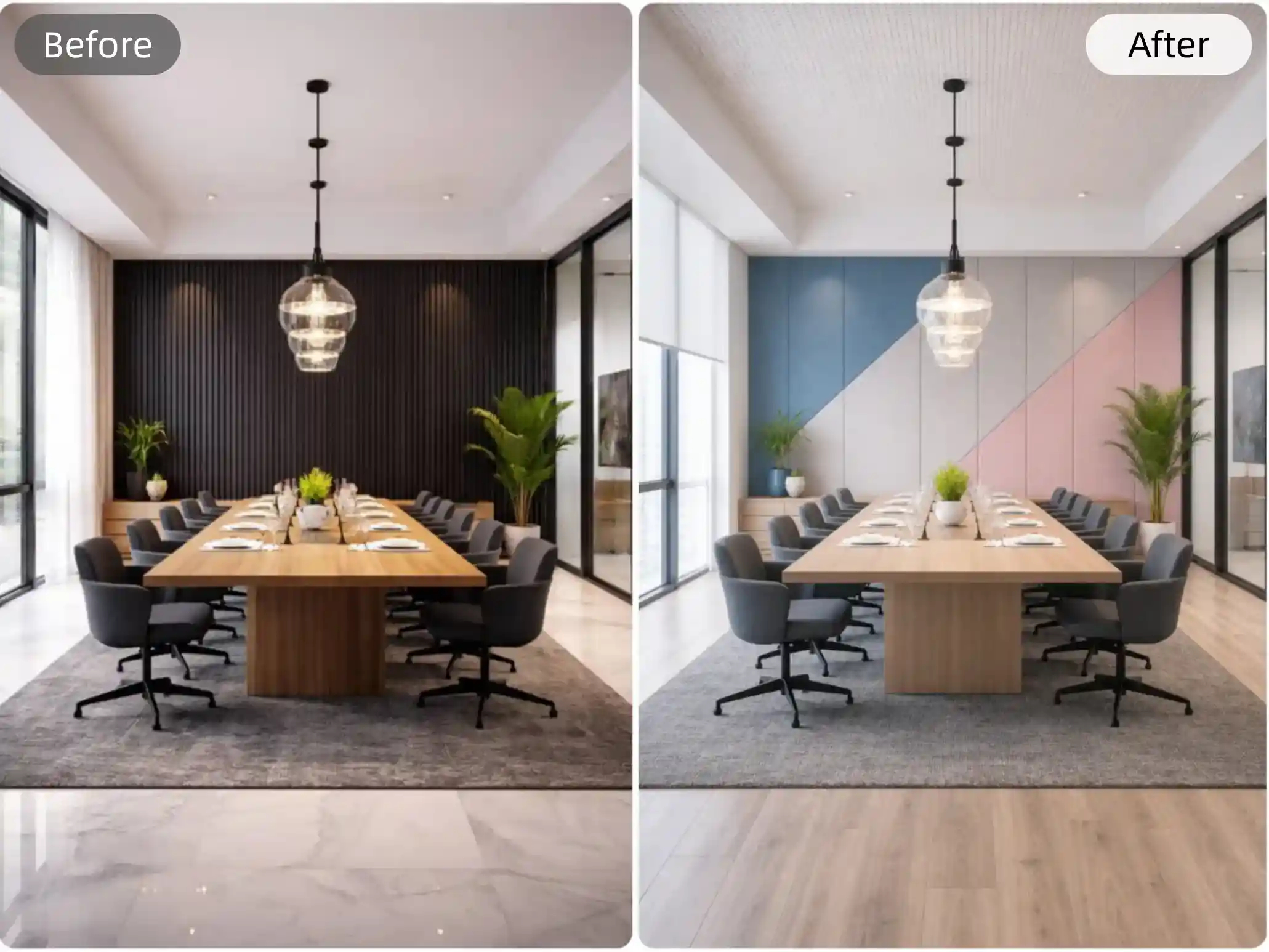
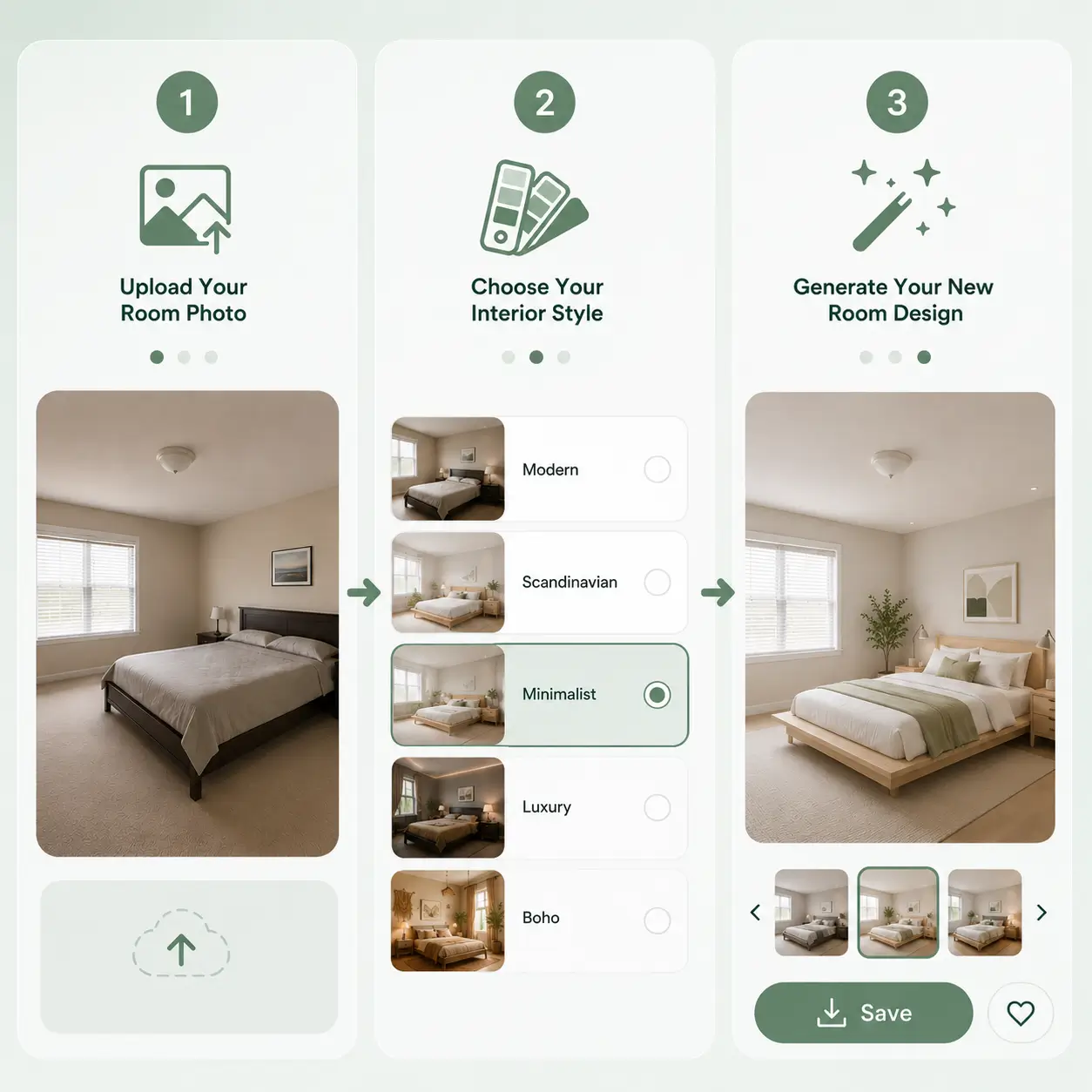
How to Use an AI Interior Design Generator
1
Upload Your Room Photo
Choose any room you want to redesign and upload a clear photo to get started.
2
Choose Your Interior Style
Pick from modern, Scandinavian, minimalist, luxury, and more design styles.
3
Generate Your New Room Design
Preview beautiful room transformations instantly and compare different interior looks.
What You Can Do with AI Interior Design
Use Interior Design AI to explore new styles, compare ideas, and visualize realistic room makeovers before renovating.
Keep Your Existing Layout While Refreshing the Style
Your room already has a structure that works. Instead of changing walls, windows, doors, or floor plans, our AI Interior Design tool helps you explore styles that naturally fit your existing layout. Upload a room photo and instantly see how furniture, colors, lighting, and décor can transform the atmosphere without making the space feel unrealistic. It is a smarter way to redesign interiors while keeping what already makes your home functional.
Try Room Redesigns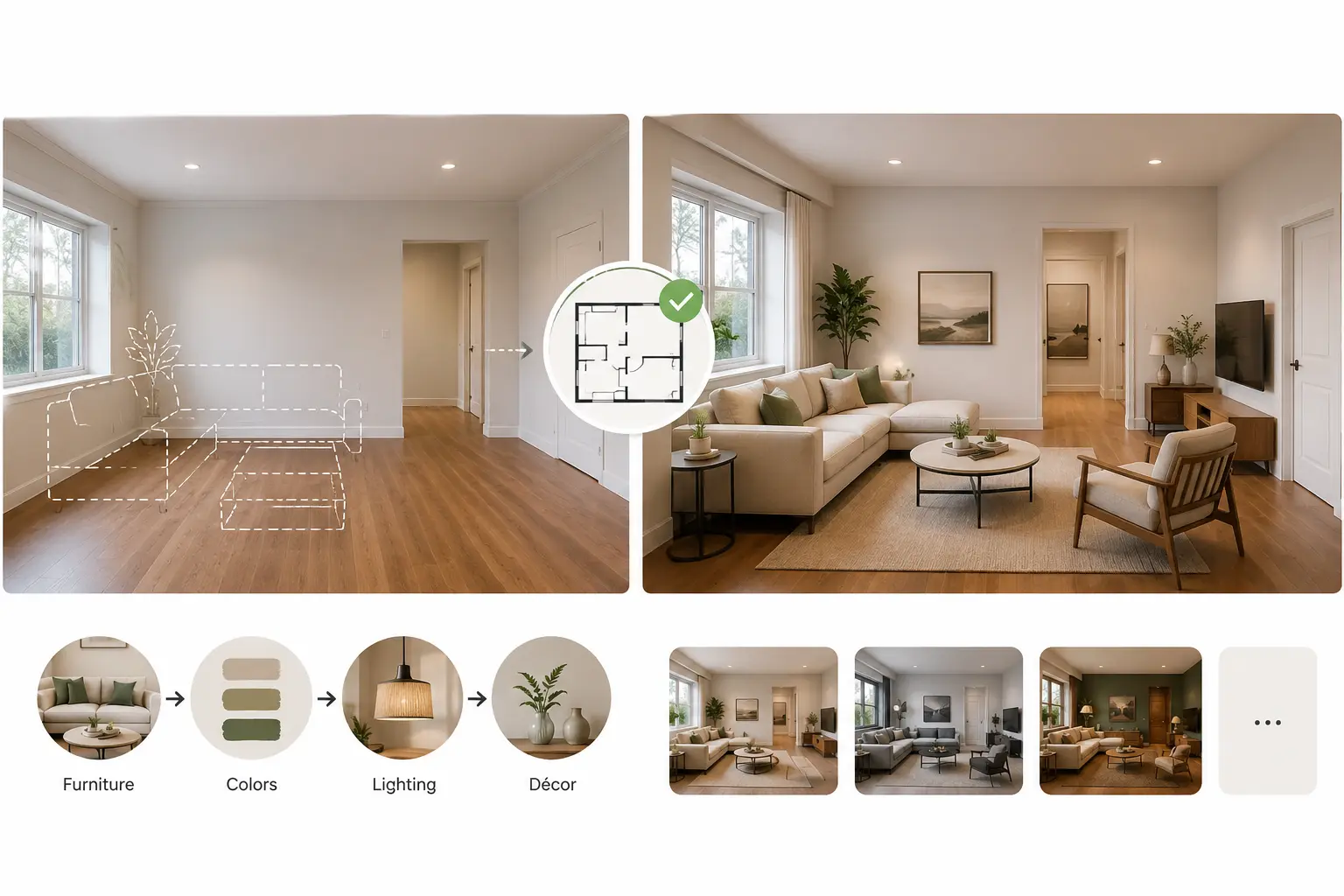
Compare Design Ideas and Decide Much Faster
Choosing a room style often takes time, endless inspiration browsing, and uncertainty about what will actually work. Instead of guessing, instantly compare different interior directions and validate ideas in seconds. Whether you are a homeowner planning updates, an interior designer testing concepts, or a real estate agent presenting possibilities to clients, visual previews make decisions clearer, faster, and far easier to communicate.
Explore Design Ideas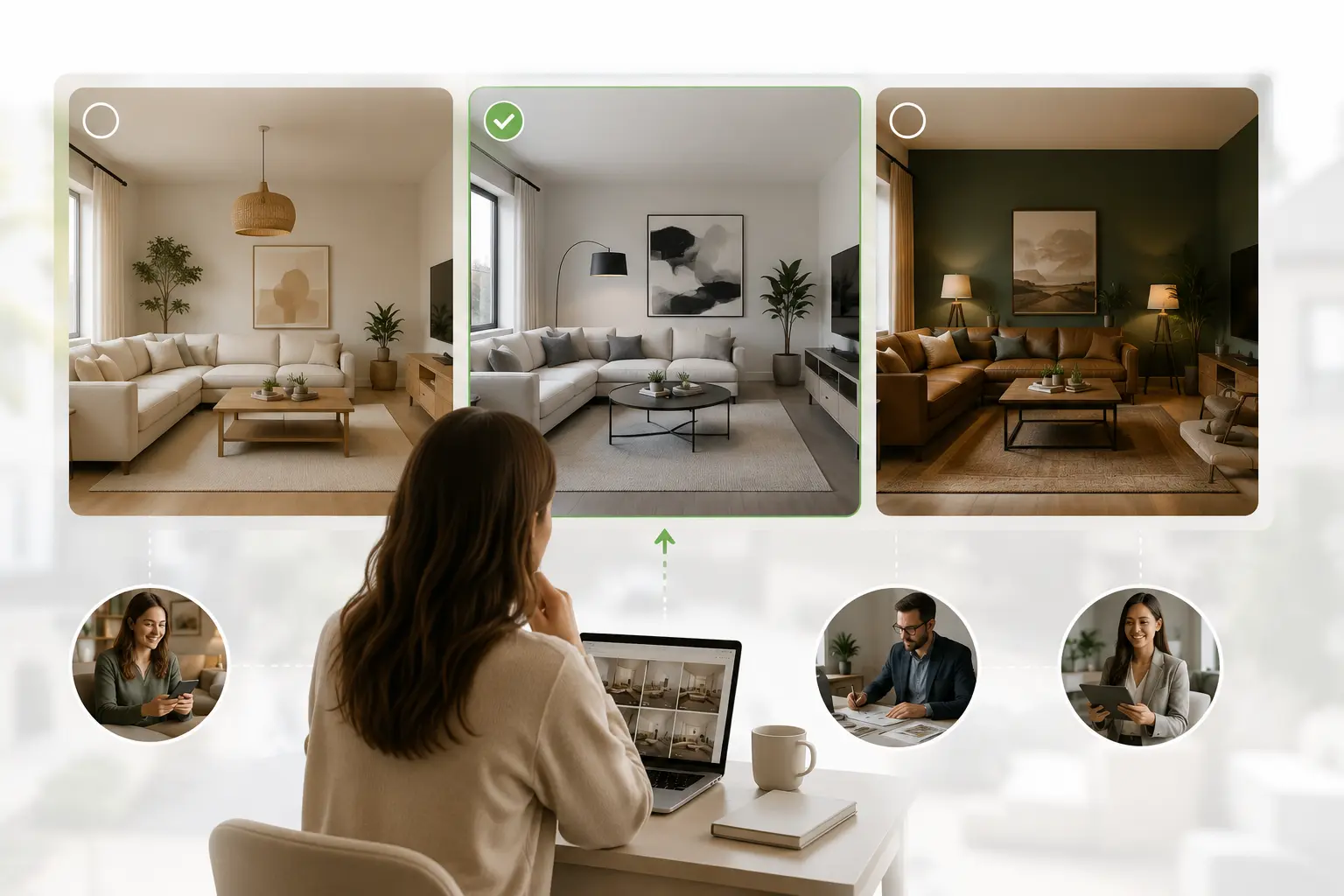
Preview Room Changes Before Spending Real Money
Furniture purchases, paint choices, renovations, and designer fees can become expensive very quickly—especially when results are uncertain. Floor Plan Maker's free AI Interior Design helps you preview room transformations before committing to costly decisions. Experiment with different aesthetics and decorating directions first, helping you avoid expensive mistakes and spend with greater confidence instead of relying on imagination alone.
Preview Before Renovating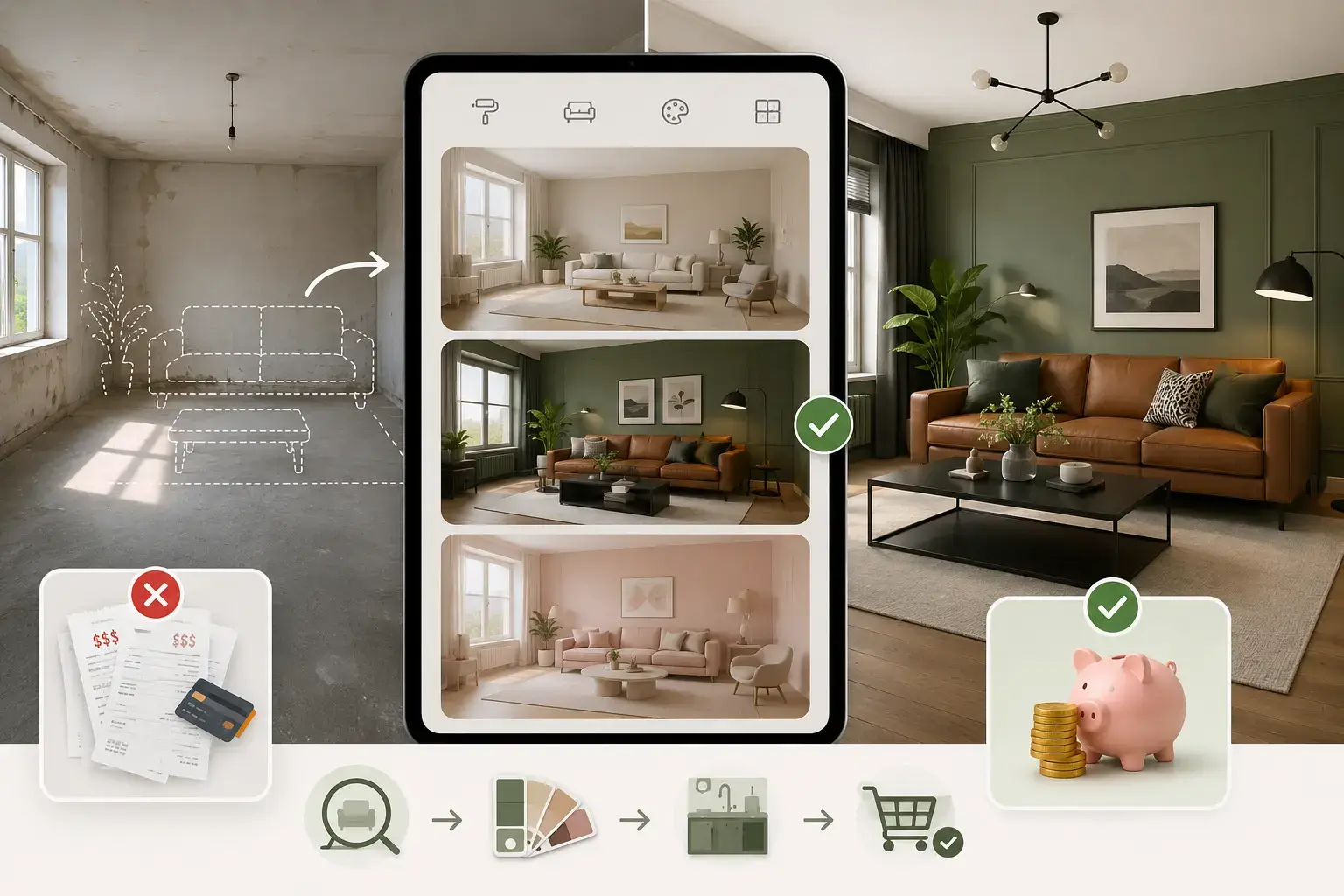
Transform Everyday Spaces Into Something Completely New
Sometimes a room does not need a major renovation—it simply needs a fresh perspective. From living rooms and bedrooms to kitchens, bathrooms, apartments, and rental spaces, instantly explore interior styles that make familiar spaces feel brand new. Whether you prefer minimalist comfort, Scandinavian warmth, luxury details, or modern simplicity, one photo is enough to imagine a completely refreshed home.
Start Redesigning Now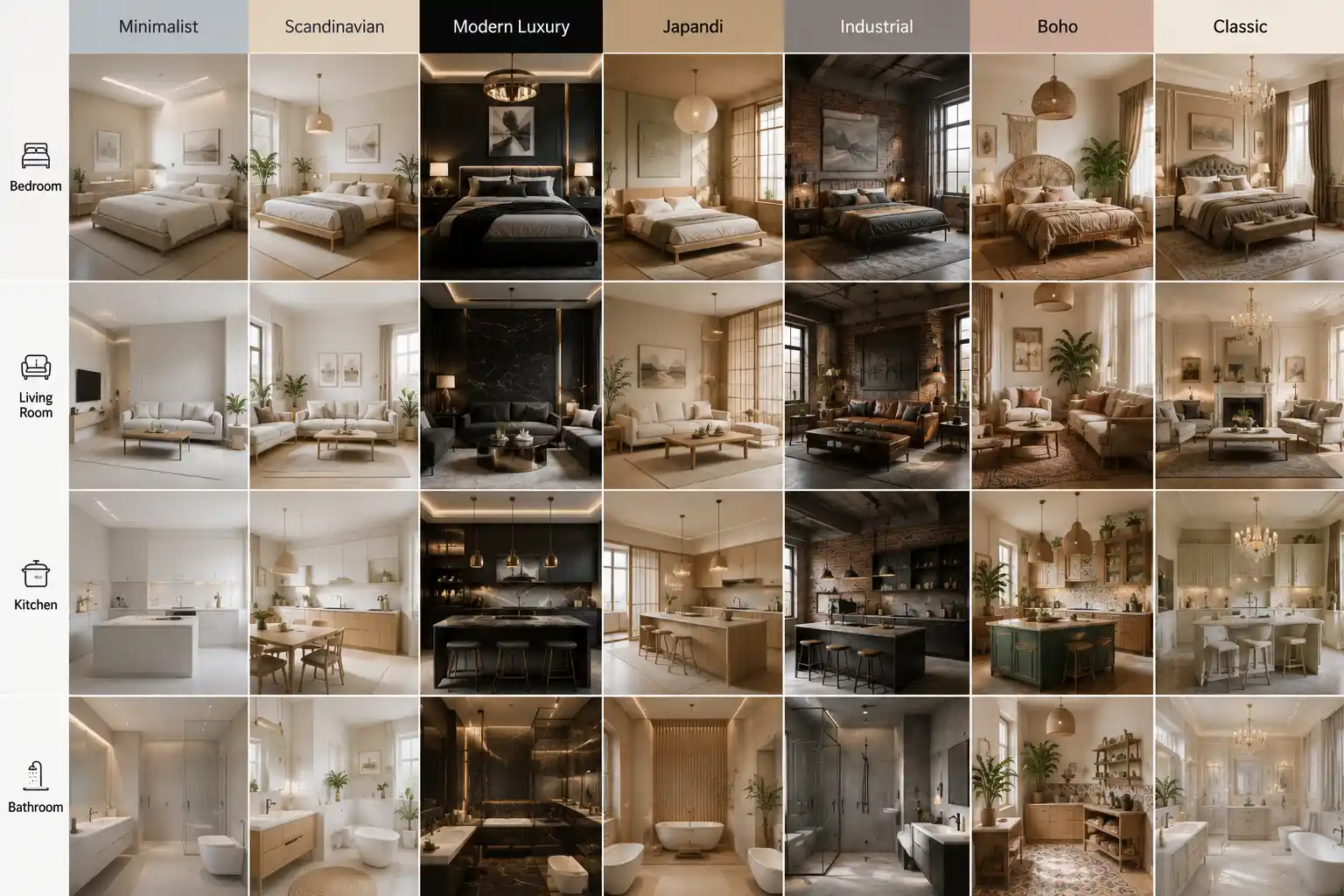
How AI Interior Design Helps Different Users
I was struggling to decide between Scandinavian and modern styles for my living room. Seeing both versions instantly helped me make a decision before buying furniture.
Explore Other Related Tools
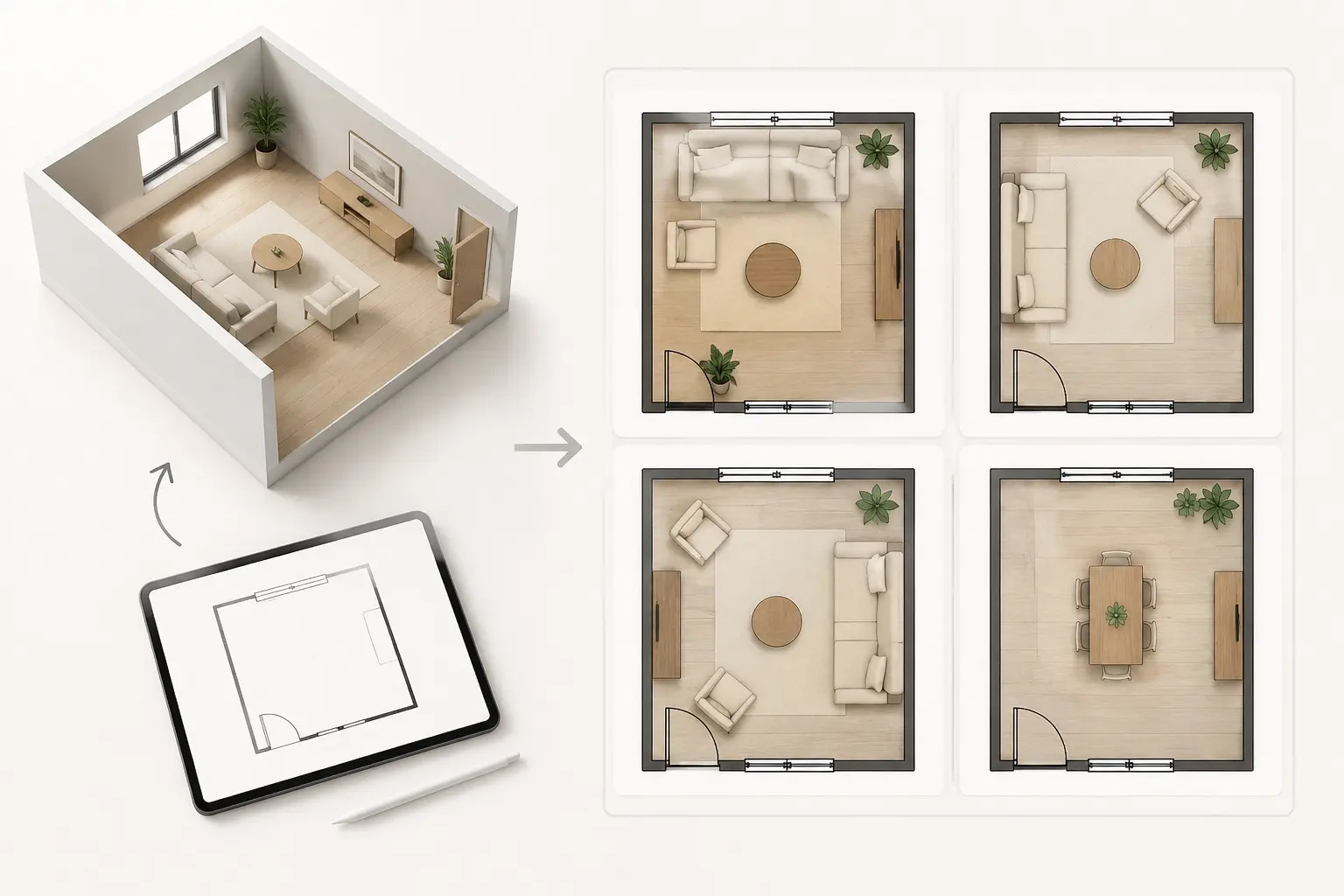
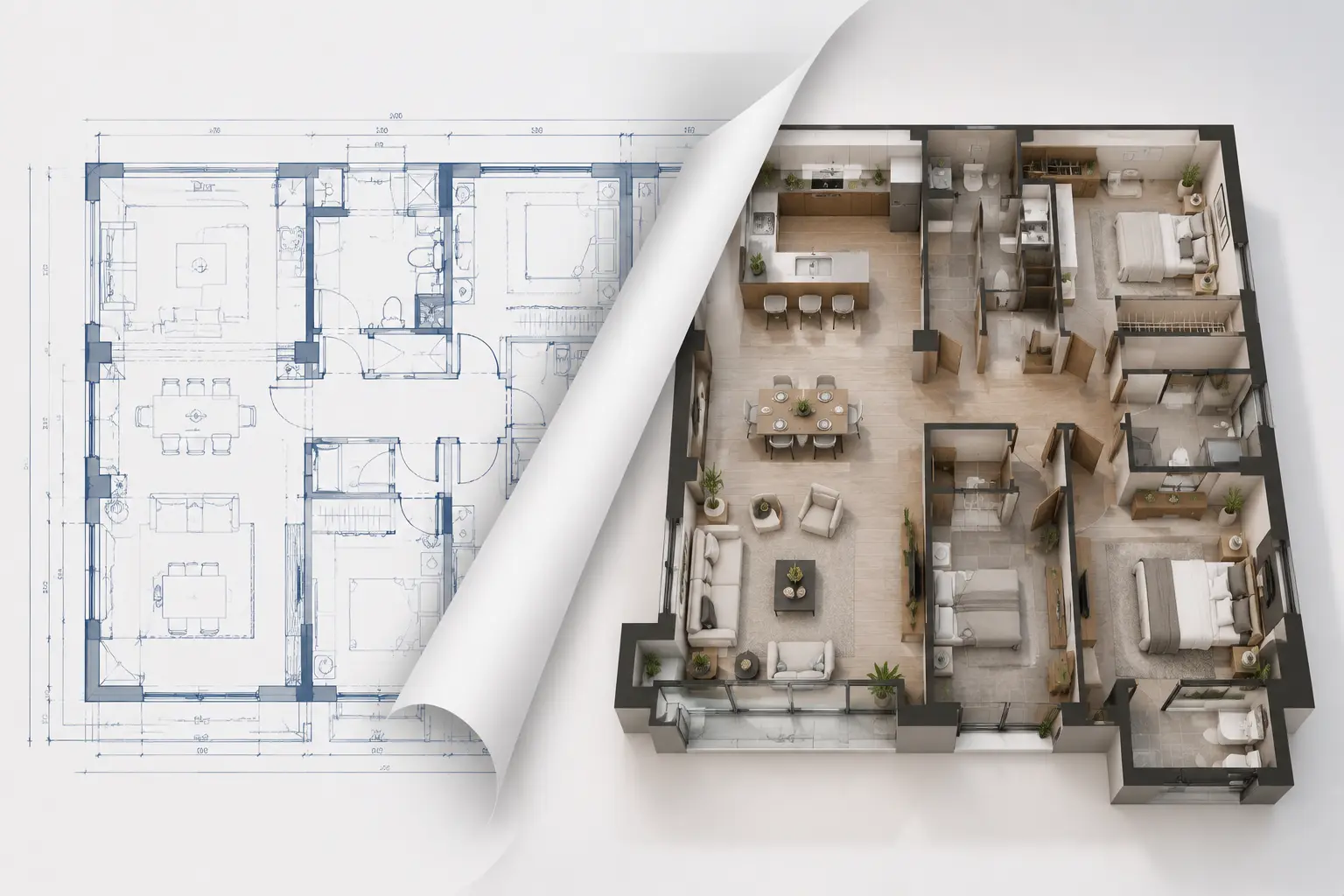
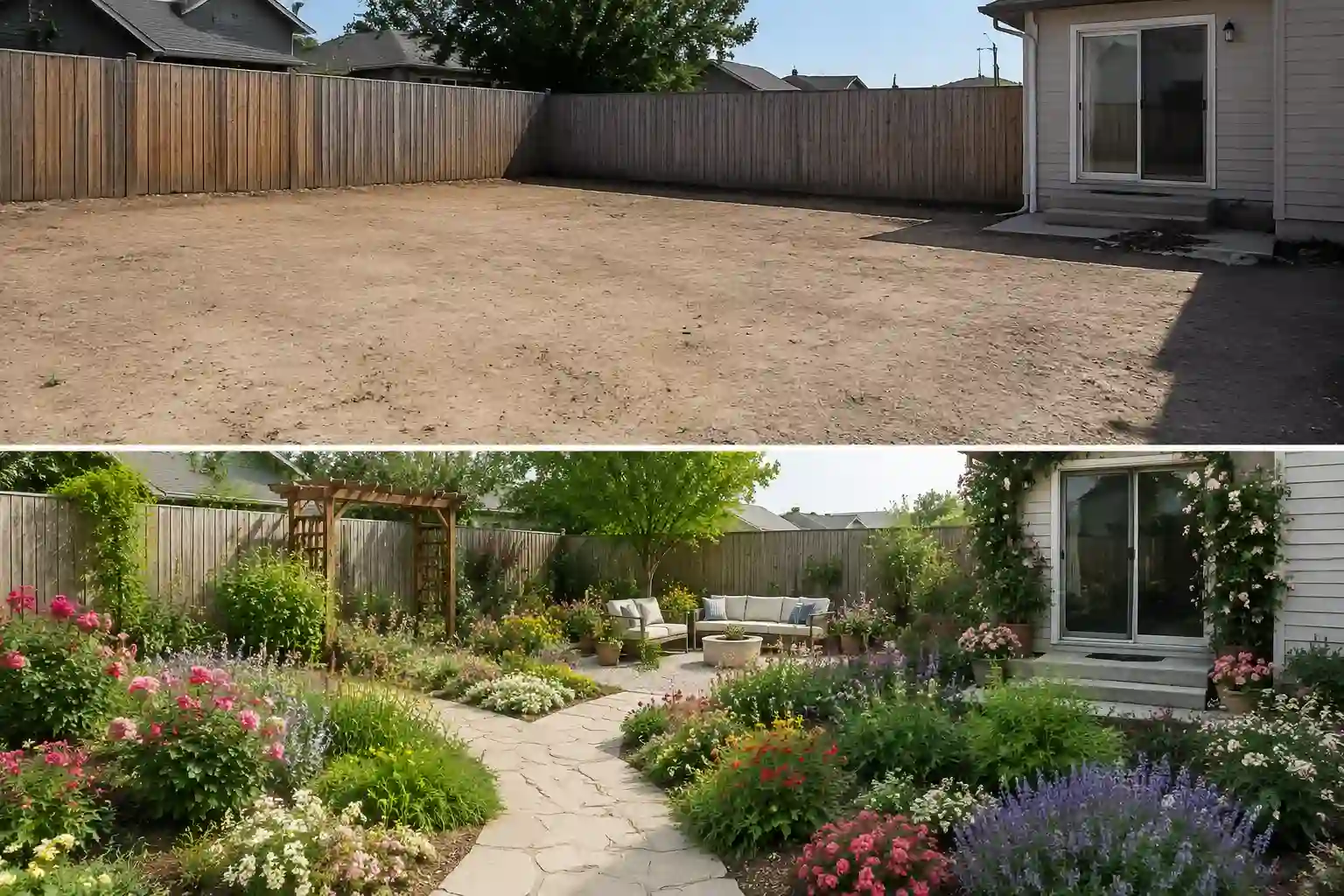
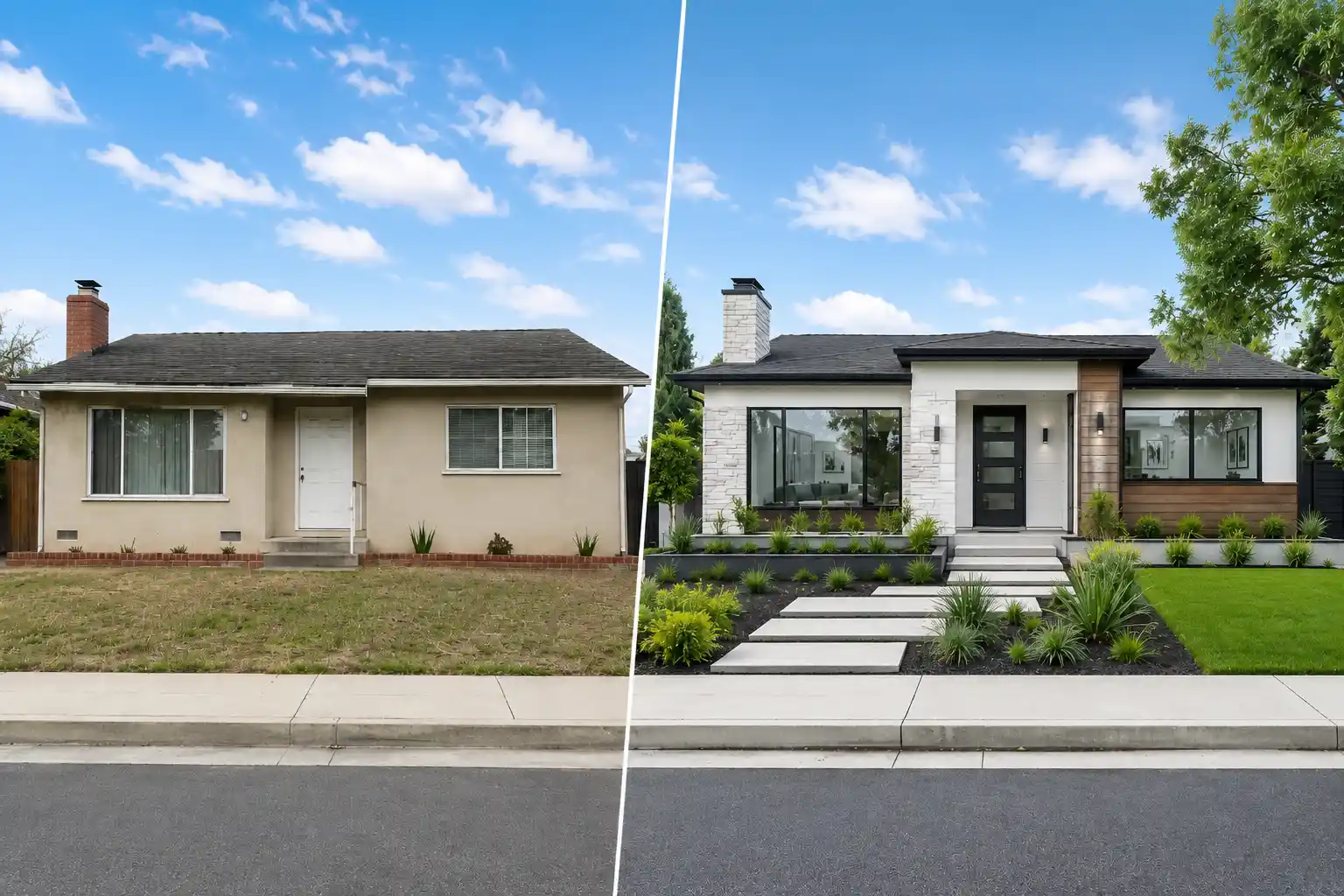
Ready to Redesign Your Space in a New Style?
Upload a room photo and instantly explore beautiful interior styles before spending money on furniture, renovations, or design services.
✅ Free Room Redesigns
✅ No Sign-Up Needed
✅ No Watermarks
FAQ About AI Interior Design
Have questions about AI Interior Design? Here are some quick answers.
What Is AI Interior Design?
AI Interior Design helps you see how a room could look in a different style before making real changes. Upload a photo of your space, pick a design style, and get a redesigned version in seconds—whether you want a cozy bedroom, modern kitchen, or a completely refreshed living room.
How Long Does It Take to Generate Results?
Most room redesigns take around 5–15 seconds. Upload a photo, choose a style, and your redesigned room is usually ready almost instantly.
What Will Change in My Room Design?
Depending on the style you choose, the AI may update furniture, colors, materials, décor, lighting, and the overall mood of the space. The room structure usually stays recognizable, so the result still feels realistic to your layout
Can I Use These Designs for Real Renovation Ideas?
Yes—many people use the results as inspiration before redecorating or renovating. It is a practical way to compare styles, test ideas, and avoid spending money on choices you may regret later. Think of it as a smart visual reference before making real decisions.
Can I Use AI Interior Design on My Phone?
Definitely. Just open this page on your phone, take a room photo (or upload one from your gallery), and get redesigned interior ideas in seconds. It works especially well when you want to quickly test different looks while standing in the actual space.
Is My Data Safe and Can I Use Results Commercially?
Your uploaded images are processed securely and are not publicly shared. Generated designs can be used for personal projects, inspiration, and planning. For commercial use, please review our usage terms.