
Yes. Once you've created your layout with our AI Room Floor Plan Maker, you can download it as a high-resolution image or export it as a scalable vector file. It's easy to print, share with your contractor, or import into professional design software.
Free AI Room Floor Plan Maker Online
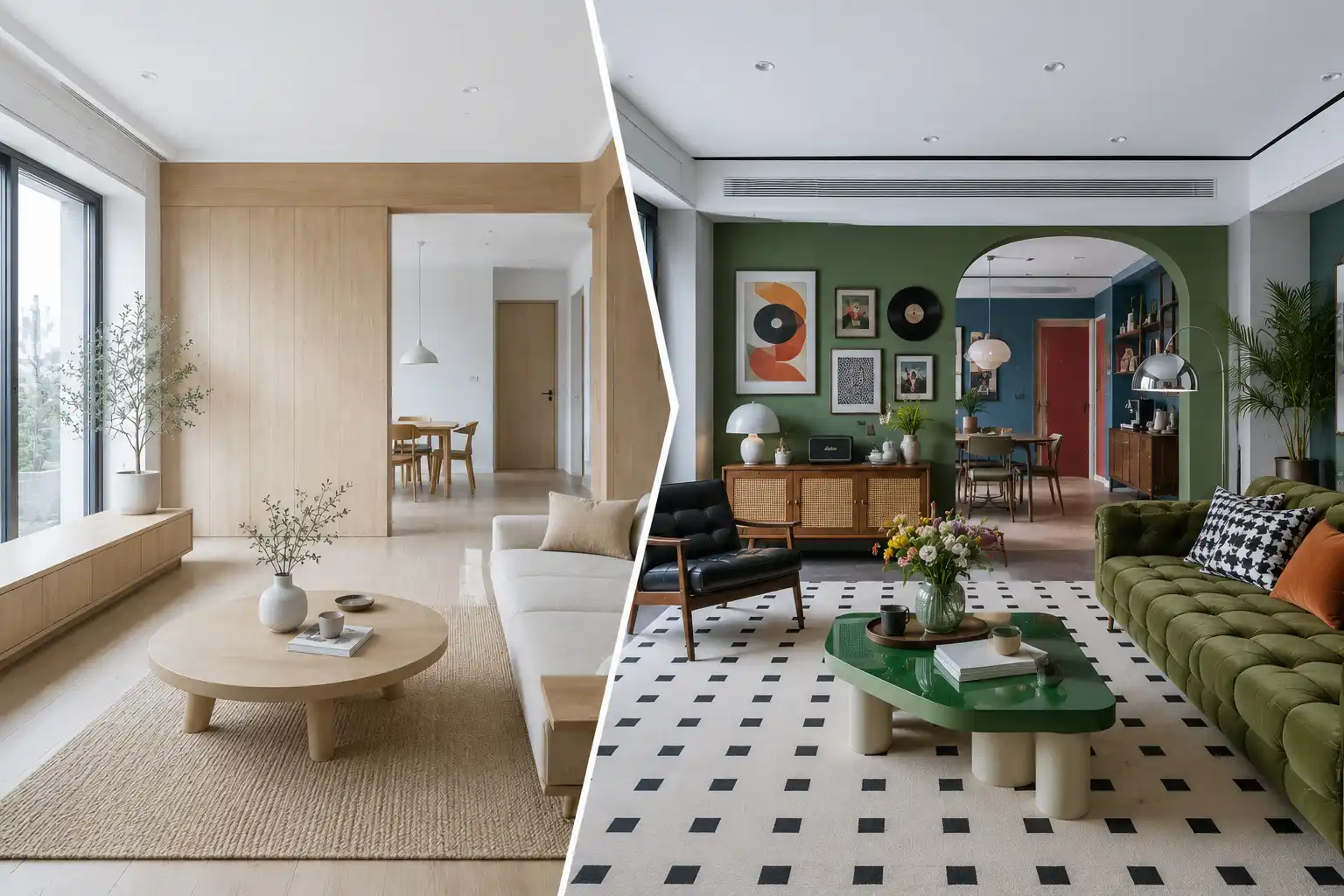
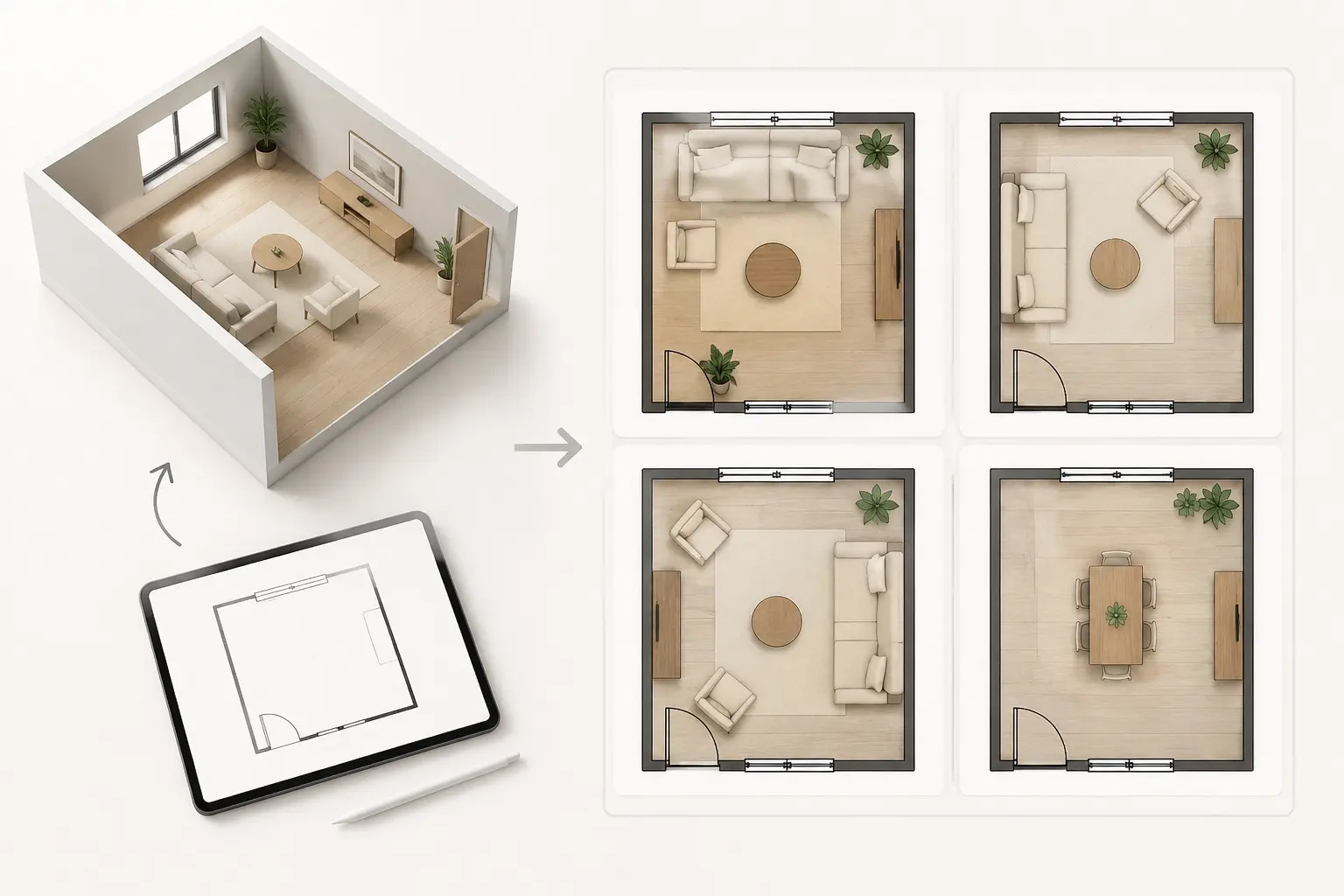
Use our Room Floor Plan Maker to create customized layouts for any room. Simply choose a room type, adjust the style to match your space, and generate an accurate floor plan in seconds.
Design Any Room with the Perfect Layout
Room Type
Bedroom
Bed Size
Twin (39" × 75")
Additional Features
Total Area
LENGTH
×
WIDTH
Output Style
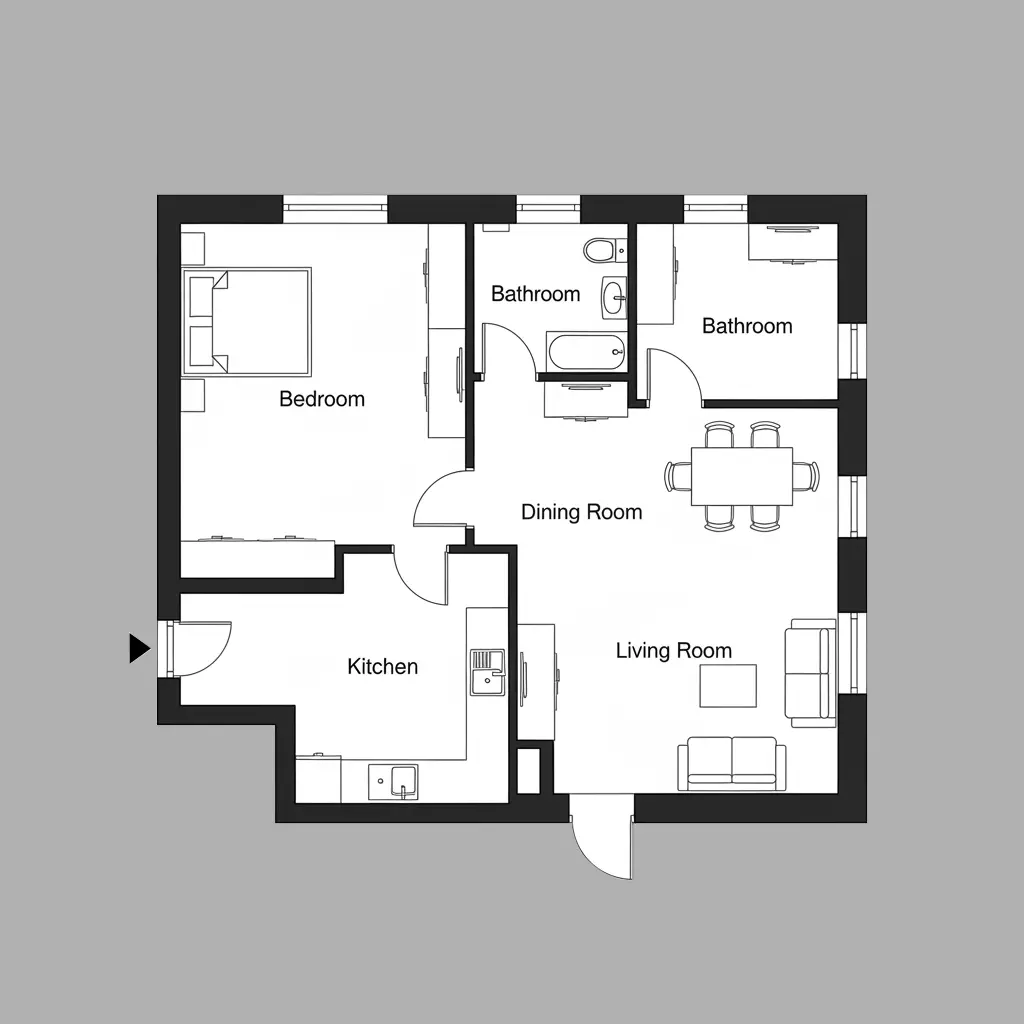
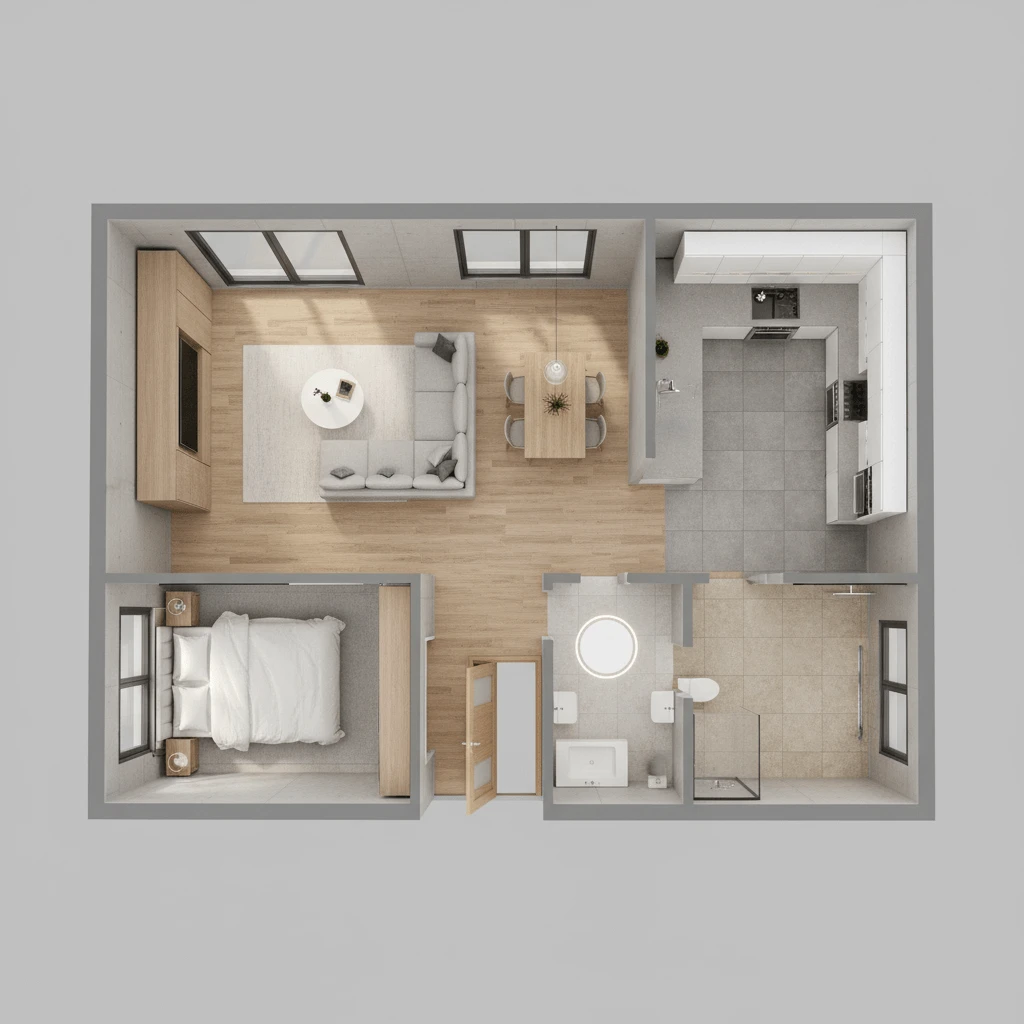
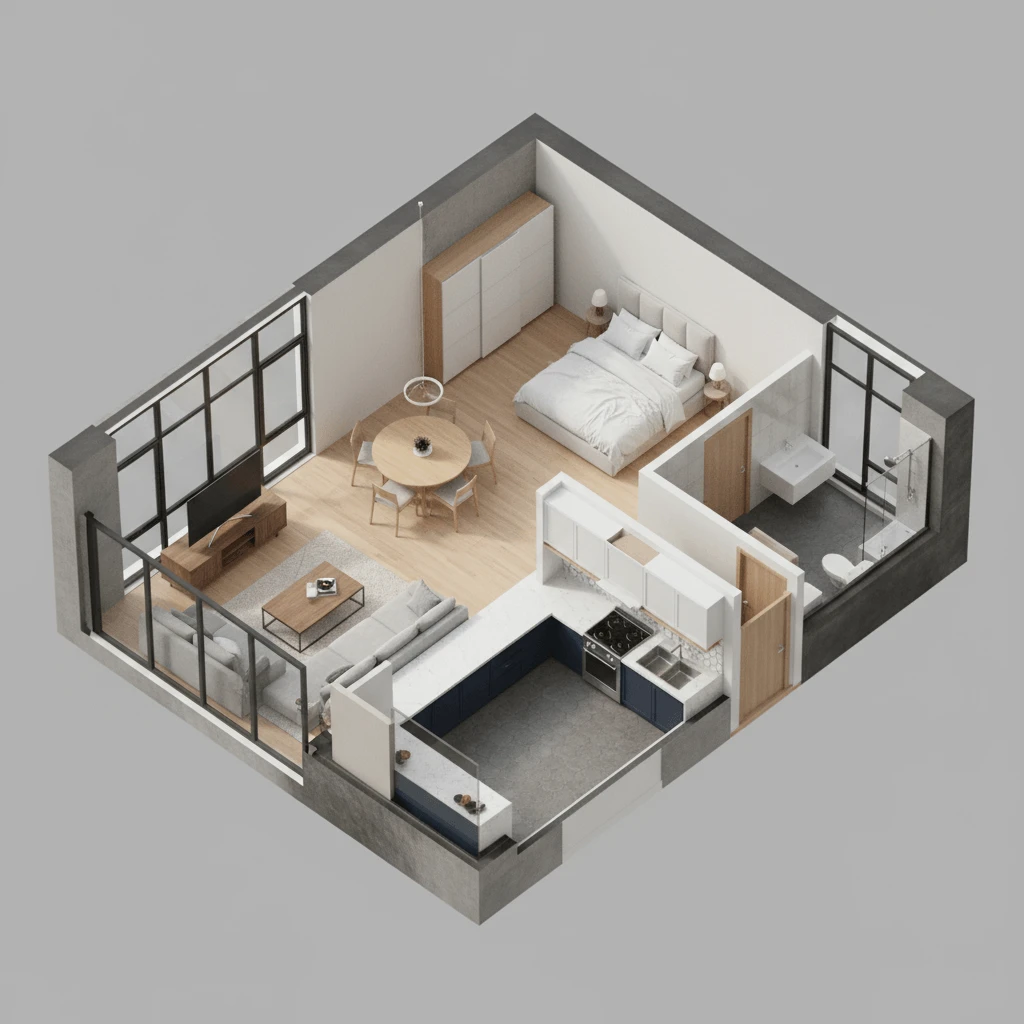
REFERENCE DESIGNS
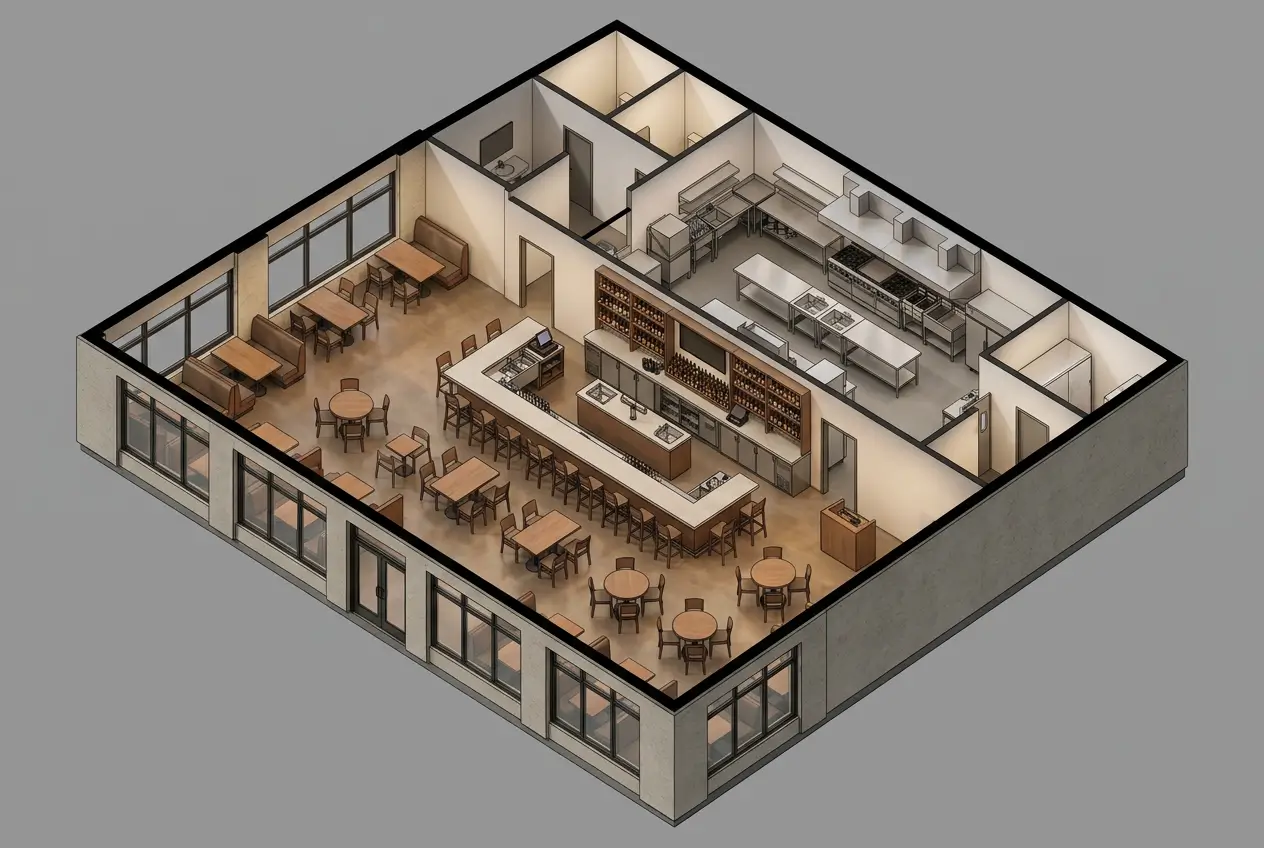
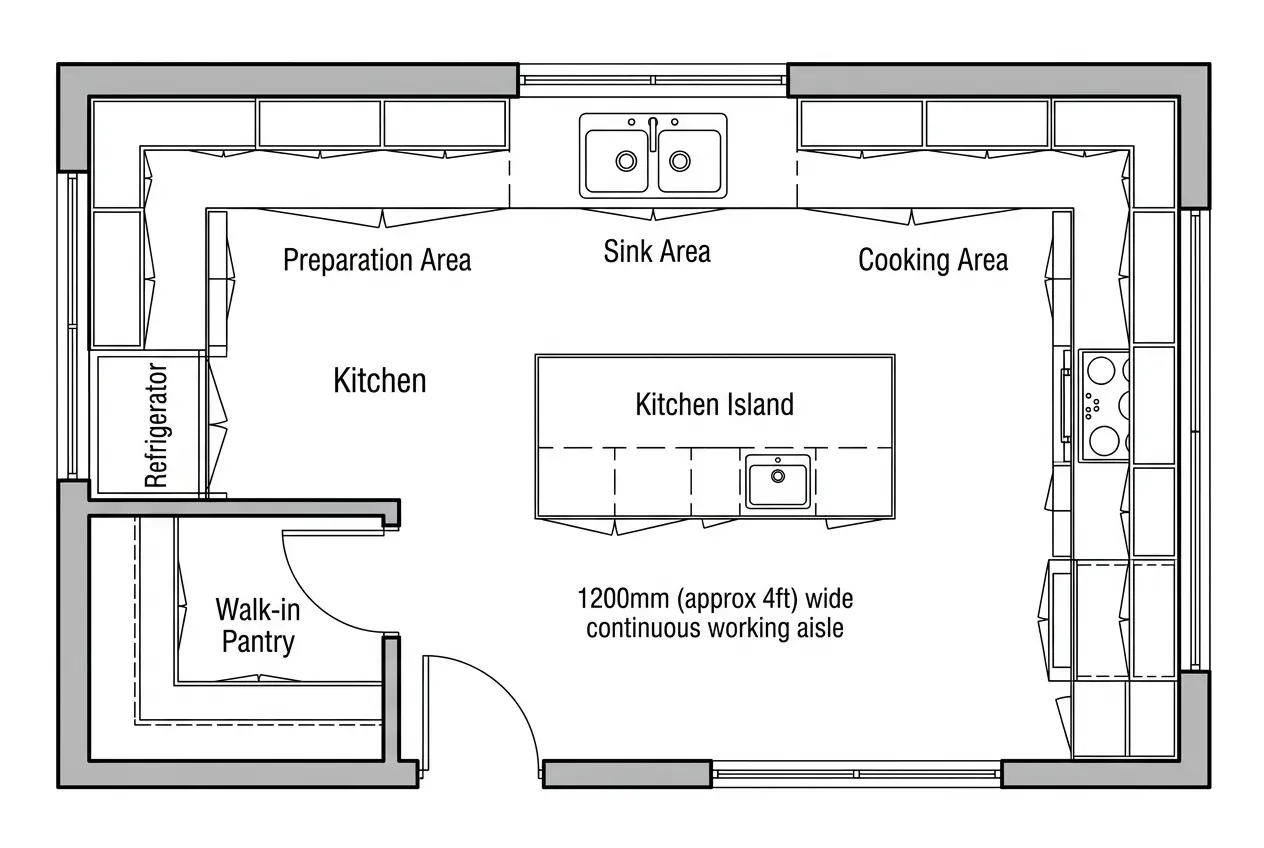
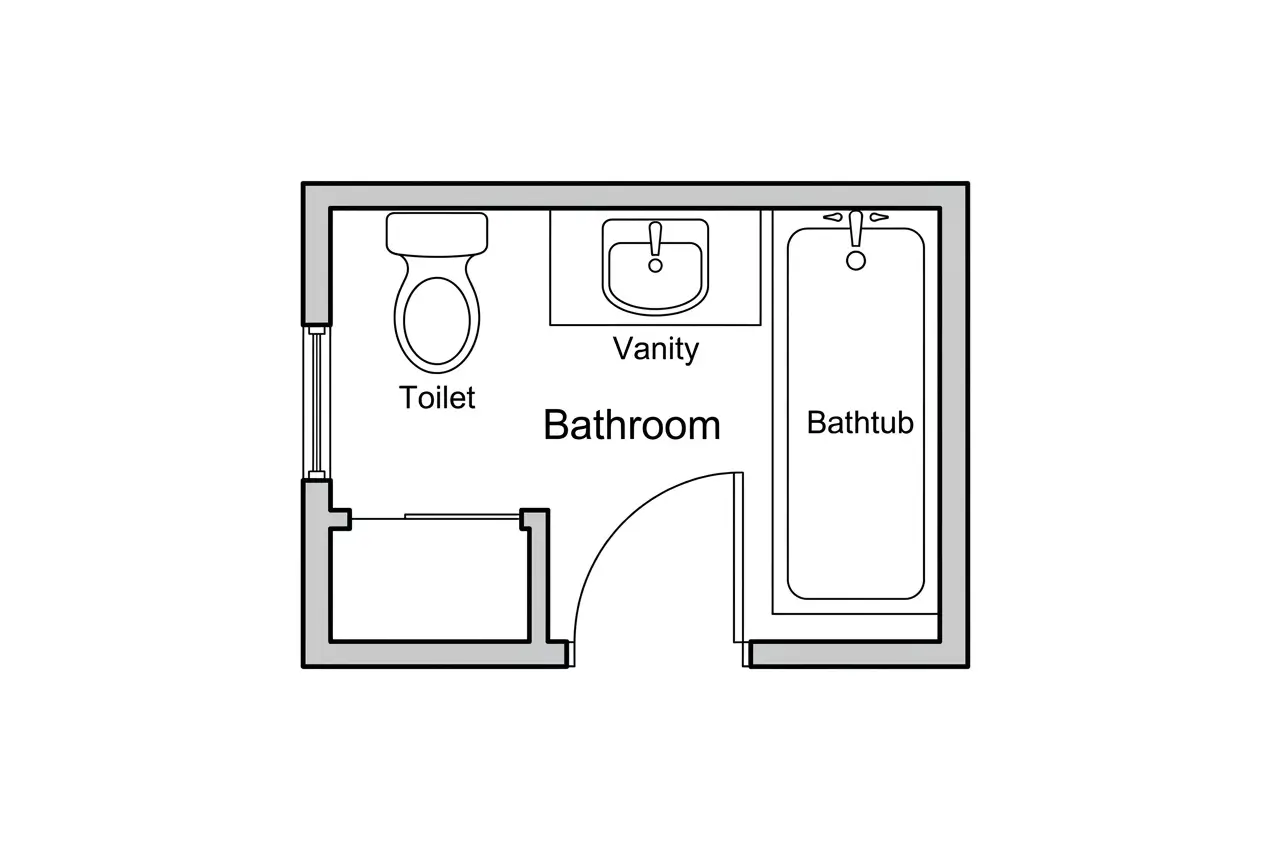
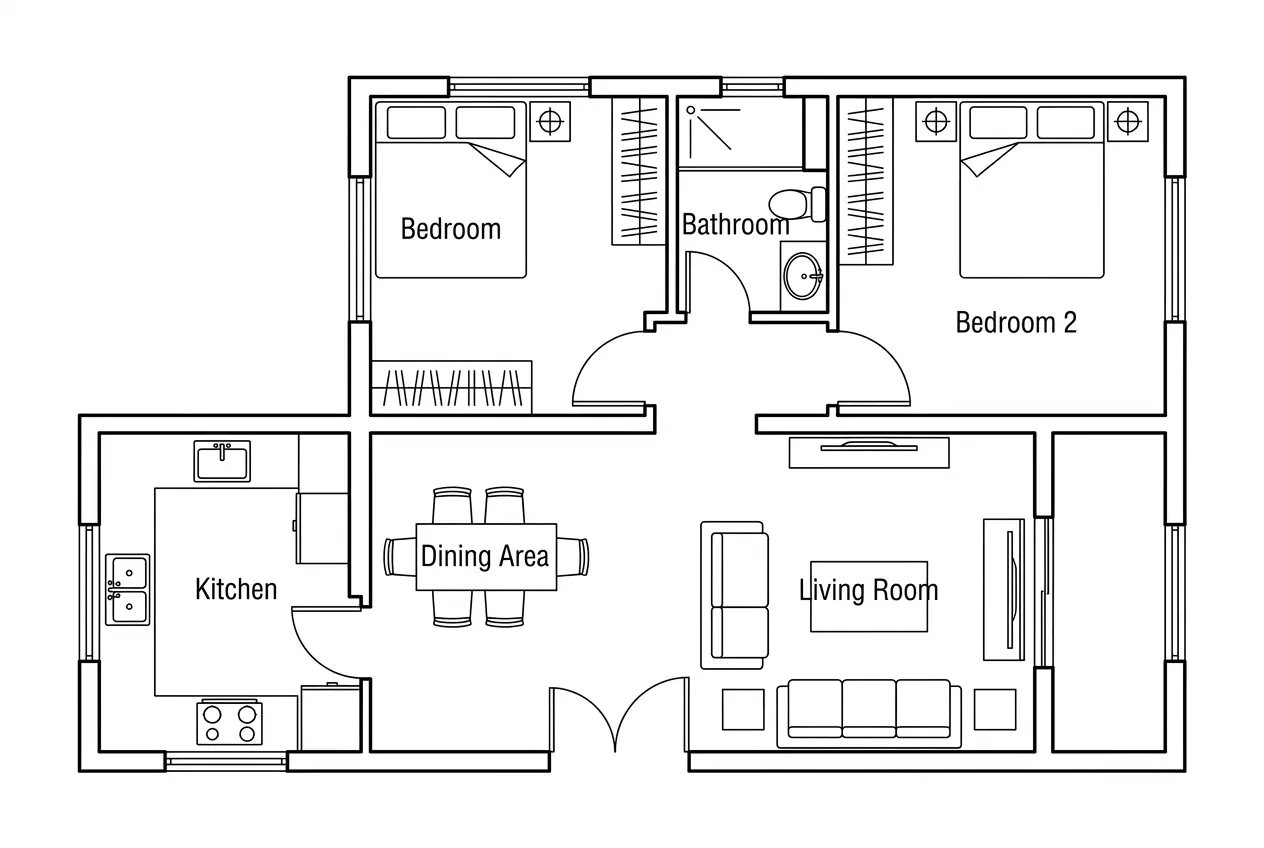
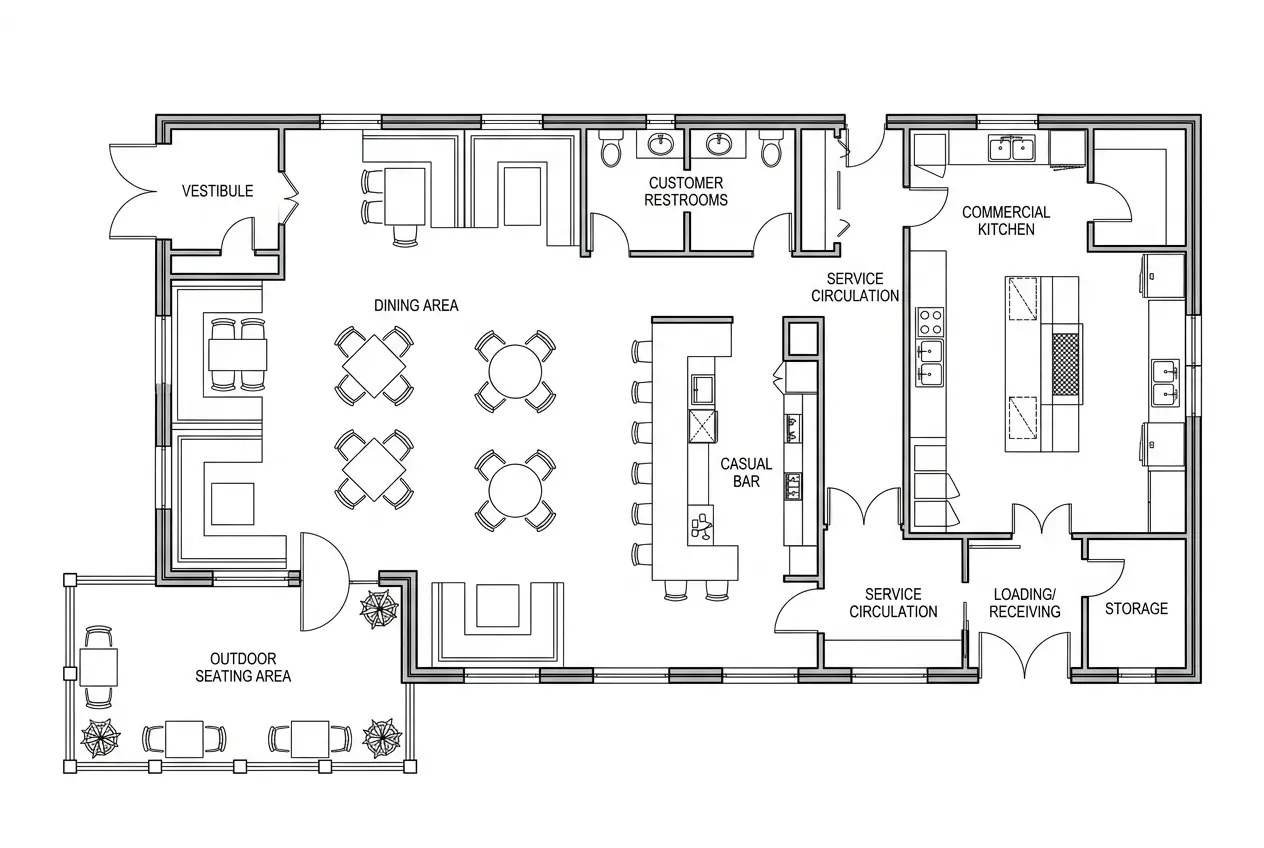
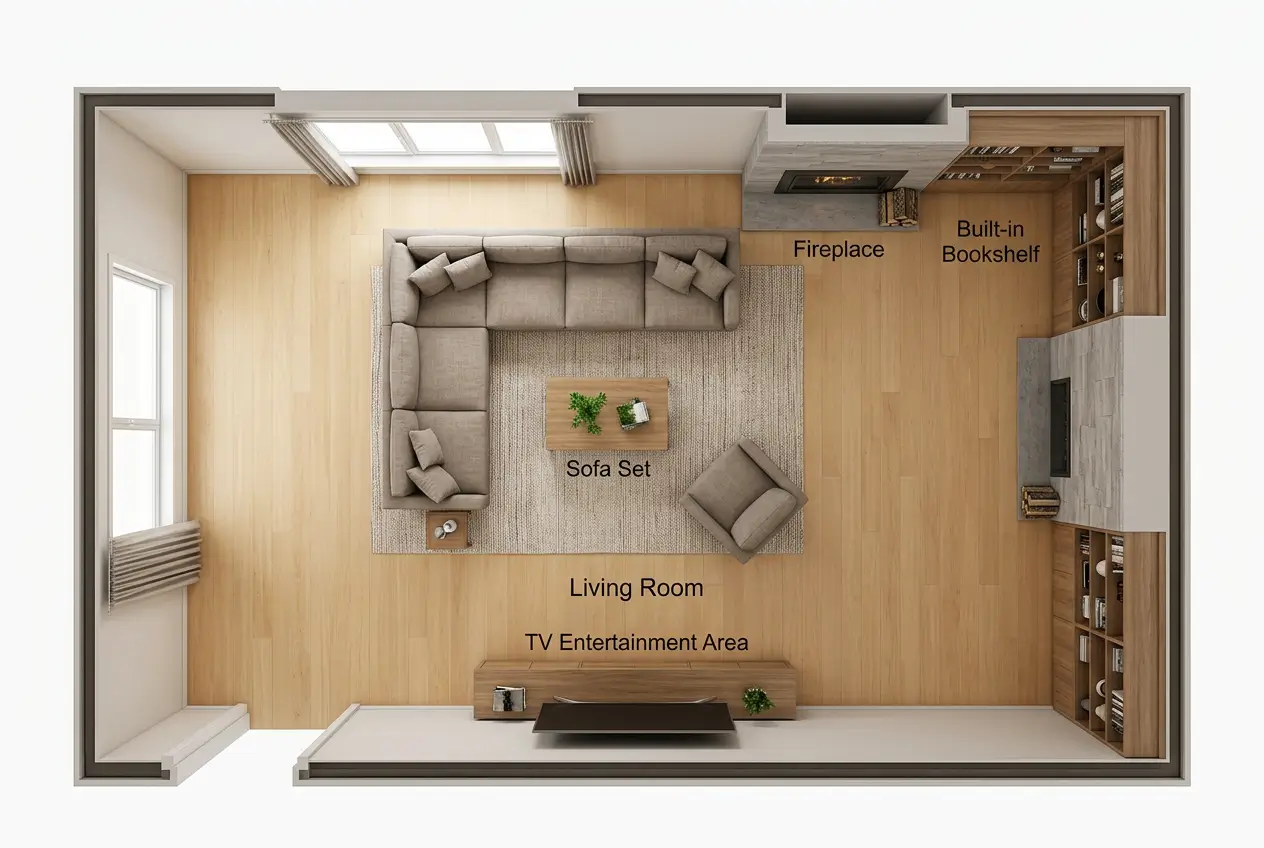
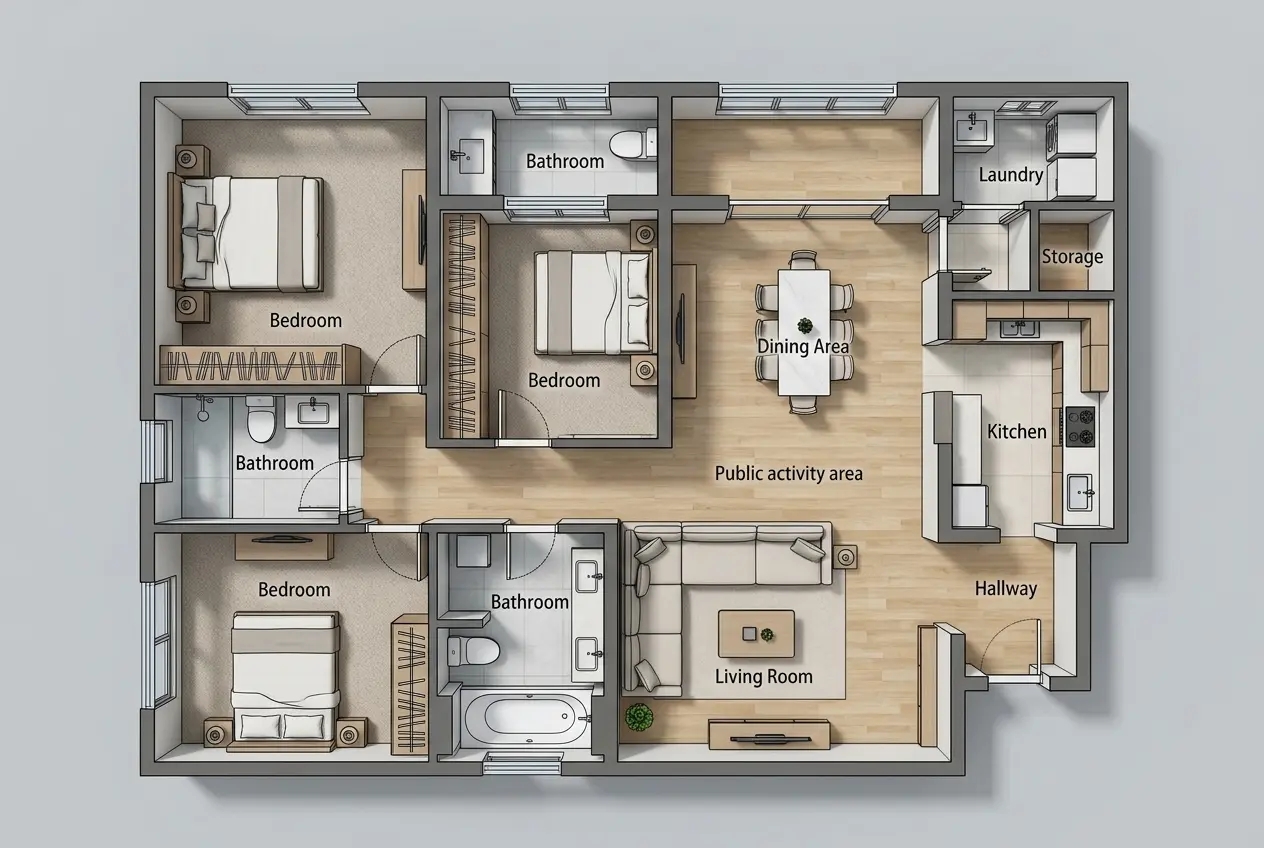
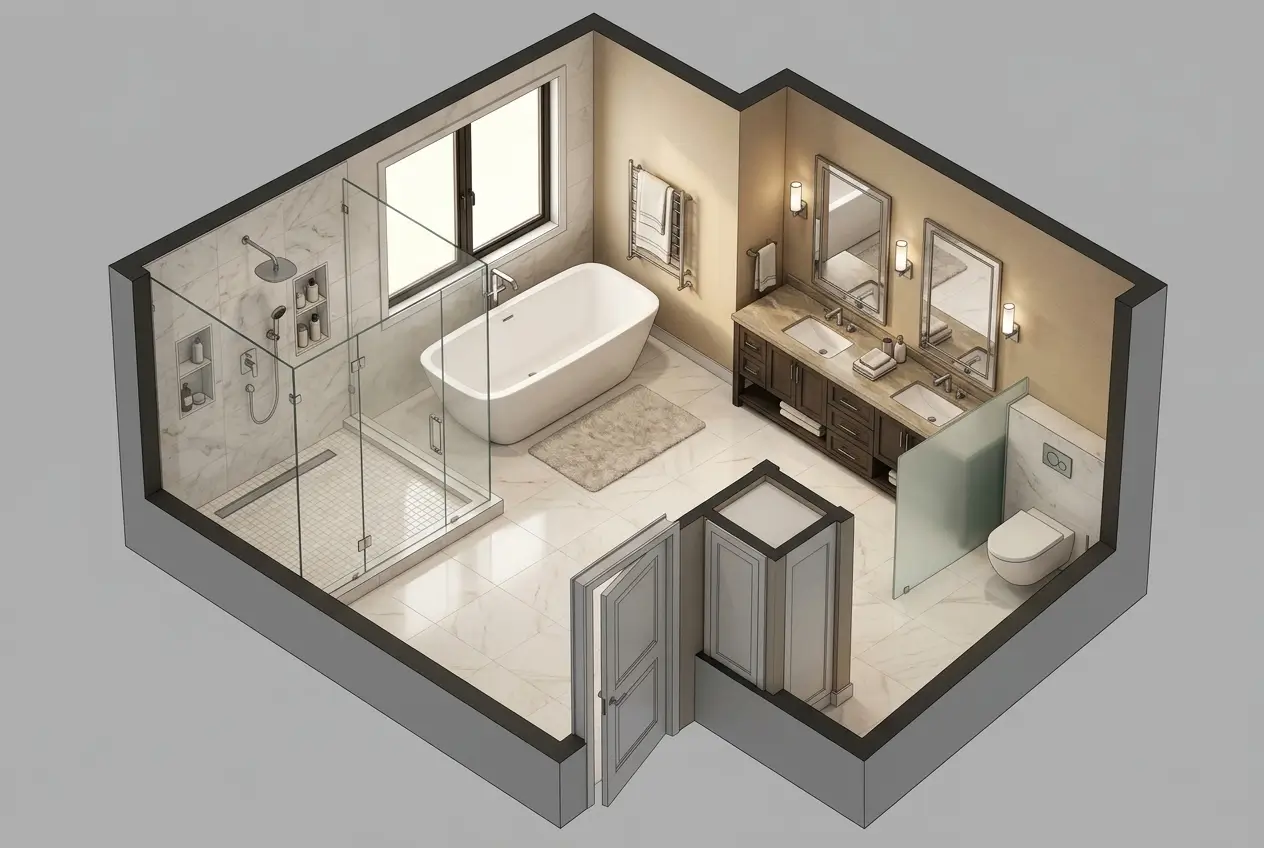
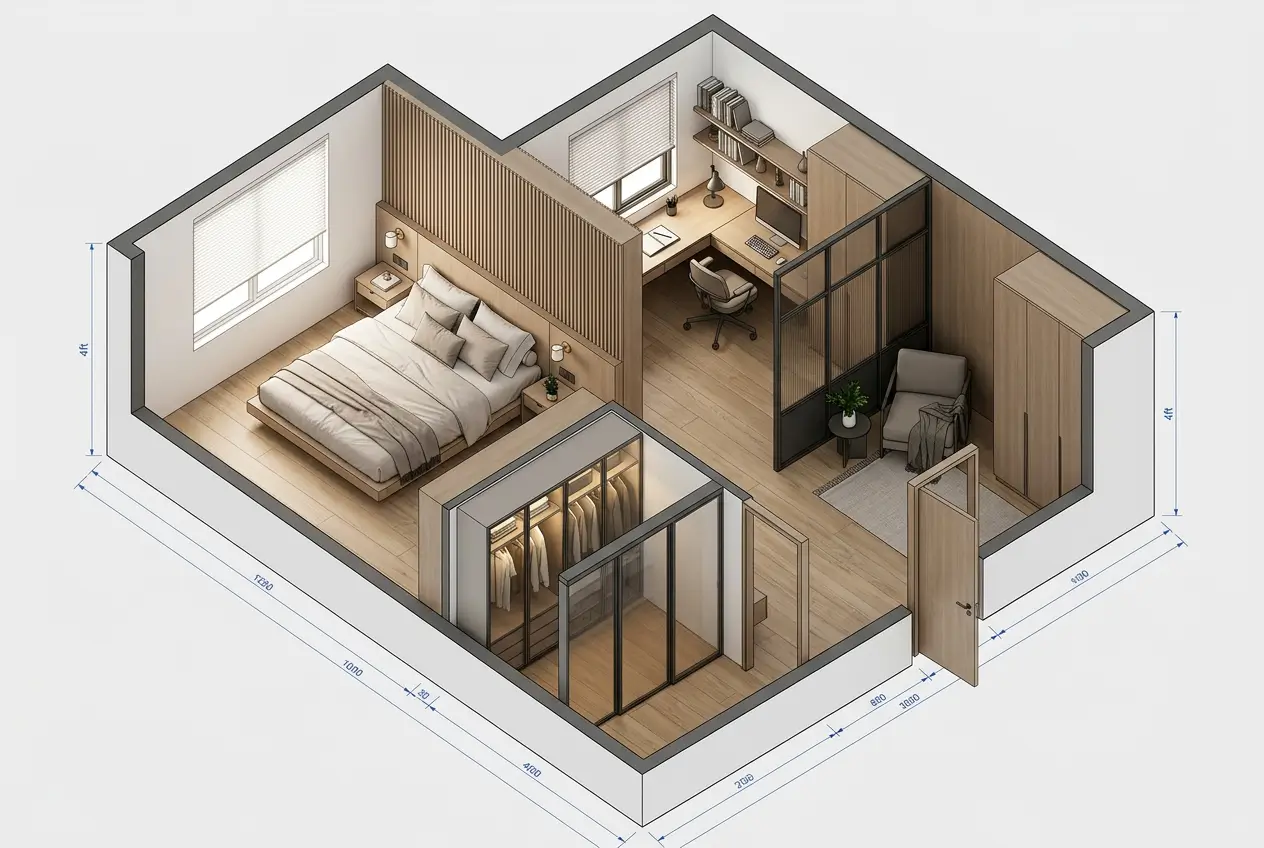
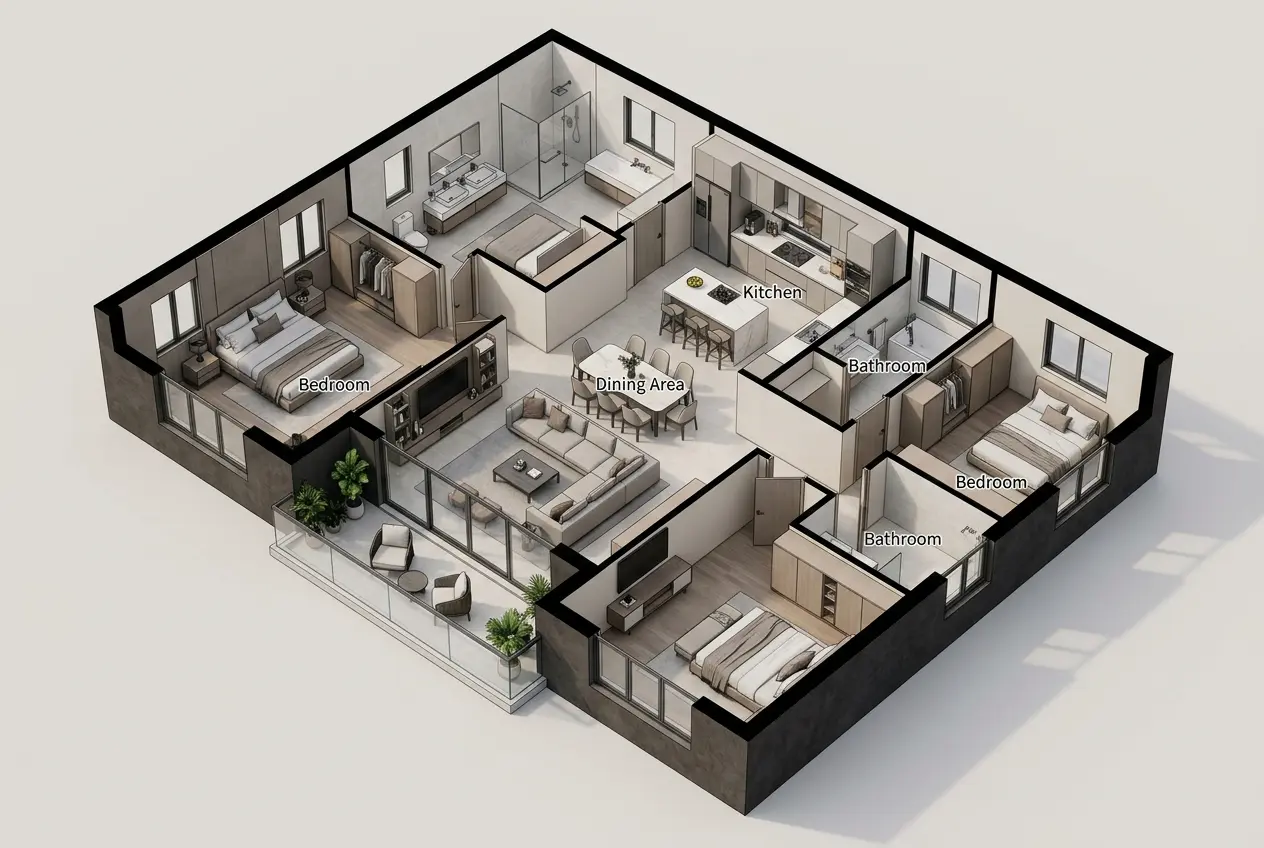
U-Shaped Kitchen
Room Floor Plan Maker Ideas for Every Space
Explore room floor plan examples created with our AI Room Floor Plan Maker. Customize any layout to match your space in seconds.
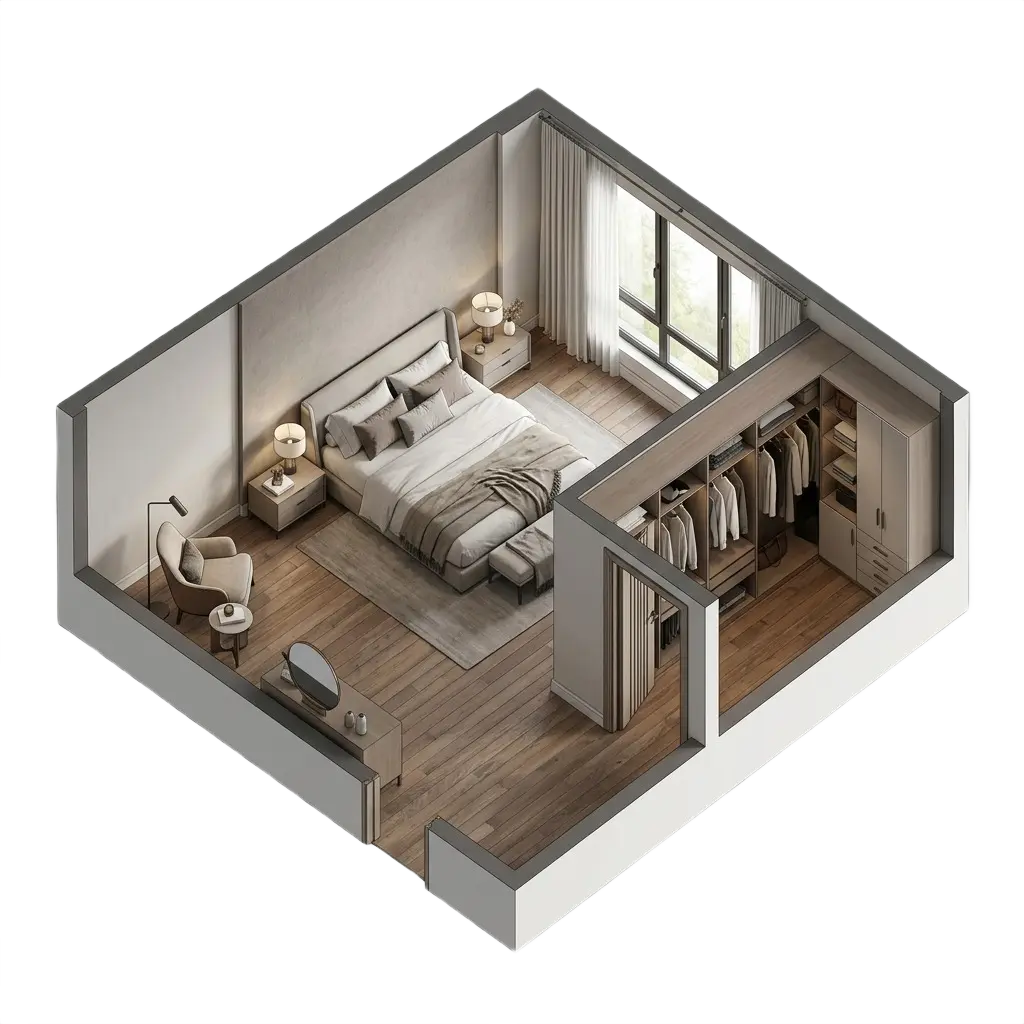
Bedroom Layouts
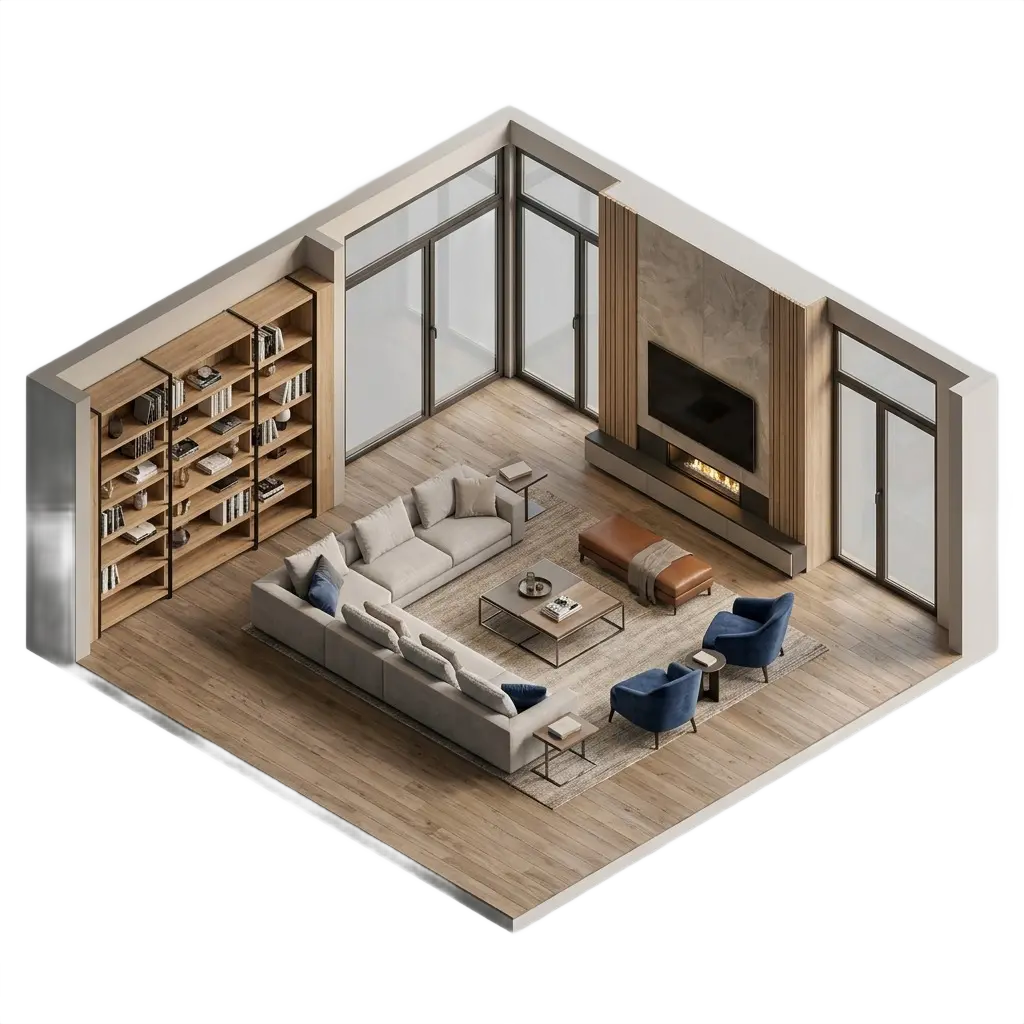
Living Room Plans
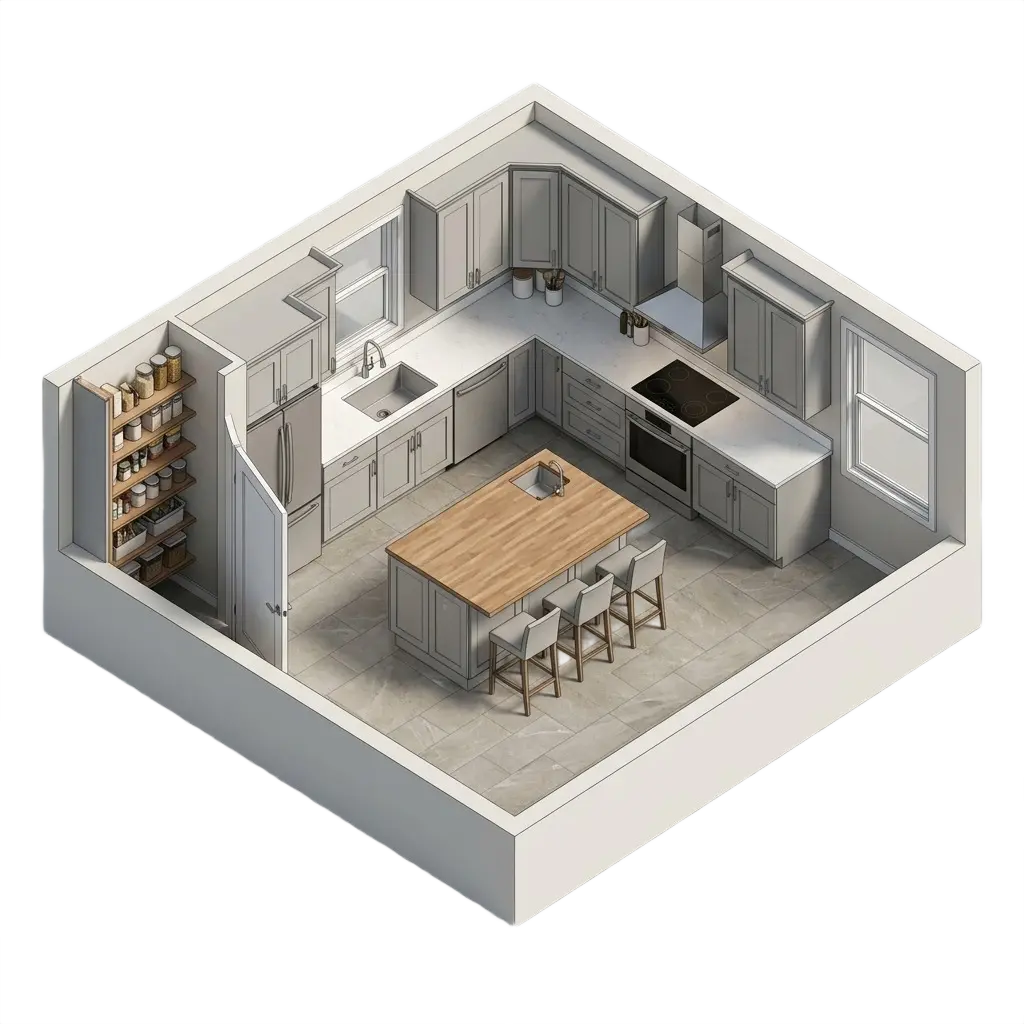
Kitchen Designs
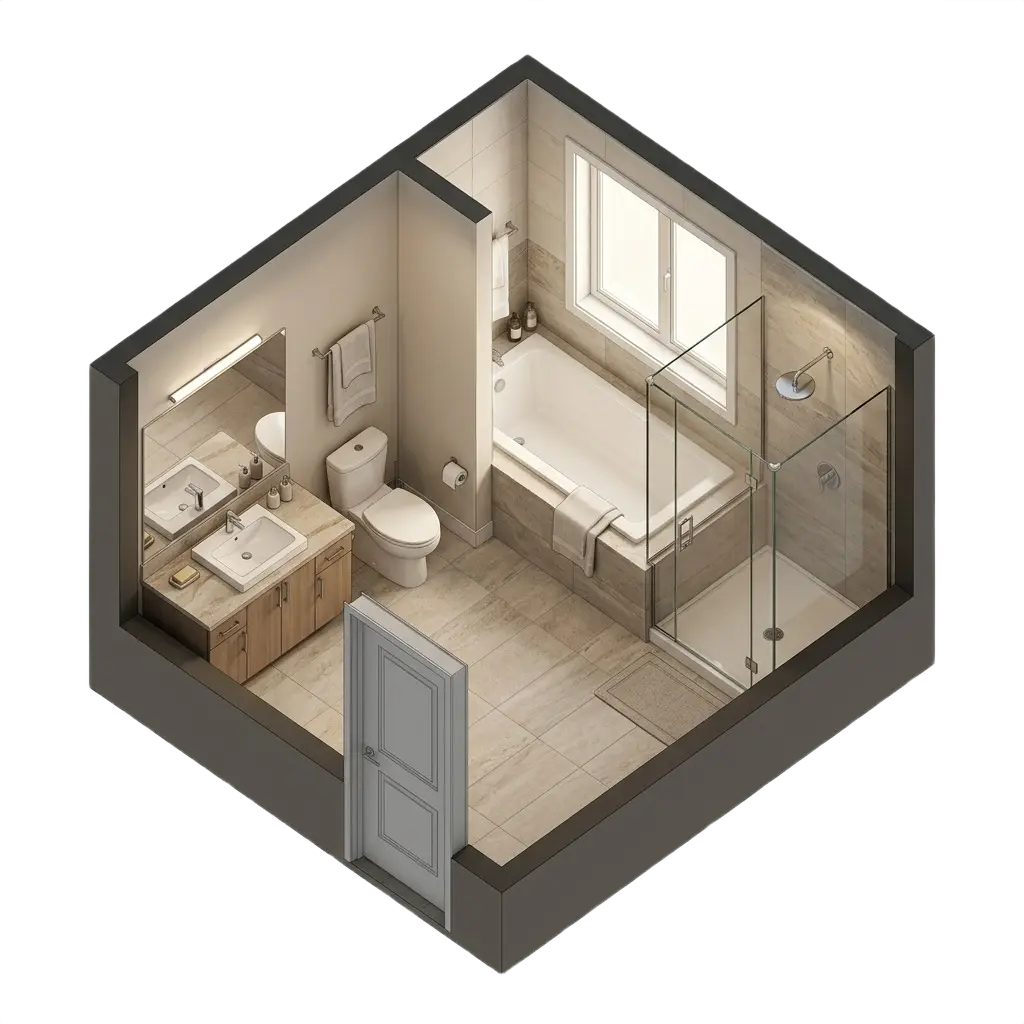
Bathroom Frameworks
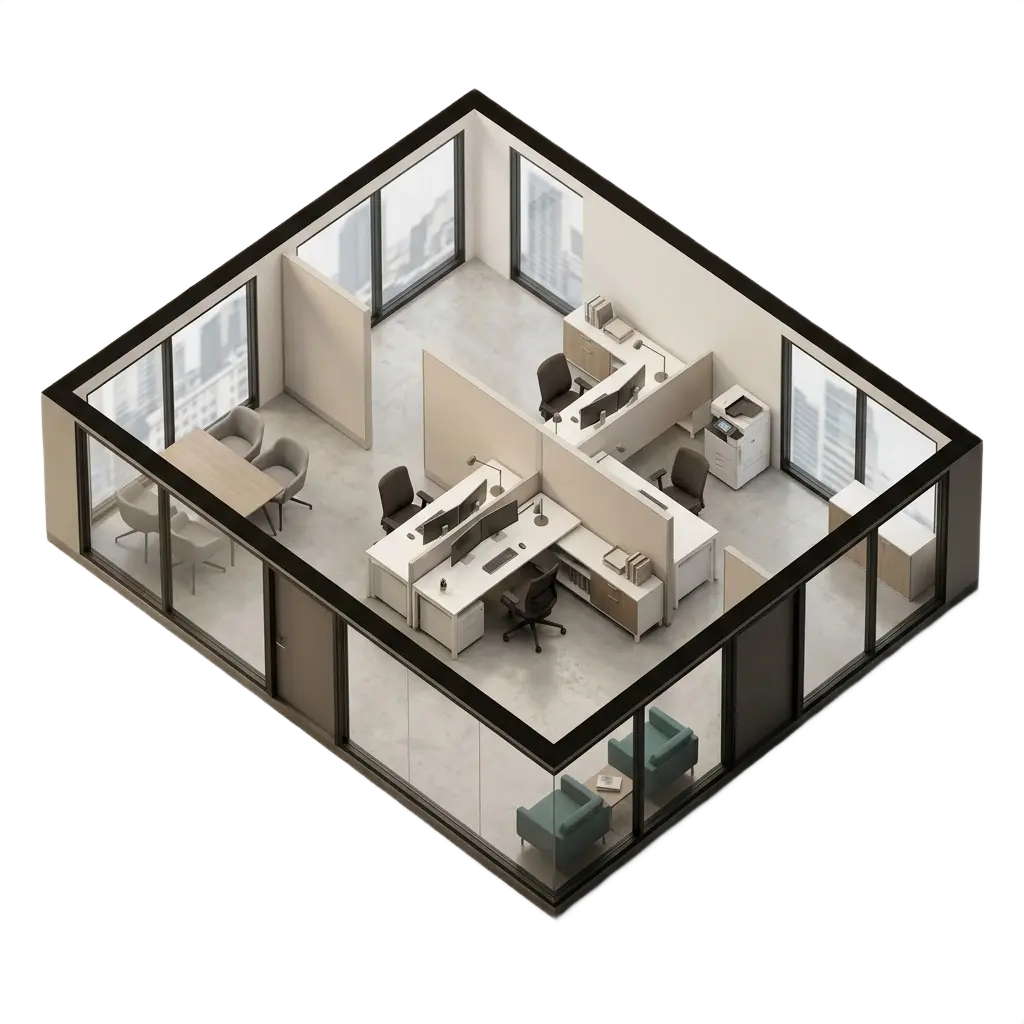
Office Workspaces
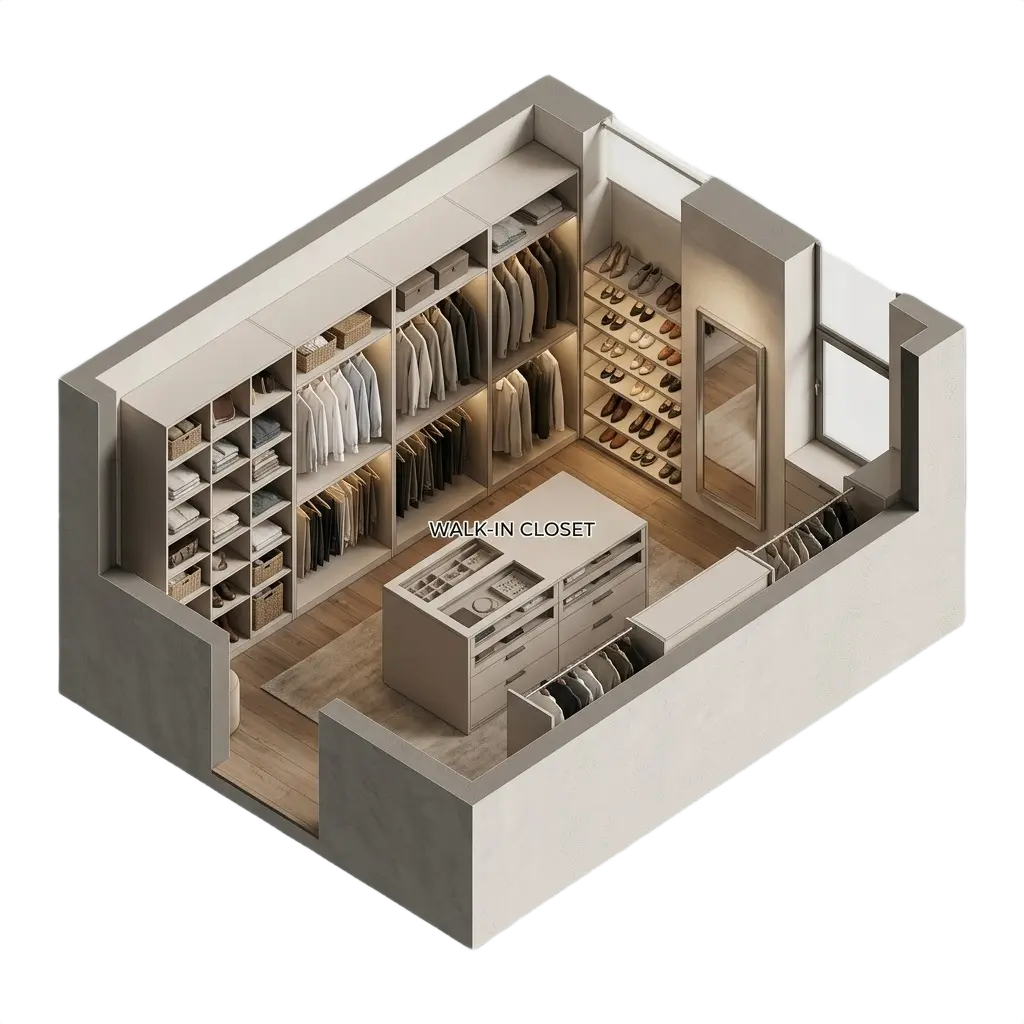
Customized Closet
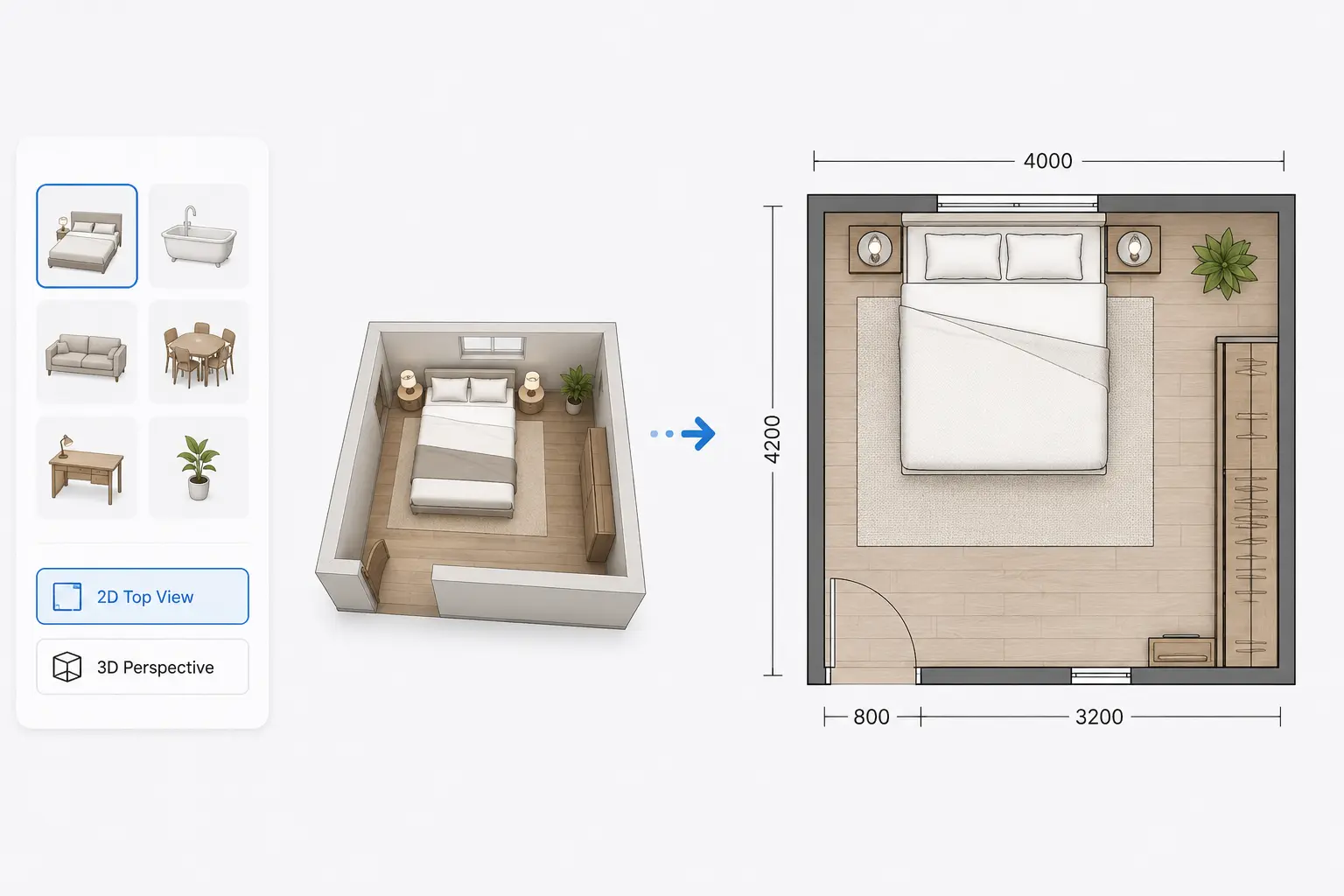
Turn Simple Choices Into Clear Room Layouts
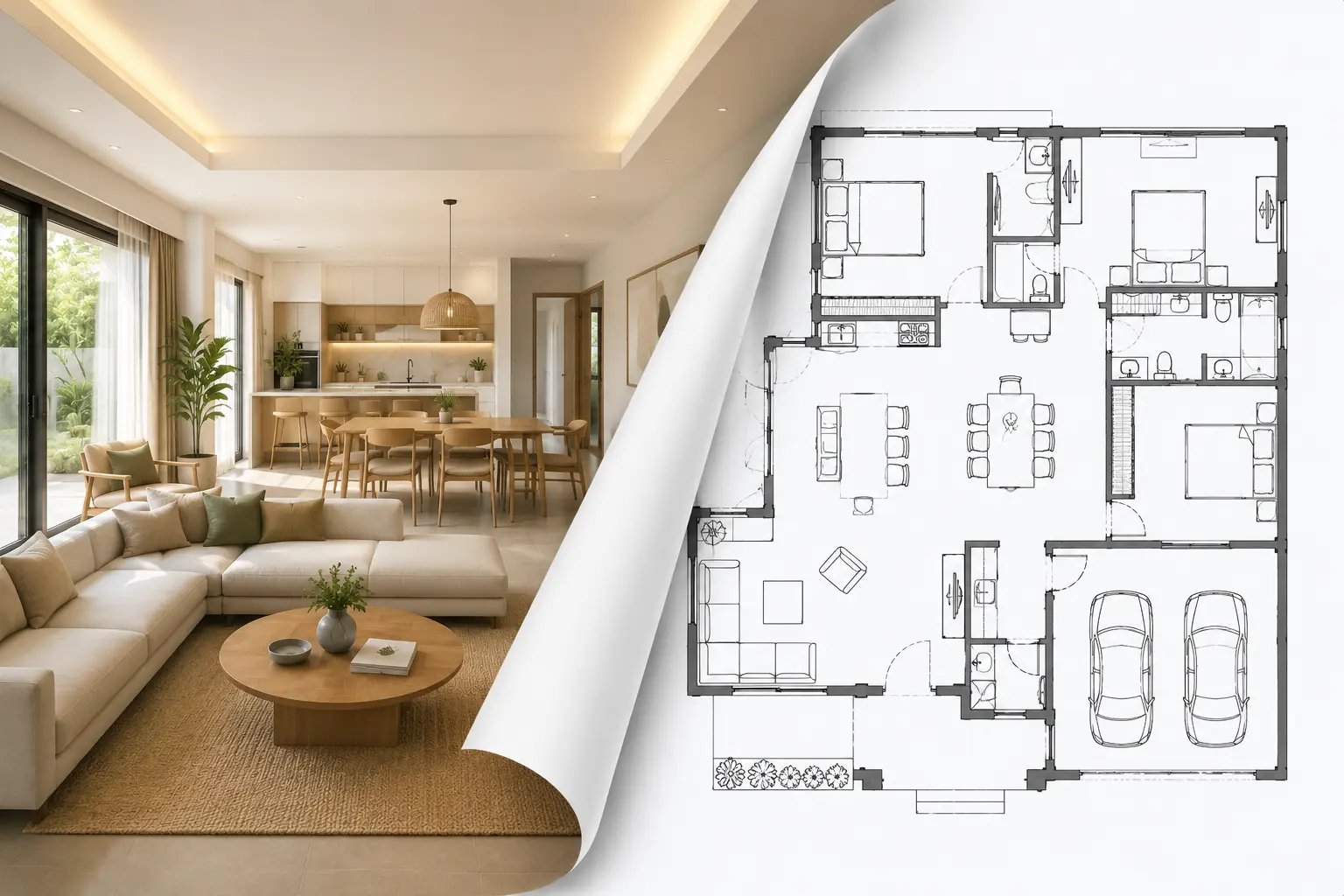
No architecture software experience is needed. Our AI Room Floor Plan Maker lets you choose a room type and preferred view, then generates a beautifully detailed, scaled room plan in seconds. It's the easiest way to visualize a single room layout without starting from scratch.
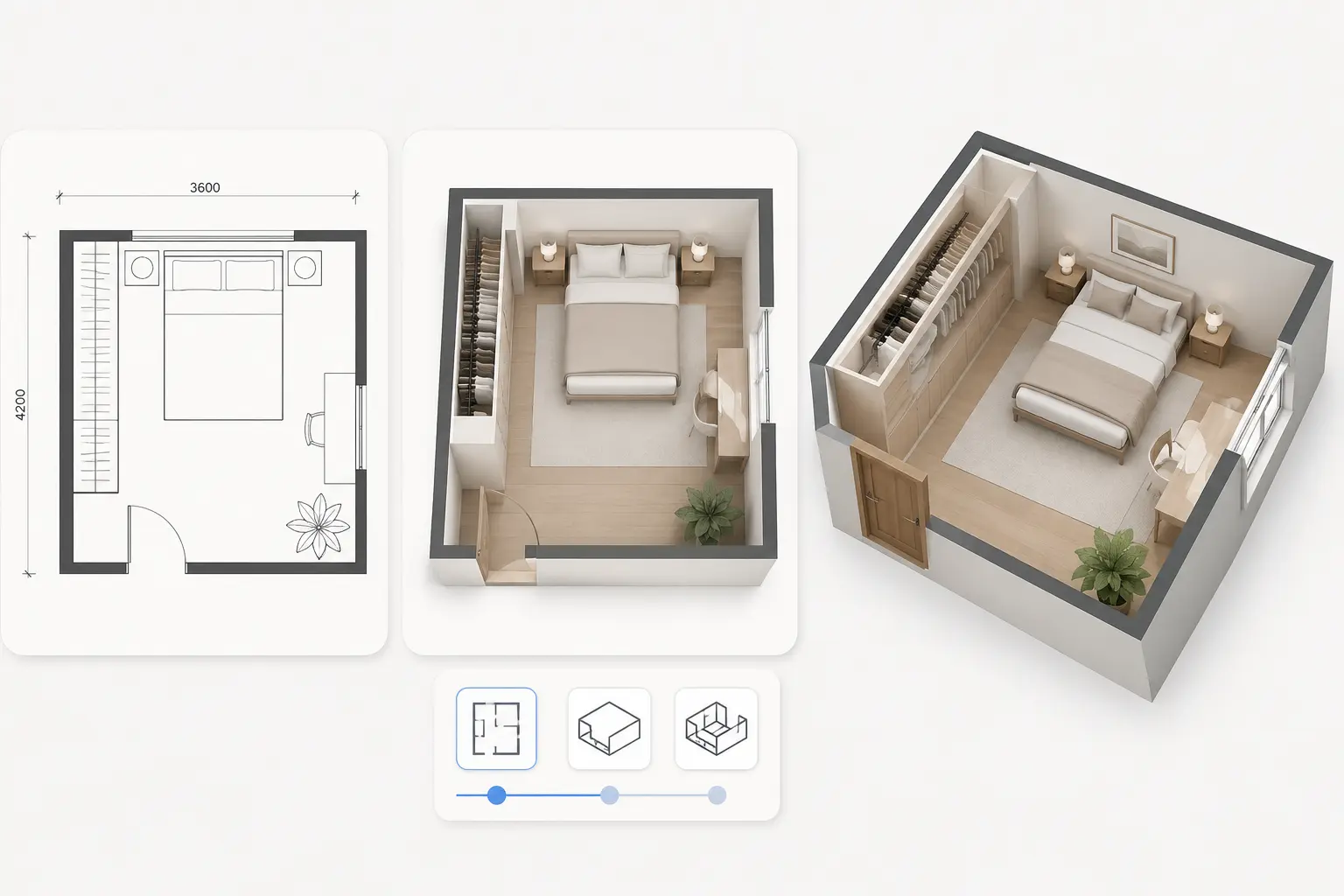
Visualize Across Multiple Dimensions Instantly
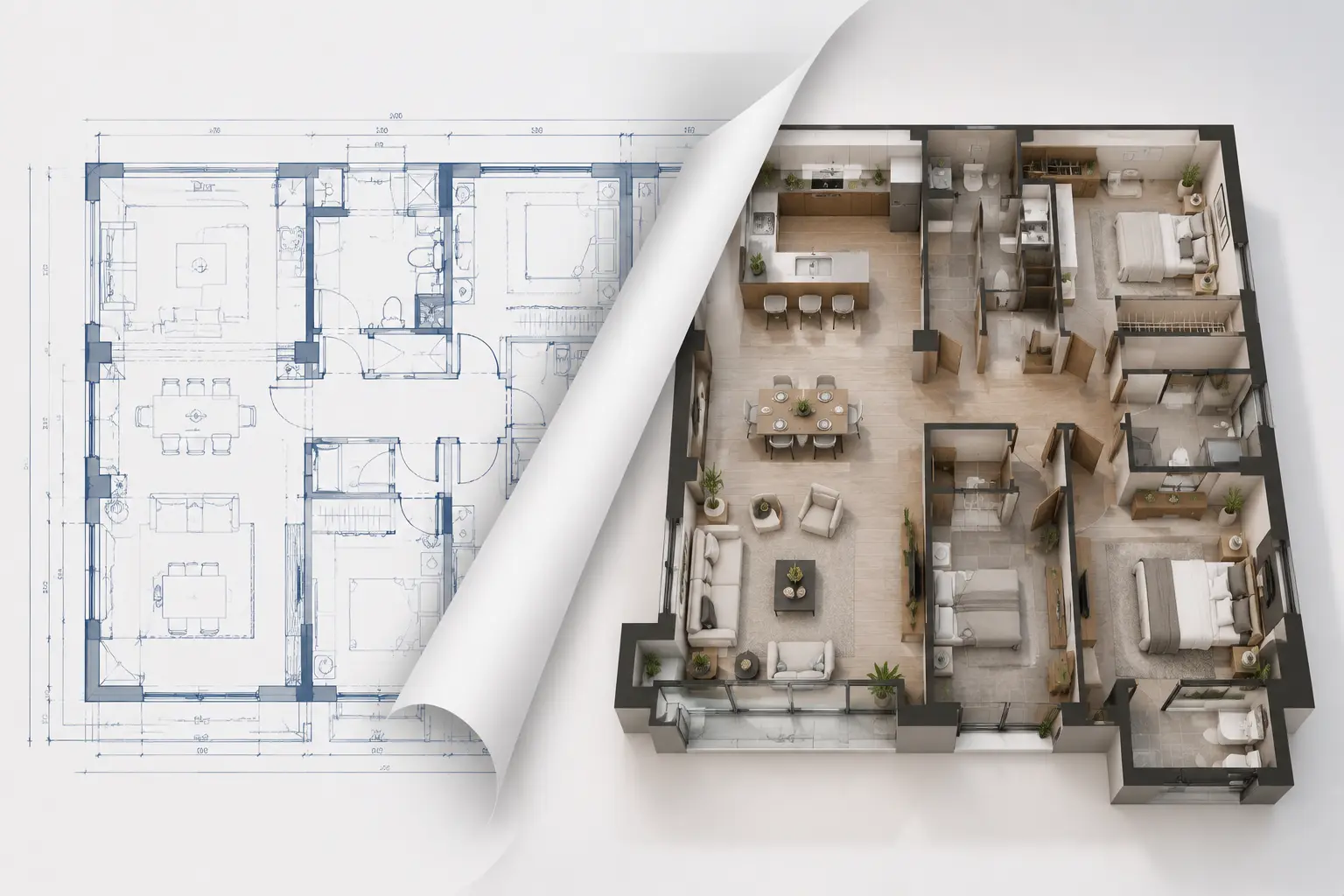
See your personalized space from every angle. With our AI Room Floor Plan Maker, you can switch seamlessly between 2D blueprints, 2.5D floor plan perspectives, and immersive 3D isometric views to easily evaluate your layout, wall heights, and furniture placement.
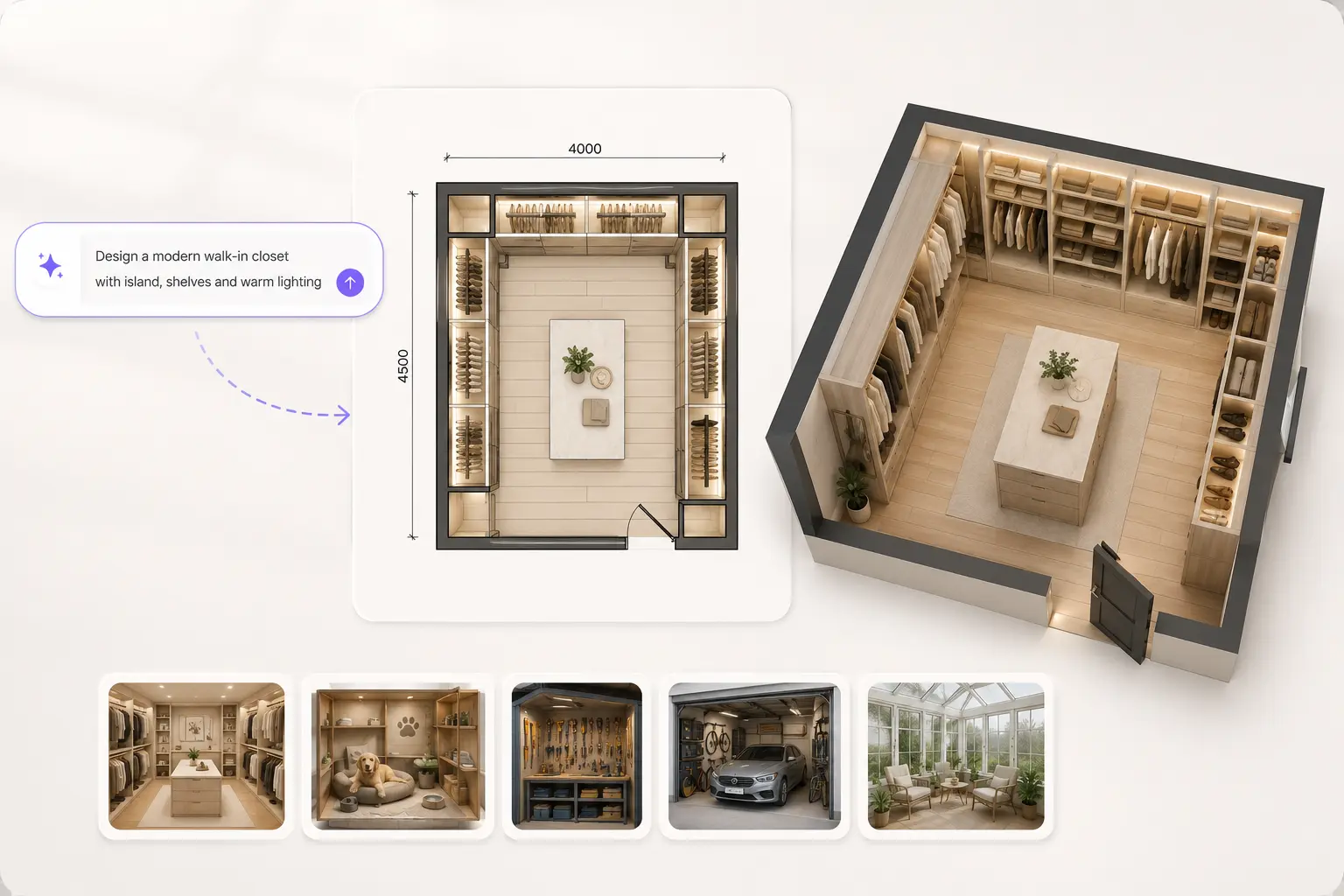
Go Beyond Standards with Custom Prompts
Need a highly specialized space? Use our AI Room Floor Plan Maker with Custom Prompt mode to describe exactly what you need. From walk-in closets and pet rooms to garages, workshops, or sunrooms, simply type your idea and let AI create a customized room floor plan in seconds.
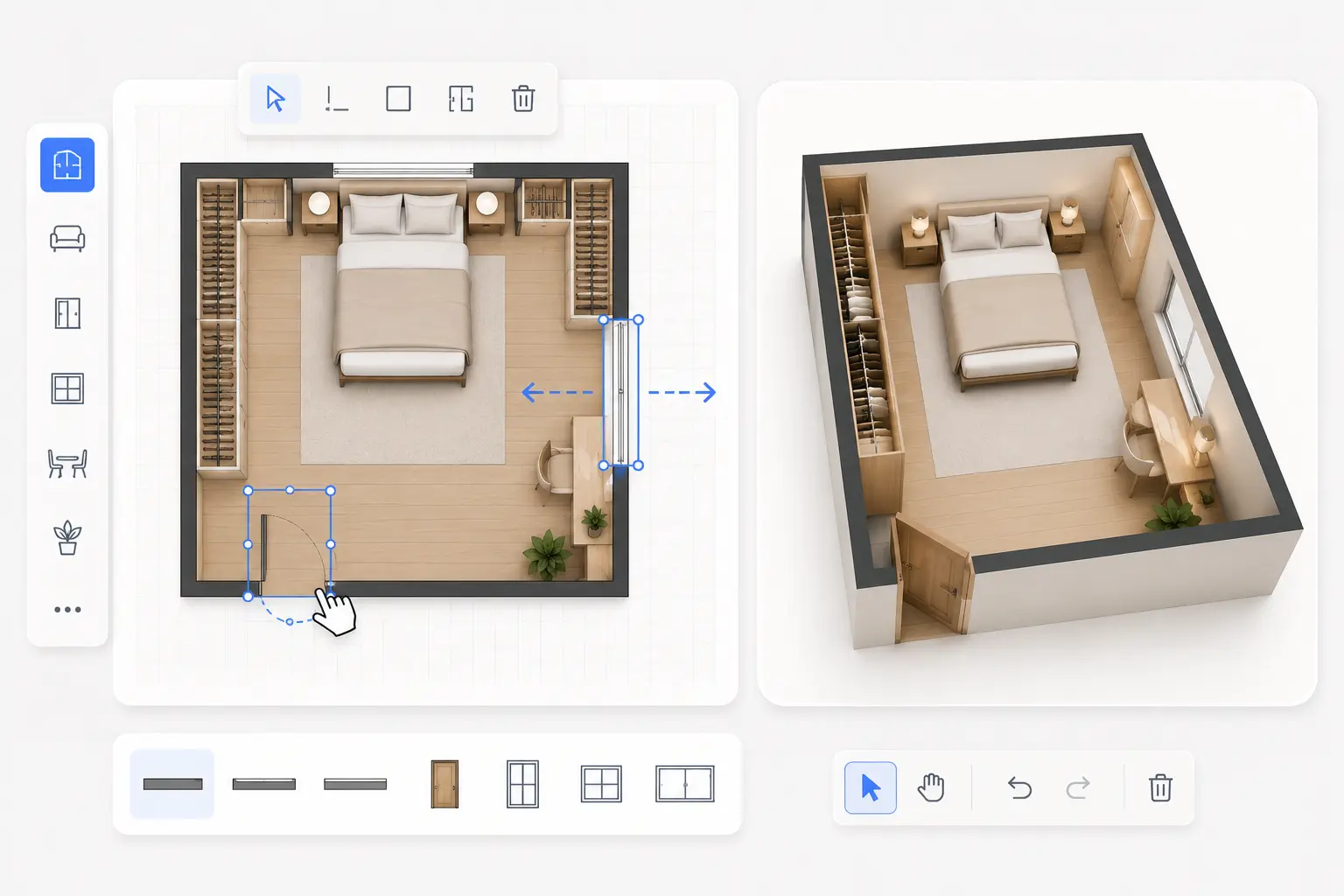
Refine Every Detail with Hands-On Control
Want to make local edits to the AI’s creation? Import any generated layout directly into our interactive Floor Plan Creator. Our intuitive drag-and-drop editor allows you to manually adjust walls, relocate windows, and reposition doors to fine-tune your individual room design.
How to Create Your Room Plan in 3 Steps
Turn ideas into layouts faster. Make a room floor plan free in just a few simple steps with AI.
1. Choose Your Room Type & Style
Select the specific space you want to design—like a bedroom, kitchen, or bathroom—and pick your preferred interior style.
2. Set Your Size & Layout Options
Input custom prompt terms for personalized details, then choose your ideal image aspect ratio and layout perspective.
3. Generate Your Plan Instantly
Click generate to let the AI process your preferences and instantly render a detailed, scaled room floor plan.
Related Article
How to Create a Custom Room Floor Plan with AI
Learn how to create a custom room floor plan with AI. Follow the steps to choose a room type, set dimensions, and generate a layout tailored to your needs.
Read the Guide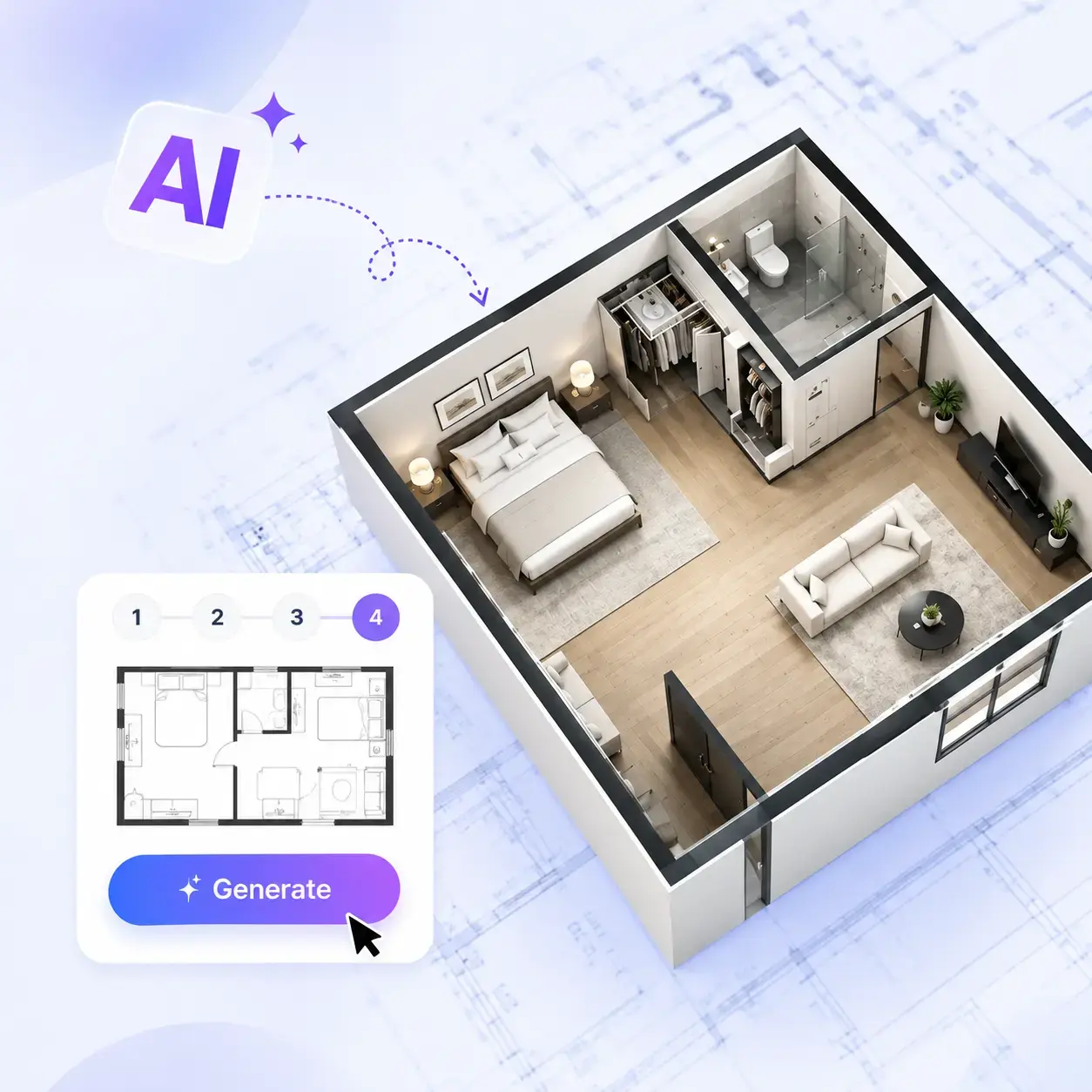
Explore Other Related Tools
FAQ
FAQ About Room Floor Plan Maker
Ready to Bring Your Room Ideas to Life?
Turn your ideas into a clear home layout in minutes. Start with AI and see how your room floor plan comes together before making any real decisions.